
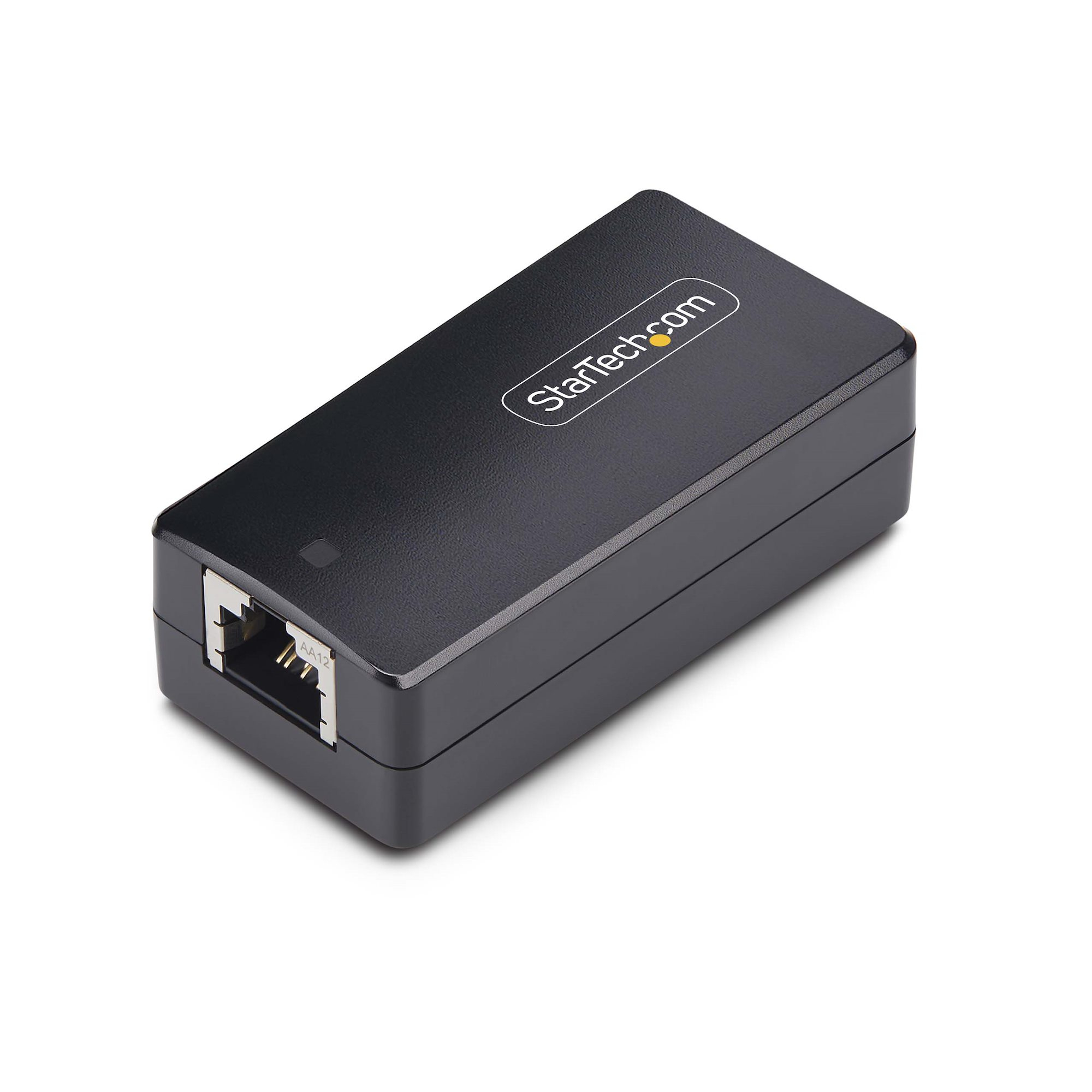
StarTech.com 1G-NETWORK-ISOLATOR ground loop isolator
Protect network devices from harmful power surges with this Network IsolatorThis TAA-Compliant 1G Network Isolator with 4kV isolation is bus-powered and provides a separation of all conductive connections between devices connected via an Ethernet cable. The isolator helps prevent ground loops in audio and video equipment.Ready to UseThis isolator features simple plug-and-play setup with no software, drivers, power supply, or grounding wire required. The isolator acts as a coupler, with two RJ45 ports for two Cat5 or Cat6 cables to connect compatible equipment to a computer or data network. It is compact, universally compatible and OS independent.Safe, Reliable, & EfficientThis isolator provides full transparency on the network it is part of. With no IP, it does not route or alter traffic or affect equipment or network performance. Safeguard equipment and operators by blocking stray electrical currents, surges, and ground faults in your network. This device is ETL Safety Listed (IEC 62368-1) and CE: EN55032/EN55035 Certified.Versatile Mounting Options & ApplicationsThe compact and durable IP40 rated plastic housing supports multiple installation methods, including DIN rail mounting (kit included) or adhesive mounting for versatile placement on various surfaces. Designed for IT professionals to protect network infrastructure in labs and manufacturing facilities. This device is ideal for ensuring safe operation and reducing risks during network maintenance or upgrades.The StarTech.com Advantage
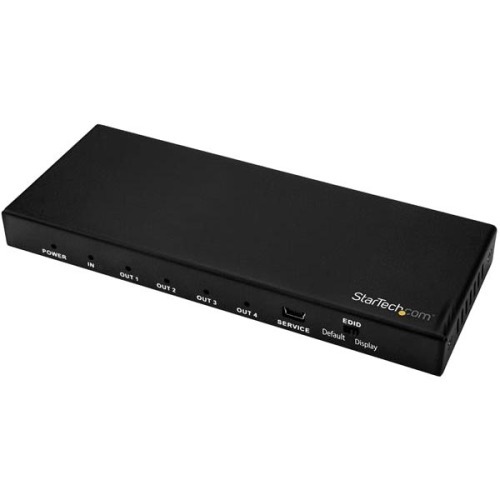
StarTech.com ST124HD202 video splitter HDMI 4x HDMI
1 In 4 Out Video Splitter | HDMI 2.0 | HDR | 2-Year WarrantyThis 4-Port 4K HDMI splitter connects your HDMI video source to four HDMI displays at the same time, without distorting or degrading your video signal. For dependable performance, the splitter features a durable metal housing that provides passive cooling.True 4K at 60Hz and HDRWith transmission bandwidth up to 18Gbps, this HDMI splitter is fully compatible with your HDMI 2.0 equipment, supporting UHD resolutions up to 4096x2160 (4K) at 60Hz. For smooth video and color transitions, the splitter offers 4:4:4 chroma subsampling, so every pixel gets its own unique color.The splitter also supports High Dynamic Range (HDR) imaging, offering a greater luminosity than standard digital imaging.Widely CompatibleThe 4-way HDMI splitter supports HDCP 2.2 and is backward compatible with 4K 30Hz and 1080p displays. This ensures that it will work with almost any HDMI source, or destination device such as computers, Blu-ray players, monitors, TVs and projectors. Perfect for digital signage applications, where equipment may vary throughout your site.Easy InstallationFor hassle-free setup, the 1x4 HDMI splitter offers easy plug-and-play installation. The splitter also saves you setup time by automatically passing EDID between your video source and the display attached to port 1, ensuring settings like native resolution and refresh rate are configured properly.ST124HD202 is backed by a 2-year StarTech.com warranty and free lifetime technical support.The StarTech.com Advantage
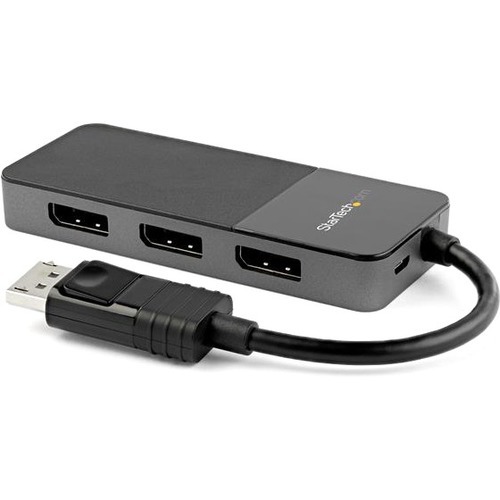
StarTech.com MST14DP123DP video splitter DisplayPort 3x DisplayPort
3 x 4K | Multi-Monitor Video Splitter | Windows® | HDRThis 3-port DisplayPort MST hub lets you create a high-performance workstation by connecting three DisplayPort monitors to your DisplayPort device, helping to increase and maximize your productivity. The multi-monitor splitter supports High Dynamic Range (HDR) and provides sharper images with enhanced video.Incredible Picture QualitySupporting four times the resolution of 4K, this DP 1.4 MST hub delivers the stunning quality of UHD at resolutions up to 7680×4320 at 30Hz on a single monitor and supports multi-monitor applications at lower resolutions and refresh rates, enabling a dynamic work environment whether you're in the office, at home or traveling.Display 1Display 2Display 38K (7680x4320) @ 30HzXX5K (5120x2880) @ 60Hz1080p (1920x1080) @ 30HzX4K (3840x2160) @ 60Hz4K (3840x2160) @ 30Hz4K (3840x2160) @ 30Hz2K (2560x1600) @ 60Hz2K (2560x1600) @ 60Hz2K (2560x1600) @ 60Hz1080p (1920x1080) @ 60Hz1080p (1920x1080) @ 60Hz1080p (1920x1080) @ 60HzBoth your source and destination must support DisplayPort 1.4 in order to achieve maximum resolution (8K 30Hz).Lower resolutions and refresh rates may also be supported.Multi-Tasking Made EasyThis DisplayPort to 3x DisplayPort MST hub enables you to connect three displays to your DP computer, making multi-tasking much easier. Using this multi-monitor video splitter, you can mirror your display onto multiple monitors, stream independent content to each display or extend your screen to create a video wall effect.Hassle-Free SetupMulti-stream transport offers an easy setup, by natively working on any Windows device. It offers plug-and-play installation with no drivers or software required. Additionally, the DisplayPort MST hub is bus-powered (with the included micro-USB cable), creating an ultra-portable solution for business and IT professionals.MST14DP123DP is backed by a StarTech.com 3-year warranty, and free lifetime technical support.The StarTech.com Advantage
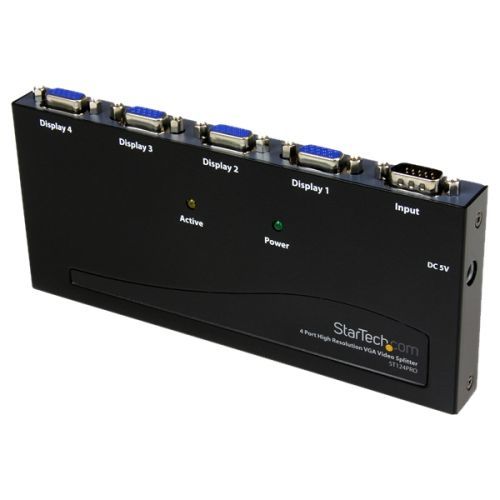
StarTech.com ST124PRO video splitter VGA 4x VGA
Split a single high resolution VGA video signal to 4 monitors or projectorsThe ST124PRO 4 Port High Resolution VGA Video Splitter - 350 MHz splits a VGA video source signal to 4 monitors or projectors simultaneously - a professional grade solution that is perfect for presentations, classrooms, tradeshows, or in-store displays, where the highest quality video on several monitors is needed. This High Resolution VGA Splitter supports monitors with up to 350MHz of video bandwidth and display resolutions up to 2048x1536 @80Hz. For added versatility, the VGA splitter features an integrated booster circuit that allows the video signal to be extended up to 210 feet (65 meters), enabling you to situate your displays in the most convenient location based on your application. Backed by a StarTech.com 2-year warranty and free lifetime technical support.Male to Female VGA extension cable required (MXT101HQ)The StarTech.com Advantage- An integrated signal amplifier boosts your connection range to 210 feet (65 meters)- High quality construction and high resolution support maintains signal strength for crisp, sharp imaging- Multiple screens let you broadcast your message to large audiences with greater impact
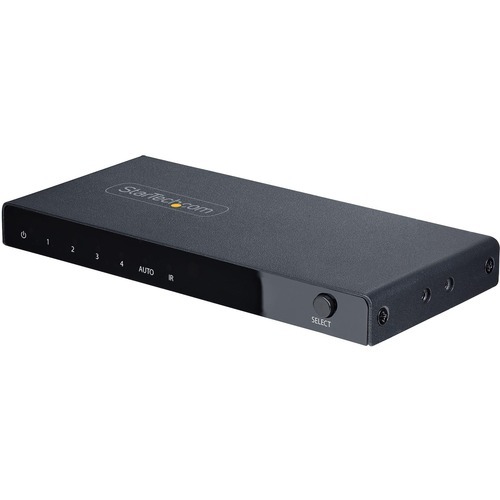
StarTech.com 4PORT-8K-HDMI-SWITCH video switch
Switch between four HDMI video sources on a single display, with support for up to 8K 60Hz resolutionsThis 4-Port HDMI Video Switch enables four HDMI sources to connect to a single HDMI input on a display.8K 60Hz ResolutionThe HDMI Switcher supports resolutions of up to 8K 60Hz. In addition, it supports lower resolutions at higher refresh rates, such as 4K 144Hz, 4K 120Hz, and 1080p 240Hz.This Video Switch is HDMI 2.1 complaint and supports features such as Variable Refresh Rate (VRR), Auto Low-Latency Mode (ALLM), and Consumer Electronics Control (CEC). It is backwards compatible with HDMI 2.0 (and lower) devices.Automatic or Manual OperationThe 8K Video Switch features three options for selecting the source device. Automatic mode detects and selects the most recently activated source device or it will revert to the last active source device. Manual mode selects the desired port, using the push buttons, or with the included remote control (batteries not included). The remote control can enable or disable the automatic switching mode and it can disable the IR functionality.Flexible Installation OptionsUse the included USB wall charger and 2.5ft (78cm) USB Micro-B cable to power the unit. If a wall outlet is unavailable, the 8K Switch can be powered through a 5V 1A USB port as well.The included mounting kit and rubber feet enable versatile installation options. The metal housing enhances durability, making it suitable for installation and use in a variety of environments.This product is backed for 2-years by StarTech.com, including free 24/5 multi-lingual technical assistance.The StarTech.com Advantage

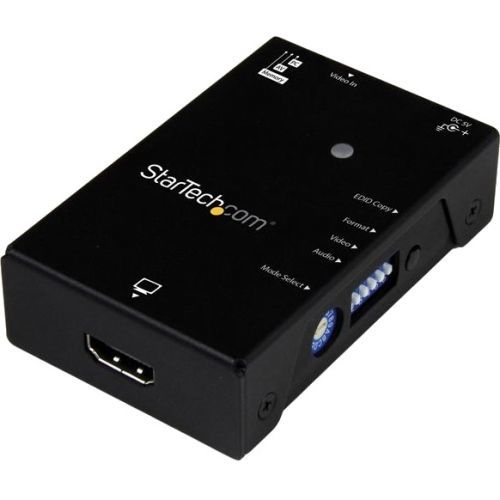
StarTech.com VSEDIDHD video signal converter 1920 x 1080 pixels
This EDID emulator resolves video communication problems that can occur between your HDMI video source and display. The emulator can copy or synthesize the Extended Display Identification Data (EDID) from your HDMI display and relay it to your video source, to fix problems that may result from using third-party equipment such as video extenders, video switches or KVMs in your video setup.Achieve maximum performance from your HDMI displayEDID contains important information that your television or projector needs, to deliver its best picture quality. Because most video extenders or switches block EDID communication between your video source and display, EDID is often lost in transmission, limiting your video source's ability to output your display's native resolution. Using the EDID emulator, you can ensure your HDMI source and display are perfectly in sync, for crystal-clear picture quality.Versatile configuration options, with EDID copying or EDID ghostingTo ensure that any EDID communication issue can be solved, the EDID emulator supports both EDID copying and EDID ghosting. EDID copying saves the EDID settings from your display and communicates those exact settings to your source, which is perfect for EDID issues that are caused by a third-party disruption, such as a video switch or extender.EDID ghosting lets you emulate generic EDID settings, to deliver common data to your source or display. This is the perfect solution for EDID issues that often occur when you’re working with devices that don’t output EDID, such as older legacy equipment or some analog to digital video adapters.Easy to set up, with a hassle-free rotary dialEDID communications contain a lot of important settings, such as maximum image size, color characteristics, factory preset timings, frequency range limits and more. With all of these specific details, it's easy to be confused or crossed up by the data. This emulator eliminates the hassle and confusion that comes with EDID, giving you a rotary dial that you can use to configure all of your settings in one simple step.The VSEDIDHD is backed by a StarTech.com 2-year warranty and free lifetime technical support.
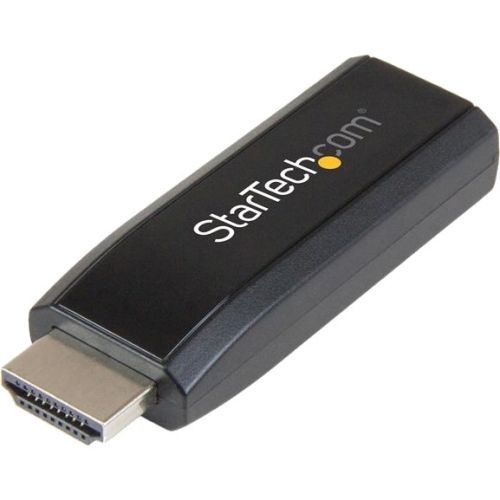
StarTech.com HD2VGAMICRA video signal converter Active video converter 1900 x 1200, 1920 x 1200
This highly-portable adapter is the ideal travel companion for your Chromebook or Ultrabook laptopThis HDMI to VGA adapter lets you connect your HDMI computer to a VGA display or projector. The versatile adapter features a discrete 3.5mm audio output for extracting stereo audio from your HDMI signal, and supports PC resolutions up to 1920x1200.Versatile VGA compatibilityThe adapter works with any HDMI equipped computer to add compatibility with VGA displays. Enabling VGA support on your Ultrabook or Chromebook means that you’ll have the connection options you need to use almost any boardroom projector or display.Effortless setup and operationThe HDMI to VGA adapter doesn't require software or drivers, which saves you time and hassle when you need to make a quick connection. Plus, the adapter features a 3.5mm output which gives you the option to share the audio directly from your HDMI port.Compact for maximum portabilityThis compact HDMI to VGA adapter is lightweight and portable, and easily fits into any laptop carrying bag. The adapter has also been engineered with low-power architecture, so you won't need to carry a bulky external power adapter, or find access to an electrical outlet while you're on the go.This converter will not output digitally encrypted content.The HD2VGAMICRA is backed by a 3-year StarTech.com warranty and free lifetime technical support.The StarTech.com Advantage- Increase the compatibility of your HDMI equipped Ultrabook or Chromebook by adding support for VGA- Hassle-free setup, through plug-and-play installation- Maximum portability with a small foot print and lightweight design
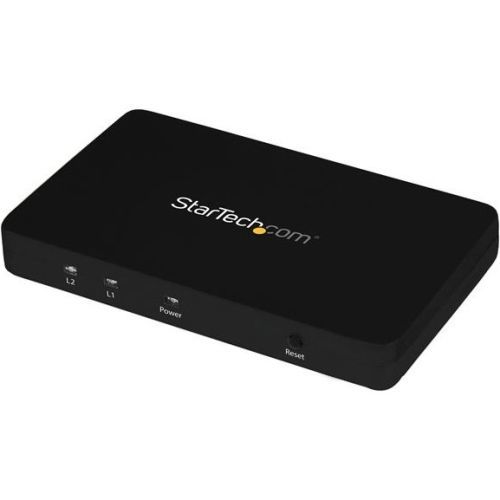
StarTech.com ST122HD4K video splitter HDMI
Split an HDMI audio/video source on two separate HDMI Displays simultaneously, with support for resolutions up to 4KThe ST122HD4K 2-port 4K HDMI splitter lets you share two HDMI displays or projectors with an HDMI-enabled audio / video source device, such as a computer, Blu-ray player or cable TV set-top box.With support for Ultra HD (4K) the HDMI splitter ensures astonishing picture quality, four times the resolution of high-definition 1080p at 30 Hz. The 4K splitter is also backward compatible with previous HDMI revisions, supporting 1080p / 720p HDMI video resolution devices. Even if you don't require 4K video today, the ST122HD4K ensures you'll be ready to take advantage of tomorrow's display technology.Save time while setting up your splitter with EDID emulation ensuring all of your native settings such as resolution and refresh rate are communicated between your video source and displays. EDID emulation maximizes compatibility with your 4K display, ensuring a convenient plug-and-play installation.Constructed of solid aluminum, the HDMI splitter casing is heavy enough to prevent the unit from shifting or sliding around when you move the attached HDMI cables. Plus, the small footprint allows for seamless integration into any digital signage application.The ST122HD4K is backed by a StarTech.com 2-year warranty, and free lifetime technical support.The StarTech.com Advantage
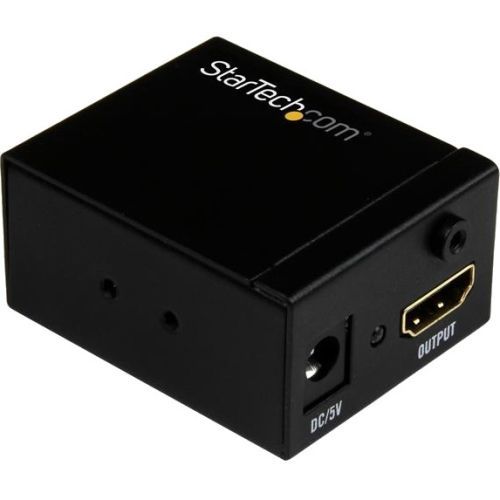
StarTech.com HDBOOST AV extender AV repeater Black
This HDMI signal booster lets you increase the signal strength of your HDMI video source so you can connect an HDMI display up to 115 ft. (35 m) away, using standard HDMI cables. You can place the booster inline between two HDMI cables, up to 82 ft. in length at the video input, and up to 33 ft. in length at the video output.Discreet installationWith its small form factor, the HDMI booster is easy to hide, for a discreet installation. You don’t need an external power adapter to operate the signal booster, and it includes mounting hardware, so installing it is hassle-free. By extending your video signal using standard HDMI cables, the HDMI booster is a cost-effective alternative to more expensive HDMI extension systems that require the installation of CAT5 or CAT6 cabling infrastructure.Compatible with varying distancesThe HDMI booster features an equalization switch with ten different levels. The equalization switch lets you adjust the amplification of your HDMI signal based on the distance of your cables, so that you can ensure your HDMI signal will be perfect even at distances up to 115 ft. (35 m). The booster is perfect for boardrooms, offices or classrooms that may require varying distances depending on the room size. Maintains high-definition video signalsWhen extending HDMI over long distances using standard video cabling, higher resolutions can become unavailable. Using the HDMI signal booster ensures that you’ll still be able to depend on high-definition resolutions up to 1080p at 60Hz.The HDBOOST is backed by a 2-year StarTech.com warranty and free lifetime technical support.
Item(s) added to cart
Netgear GS105E-200NAS ProSafe Plus Switch, 5-Port Gigabit Ethernet - 5 Ports - 2 Layer Supported - Wall Mountable - Lifetime Limited Warranty-None Listed Compliance
MFR: Netgear, Inc
Qty: 1
Part #: GS105NA