
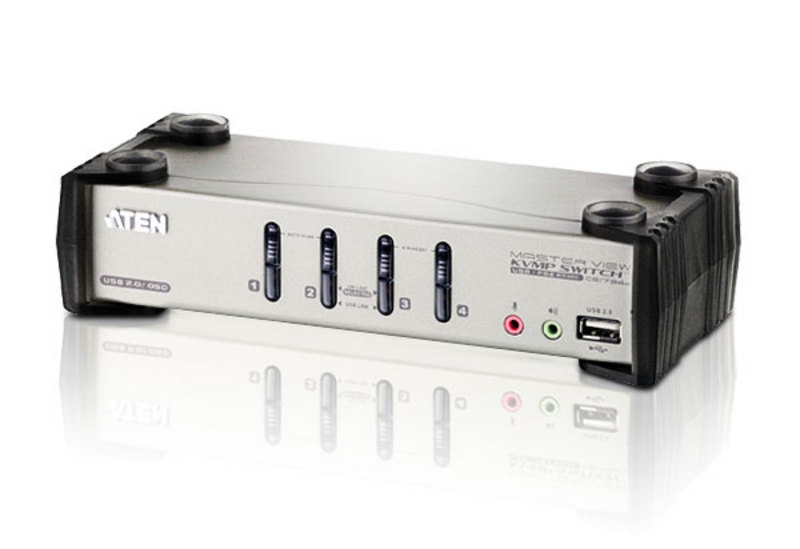
ATEN CS1734B KVM switch Rack mounting Black, Gray
ATEN CS1734B. Keyboard port type: USB, Mouse port type: USB, Video port type: VGA. HD type: 2K Ultra HD, Maximum resolution: 2048 x 1536 pixels, Maximum digital resolution: 2048 x 1536 pixels. Product color: Black, Gray, Housing material: Metal, LED indicators: Activity, USB. Power source: DC, Output voltage: 5.3 V, Power consumption (typical): 3.4 W. Width: 8.27" (210 mm), Depth: 3.46" (88 mm), Height: 2.19" (55.5 mm)
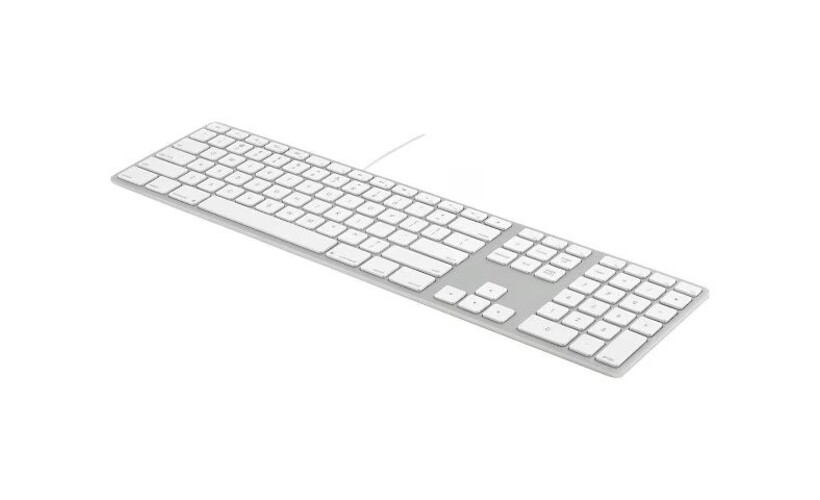
MATIAS FK318S-FC Wired Aluminum Keyboard for Mac with French Canadian Legends - Silver
MATIAS Wired Aluminum Keyboard for Mac with French Canadian Legends - Silver
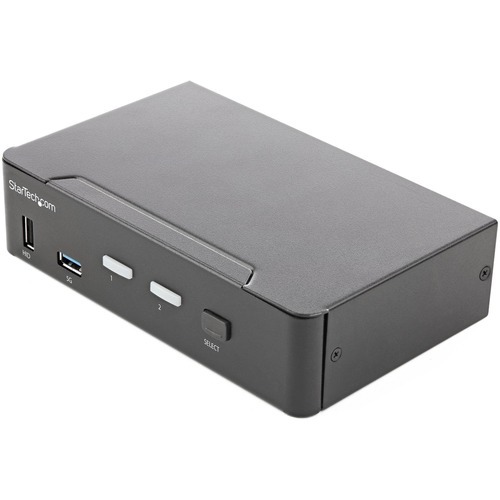
StarTech.com SV231HU34K6 KVM switch Rack mounting Black
KVM with USB | TAA Compliant | USB 3.0 Hub | HDMI 2.0 | Digital & Analog AudioThis 2-port KVM switch combines 4K (60Hz) digital display capabilities with control of two connected computers.4K 60Hz Picture and Full Audio SupportThe HDMI KVM switch supports resolutions up to 4K at 60Hz. It drives one large monitor at the full 4K resolution. Includes EDID and HDCP signal emulation so monitors always remain synced for faster switching times, and desktop settings are maintained to avoid disrupting your workflow.With support for digital audio (with supporting displays and sources) and separate 3.5 mm stereo audio, the HDMI 2.0 KVM switch delivers full audio compatibility.Integrated USB HubThe integrated USB 3.0 hub shares two peripherals (in addition to keyboard and mouse) among attached computers as if they were directly connected to your host computer, eliminating the cost of duplicate devices such as printers and scanners.Windows, Mac & Linux CompatibleWhile supporting Windows, this HDMI KVM switch is also compatible with Mac and Linux operating systems.Easy to OperateThe front-panel pushbuttons make it easy to switch between systems and activate the auto-scan feature. The hotkey functionality makes accessing each system quickly, while a buzzer sound confirms the switch.StarTech.com offers a wide selection of high-quality KVM switches and KVM-related products to help you access your systems more efficiently without the expense and clutter of extra keyboards, mice, and monitors.This 2-port HDMI KVM switch is backed by a 2-year warranty and free lifetime technical support.The StarTech.com Advantage
Logitech M550 mouse Office Ambidextrous RF Wireless + Bluetooth Optical 4000 DPI
Logitech M550. Form factor: Ambidextrous. Movement detection technology: Optical, Device interface: RF Wireless + Bluetooth, Movement resolution: 4000 DPI, Buttons type: Pressed buttons, Buttons quantity: 3. Power source: Batteries. Product color: White
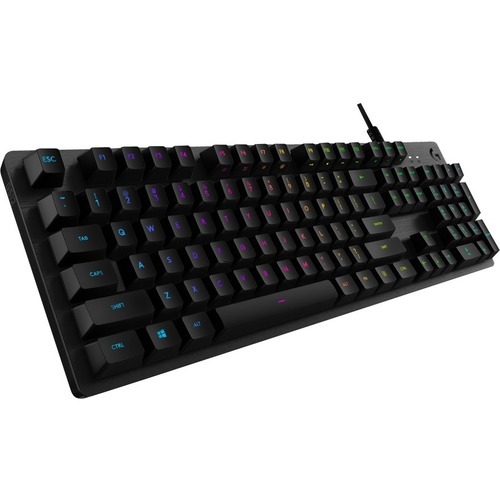

C2G C2G54541 KVM switch Black
This USB-C/HDMI 3-Input Combo to HDMI 1-Output KVM provides flexibility, allowing you to easily switch between three computing devices using a single keyboard, display, and mouse – making it ideal for accessing multiple devices while freeing up desk space, reducing the number of keyboards, displays, and mice needed. Whether in the office or working from home, this KVM switch allows you to maximize your productivity.This KVM switch supports a single USB-C enabled computer, tablet, or phone, as well as 2 HDMI enabled computers, streaming players, gaming systems, and set-top boxes. Besides sharing a keyboard, display, and mouse, you can also share webcams, printers, USB flash drives, and additional USB hubs.The KVM also supports USB-C power delivery up to 100W, resolutions up to 4K at 60Hz, HD digital audio, and CEC pass-through over HDMI.The KVM can be manually controlled by pressing the switch button or use the auto switch and memory switch functions. When a source device is turned on, the switch automatically detects and switches to that device’s input. The built-in power-off memory function automatically remembers the last connected device.Note: Pair this KVM switch with your computer’s existing USB-C power adapter or add a power solution using our 60W USB-C Power Adapter (C2G54441) and 3.3ft USB-C 3.2 Gen 2 Cable (28848).

Kensington Slim Duo Gel Mouse WristRest B
Professionals who use low-profile mice and trackballs without proper ergonomic support may experience wrist strain and discomfort. This can negatively impact their productivity and overall comfort. The Slim Duo Gel Mouse/Trackball Wrist Rest offers a suite of innovative features that work in perfect harmony to help professionals work more comfortably and productively throughout the day. Your hand and wrist are supported by a gel-infused pillow, while an innovative ventilation channel keeps them cool and dry while you scroll and track. All day comfort is complemented by a dual-tone color scheme, delivering a burst of color and personality to your workspace, and the easy-to-clean finish ensures lasting durability and a pristine appearance. Low-profile design pairs with slim mice and trackballs for proper ergonomic alignment. Gel-infused pillow supports all-day comfort. Ventilation channel keeps wrists and hands cool and dry. Duo tone style complements modern workspaces. Easy-clean surface supports hassle-free upkeep. Wipe down protection supports lasting performance and peace of mind.

StarTech.com C2-DD46-UA2-CBL-KVM KVM switch Black
Share a mouse, keyboard, and dual 4K 60Hz DisplayPort displays between two DisplayPort enabled computers, using this KVM Switch with built-in cablesThis Dual-Monitor KVM Switch enables users to switch between two USB-A and DisplayPort enabled desktops, sharing dual-4K 60Hz DisplayPort monitors, a keyboard and mouse, and audio input/output devices.Hassle-Free SetupThe KVM switch is bus powered and features built-in dual-DisplayPort, USB-A, and 3.5mm Audio Input/Output cables. This ensures compatibility and performance between the KVM switch, monitors, and peripherals - without the need to select and purchase the cables required for those connections.CompatibilityThe 2-port KVM switch is compatible with all operating systems, including Windows, macOS, ChromeOS, and Linux. The KVM works with all hardware platforms including Intel, AMD, and Apple M1/M2.Intuitive ControlThe KVM switch offers two options to switch between hosts - a remote push button or hotkey commands, using the downloadable software. The remote push button includes a 1.5m cable for optimal placement in the setup. Independent audio switching can be achieved through the software, utilizing keyboard shortcuts (i.e., hotkeys), ensuring uninterrupted audio when switching between host devices.Enhance Productivity and Device Management with the StarTech.com Connectivity Tools ApplicationDeveloped to improve performance and security, StarTech.com Connectivity Tools is the only software suite on the market that works with a wide range of IT connectivity accessories. The software suite includes:• Advanced Windows Layout Utility: Setup and save custom windows layouts.• MAC Address Pass-Through Utility: Improve network security.• USB Event Monitoring Utility: Track and log connected USB devices.• Wi-Fi Auto Switch Utility: Enable users to quickly access faster network speeds via wired LAN.For more information and to download the StarTech.com Connectivity Tools application, please visit: www.startech.com/connectivity-toolsThe StarTech.com Advantage
Item(s) added to cart
Netgear GS105E-200NAS ProSafe Plus Switch, 5-Port Gigabit Ethernet - 5 Ports - 2 Layer Supported - Wall Mountable - Lifetime Limited Warranty-None Listed Compliance
MFR: Netgear, Inc
Qty: 1
Part #: GS105NA