
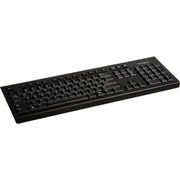
Targus AKB30US keyboard USB QWERTY Black
The Targus Corporate Keyboard features a full-size 104 key QWERTY layout for ergonomic comfort. This keyboard meets corporate IT standards for its quality construction and functional layout. The USB connection provides true plug and play capabilities making this keyboard simple and easy to use. - USB connection - Plug and play
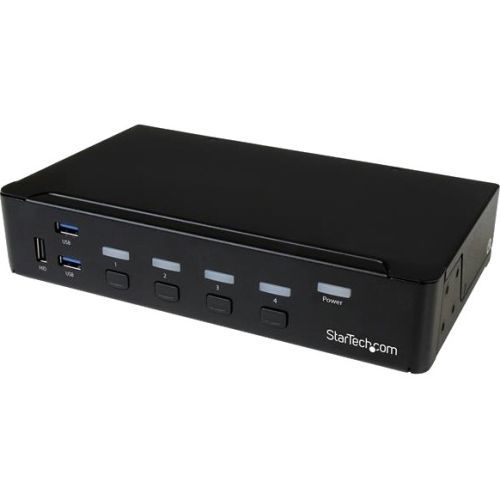
StarTech.com SV431DPU3A2 KVM switch Rack mounting Black
Control four DP computers using a single console with a built-in USB 3.0 hub for sharing additional peripheral devicesThis 4-Port USB 3.0 DisplayPort KVM switch lets you control four DisplayPort (DP) computers with a single monitor, keyboard and mouse. The KVM also features 3.5 mm audio and a built-in 3-port USB 3.0 hub.Convenient and cost-effective USB 3.0 peripheral sharingThis KVM switch offers a built-in 3-port USB 3.0 hub that's separate from your HID keyboard and mouse, so you can share USB peripheral devices between each connected computer and avoid the expense of separate equipment. The USB 3.0 hub automatically switches your connected USB devices to the selected computer, saving you the hassle of disconnecting and reconnecting your peripherals.With support for USB 3.0, you can achieve data transfer rates up to 5Gbps, to ensure flawless performance for your USB peripherals - great for quickly transferring data to external USB 3.0 drives.Astonishing picture qualityOffering support for resolutions up to Ultra HD 4K at 30 Hz, this 4-port DisplayPort KVM switch has the ability to drive large DP displays with ease, making it ideal for graphical applications that require high-resolution video support.Complete multimedia controlThe KVM switch features auxiliary 3.5 mm audio ports that enable you to share independent analog audio, from each of your connected computers, with your desktop speaker set. Independent audio, along with 4K DP video, gives you full multimedia control between different computers, making this KVM perfect for creative professional applications such as video and sound design or editing.The SV431DPU3A2 is backed by a StarTech.com 2-year warranty and free lifetime technical support.Rackmount your KVM switchIf you’d like to mount this KVM switch to your server rack, StarTech.com offers a 1U Rackmount Bracket (sold separately) that turns this KVM into a rackmountable KVM.The StarTech.com Advantage- Easily share peripheral devices using the built-in USB 3.0 hub- Astonishing picture quality with support for Ultra HD 4K resolutions- Full multimedia control with separate 3.5 mm auxiliary support
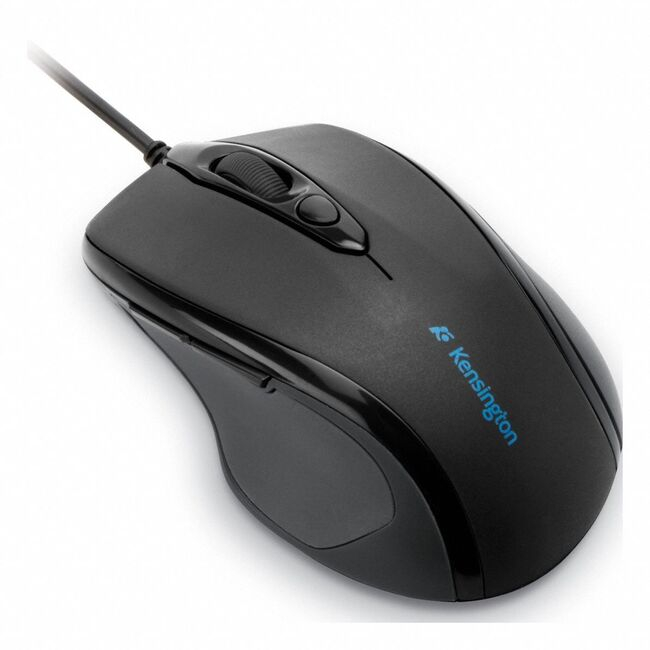
Kensington K72355WW mouse Home Right-hand USB Type-A Optical
Kensington MC K72355WW PRO FIT USB WIRED MID-SZ MOUSE Retail
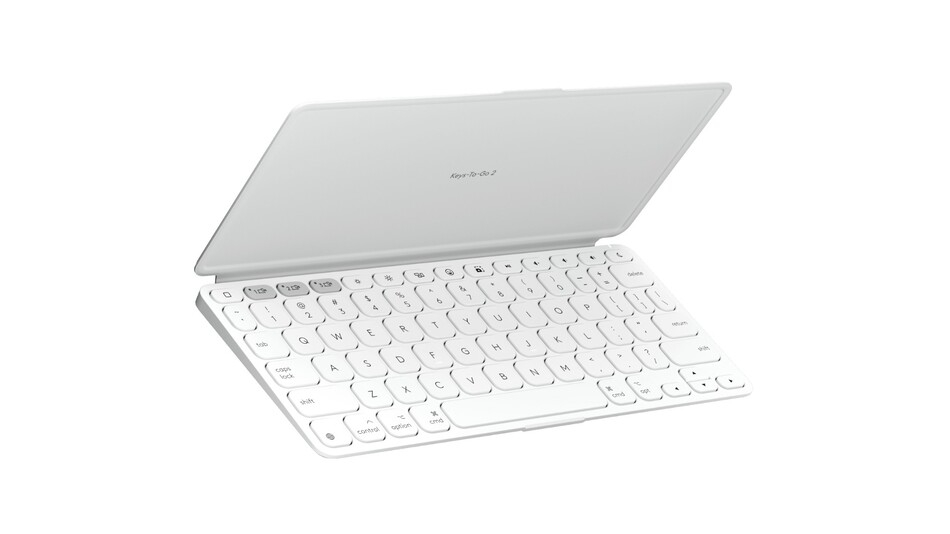
Logitech KEYS-TO-GO 2 APPLE PALE GREY
Logitech KeysToGo 2 Apple Pale Grey

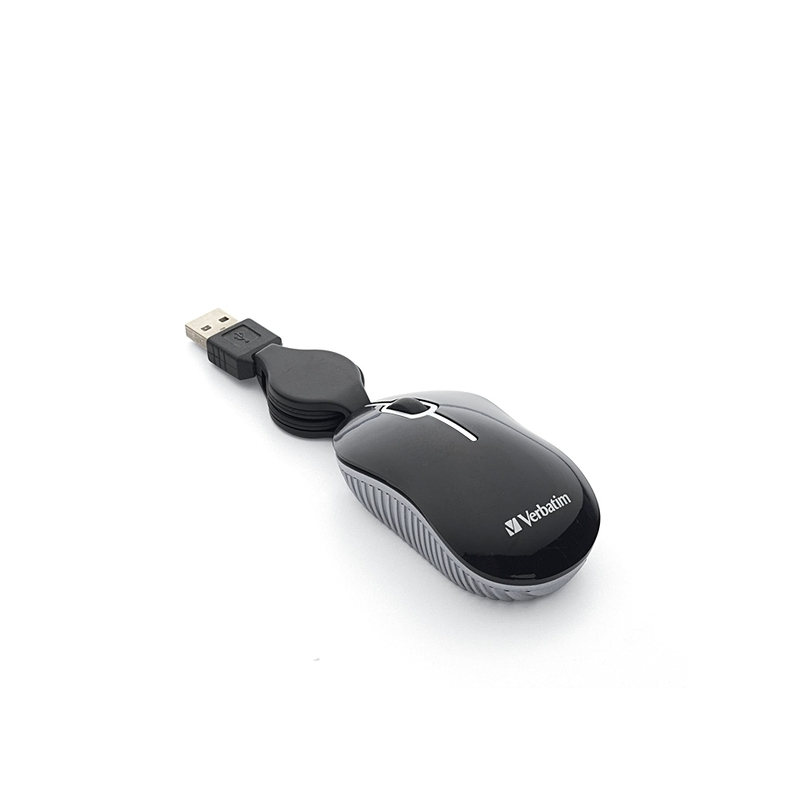
Verbatim 98113 mouse Travel Ambidextrous USB Type-A Optical
Verbatim 98113. Form factor: Ambidextrous. Movement detection technology: Optical, Device interface: USB Type-A, Buttons type: Pressed buttons, Buttons quantity: 2, Scroll type: Wheel. Power source: Cable. Product color: Black, Silver
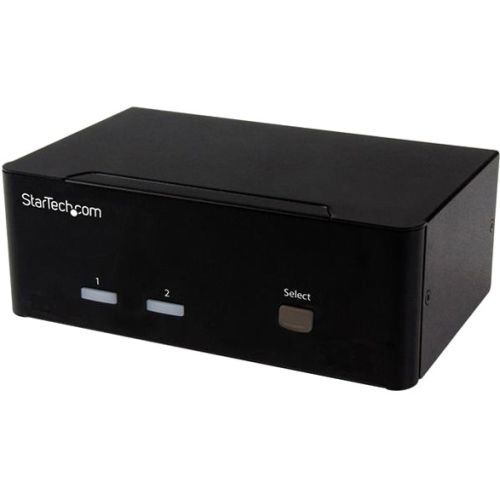
StarTech.com SV231DVGAU2A KVM switch Black
This USB KVM lets you connect two computers, each with dual VGA outputs, to a dual-monitor workstation. You can switch the workstation between each computer, as well as two additional USB peripheral devices and 3.5mm speakers & microphone.Maximize productivity with dual videoWith support for two VGA video inputs and two different computers, this KVM switch maximizes productivity. Not only can you access multiple computers, but you can also use two VGA monitors on each computer streaming independent content to each display, which gives you the freedom to multitask and increase your productivity. The VGA ports support resolutions up to 1920x1200 for maximum screen viewing space.Multi-system accessFeaturing dual video and support for your keyboard and mouse, along with a 2-port USB hub for two additional peripheral devices, this KVM switch is perfect for accessing two separate systems using the same workstation. Support for your workstation plus two additional peripheral devices makes this KVM ideal for server control, simplifying access to multiple computer systems.Hassle-free operationThis 2-port KVM ensures effortless operation with intuitive hotkey control. It provides a simple yet comprehensive solution for switching between each connected computer and also supports manual operation using the easy-to-access buttons located on the front of the switch.The SV231DVGAU2A is backed by a 2-year StarTech.com warranty and free lifetime technical support.
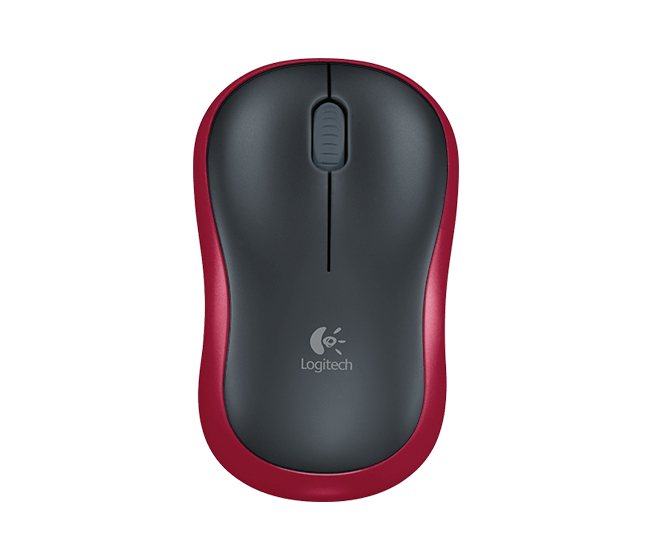
Logitech 910-003635 mouse Office Ambidextrous RF Wireless Optical 1000 DPI
Logitech M185 Plug-and-play wireless plus comfort (Red)
Logitech M340 Mouse Collection-Blue Gal
Logitech M340 Wireless Mouse Collection (Blue Galaxy)
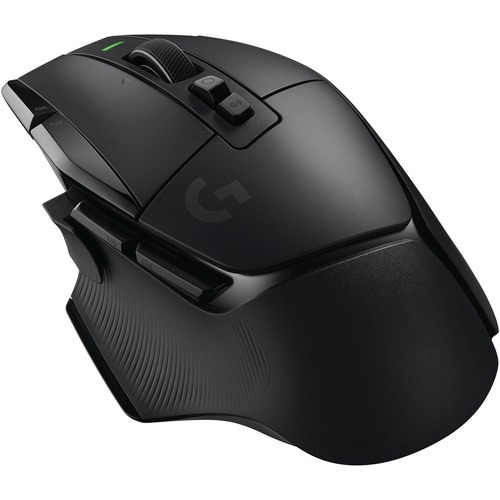
Item(s) added to cart
Netgear GS105E-200NAS ProSafe Plus Switch, 5-Port Gigabit Ethernet - 5 Ports - 2 Layer Supported - Wall Mountable - Lifetime Limited Warranty-None Listed Compliance
MFR: Netgear, Inc
Qty: 1
Part #: GS105NA