
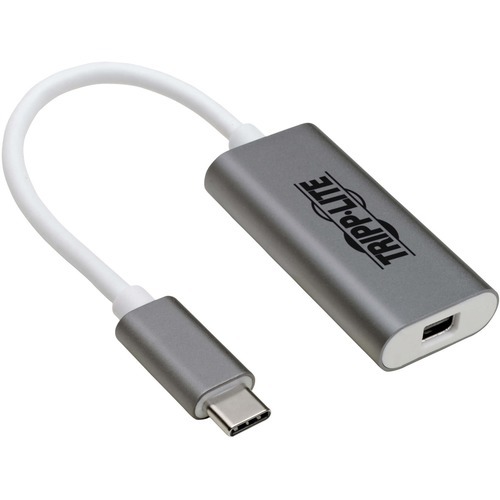
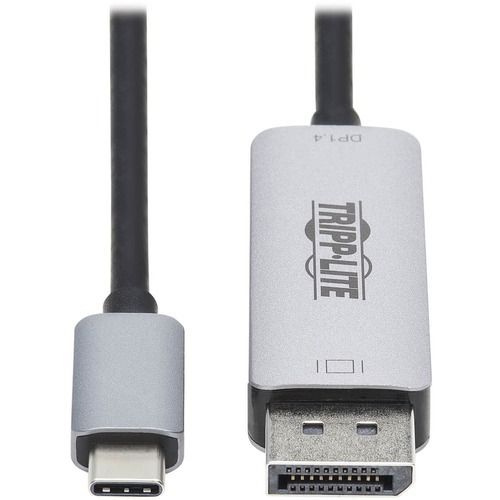
Tripp Lite U444-06N-MDP-AL USB graphics adapter 3840 x 2160 pixels Silver, White
USB-C to Mini DisplayPort Adapter Connects to Your Laptop’s USB-C or Thunderbolt 3 PortThis USB Type-C to Mini DisplayPort adapter connects a Mini DisplayPort (mDP) monitor to the USB-C or Thunderbolt 3 port on your computer, tablet, laptop, notebook, MacBook, Chromebook, Ultrabook or smartphone. It’s an ideal connector for multitasking, presenting video at trade shows and conferences, editing documents, playing online games and watching movies on a larger screen. It saves you money by allowing you to use your existing mDP display instead of buying a new monitor.Supports USB-C DisplayPort Alternate Mode for Transmitting Audio/Video SignalsBy connecting the built-in USB-C cable to a source device that supports USB DisplayPort Alt Mode, you can output 4K video and digital audio to a compatible monitor, television or projector without installing special software drivers.Transmits Crystal-Clear 4K Video and Digital Audio to a Mini DisplayPort MonitorTo send Ultra High Definition video and digital audio to an mDP television, projector or monitor, connect the mDP port to the display using an mDP cable (such as P584-Series, sold separately). The mDP port supports Ultra HD video resolutions up to 3840 x 2160 (4K) at 60 Hz, as well as 48-bit Deep Color (16 bits per channel). The USB-C to Mini DisplayPort cable transfers data at rapid USB 3.2 Gen 1 speeds up to 5 Gbps. It also supports 4:4:4, 4:2:2 and RGB chroma subsampling for top-level PC gaming or using your HDTV as a PC monitor.Reversible USB-C Connector Attaches in Either DirectionUnlike traditional USB cables that connect in only one direction, the reversible USB-C male connector plugs into a USB-C or Thunderbolt 3 port in either direction for a fumble-free connection every time.Ready to Use Right from the Package, So You Can Plug and Play ImmediatelyThe plug-and-play USB Type-C to Mini DisplayPort adapter requires no software or drivers to download and install. It’s backward compatible with 1080p displays, so you can use it with legacy equipment. Just connect the USB-C plug to the USB-C or Thunderbolt 3 port on a source device that supports USB DisplayPort Alternate Mode. The lightweight aluminum housing is about half the size of a credit card, so it fits comfortably into your laptop bag, purse or briefcase for connecting to mDP monitors anywhere.
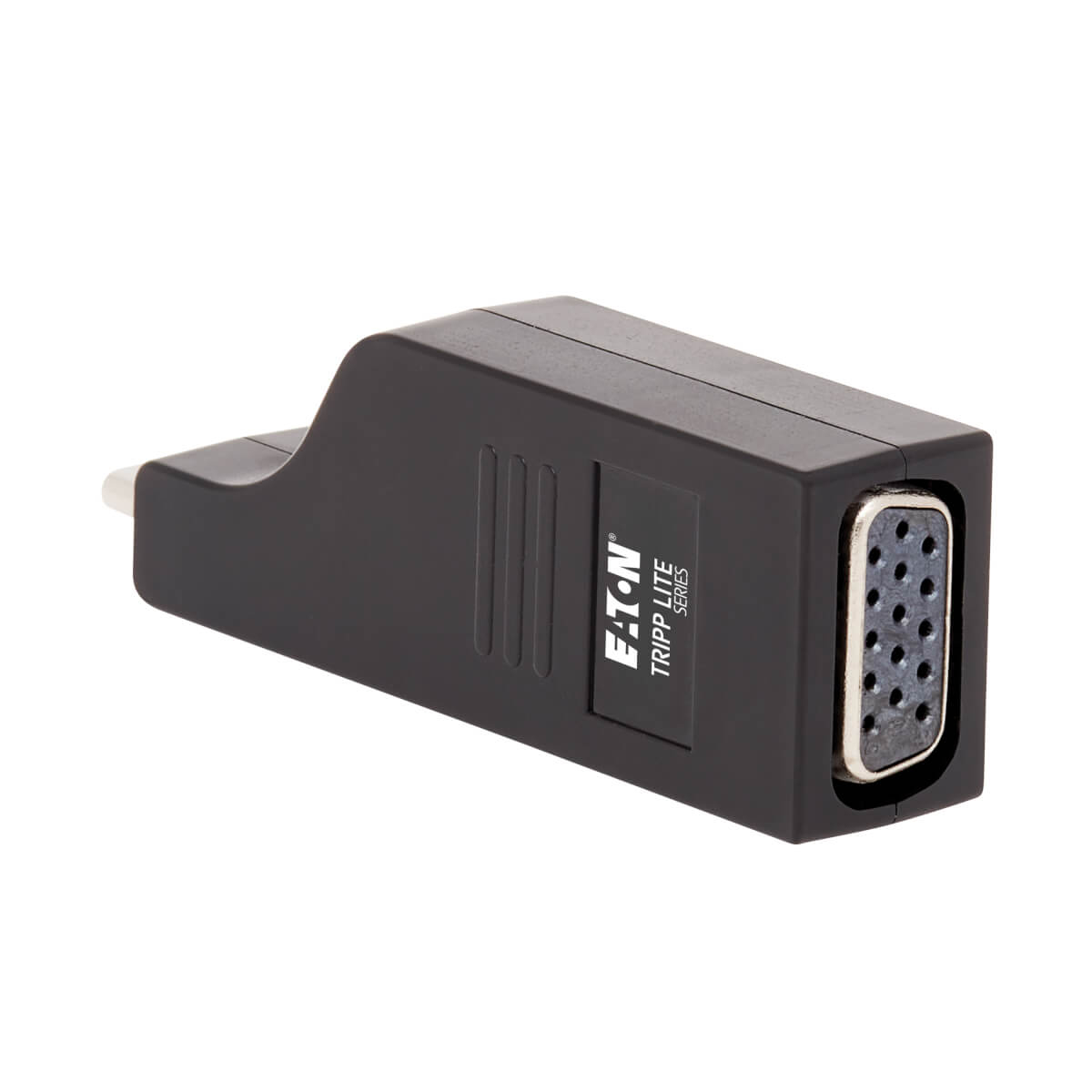
Tripp Lite U444-000-VGA USB graphics adapter 1920 x 1080 pixels Black
USB Type-C to VGA Adapter Connects to Your Laptop or Tablet’s USB-C or Thunderbolt 3 PortThis USB Type-C to VGA adapter connects a VGA monitor to the USB Type-C or Thunderbolt 3 port on your computer, tablet, laptop, notebook, MacBook, Chromebook, Ultrabook or smartphone. It’s an ideal connector for multitasking, presenting video at trade shows and conferences, editing documents, playing online games and watching movies on a larger screen. It saves you money by allowing you to use your existing VGA display instead of buying a new monitor. Supports USB Type-C DisplayPort Alternate Mode for Converting Video SignalsBy connecting the USB Type-C plug to a source device that supports USB DisplayPort Alt Mode, you can output 1080p video to a VGA monitor, television or projector without the hassle of installing special software drivers.Transmits Crystal-Clear 1080p Video to a VGA DisplayTo send high-definition video to a VGA television, projector or monitor, connect the VGA port to the display using a VGA cable (such as P500-Series, sold separately). The VGA port supports HD video resolutions up to 1920 x 1200 (1080p) at 60 Hz.Vertical Molding Prevents Blockage of Adjacent PortsThe USB Type-C input’s vertical orientation results in a slimmer adapter that maximizes space around the device’s ports and prevents them from being blocked. Unlike traditional USB cables that connect in only one direction, the reversible USB Type-C male connector plugs into a USB Type-C or Thunderbolt 3 port in either direction for a fumble-free connection every time.Ready to Use Right from the Package, So You Can Plug and Play ImmediatelyThe plug-and-play USB Type-C to VGA adapter is specifically designed for use with the MacBook, Google Chromebook Pixel and other laptops, tablets and devices equipped with a USB Type-C or Thunderbolt 3 port. It requires no software, drivers or external power. The palm-sized one-piece molding fits into your pocket, briefcase or laptop bag for connecting to VGA displays anywhere.
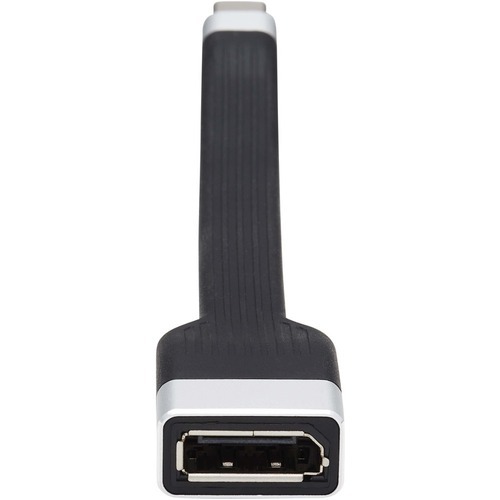
Tripp Lite U444-F5N-DP4K6 USB graphics adapter 3840 x 2160 pixels Black
Flat USB-C to DisplayPort Adapter Connects to Your Laptop’s USB-C or Thunderbolt 3 PortThis USB Type-C to DisplayPort adapter (M/F) connects to a DisplayPort cable to add a DisplayPort monitor to the USB-C or Thunderbolt 3 port on your MacBook Pro, Windows laptop, tablet, smartphone or PC. It’s ideal for multitasking, presenting video at trade shows and conferences, editing documents, playing online games and watching movies on a larger screen.Flat FPC Design Allows Easy Handling and StorageThe flat, bendable FPC (Flexible Printed Circuit) body helps the cable connect to devices in tight spaces or around obstacles. It rolls easily for tangle-free storage in your backpack or laptop bag.Supports USB-C DisplayPort Alternate Mode for Converting Audio/Video SignalsBy connecting the USB-C connector to a source device that supports USB DisplayPort Alt Mode, you can output 4K video and digital audio to a DisplayPort monitor, television or projector without installing special software drivers.Transmits Crystal-Clear 4K Video with Digital Audio and 4:4:4 ColorThe U444-F5N-DP4K6 supports Ultra HD video resolutions up to 3840 x 2160 (4K x 2K) at 60 Hz, as well as 36-bit Deep Color. This adapter also supports 4:4:4 chroma subsampling for top-level PC gaming or using your HDTV as a PC monitor.Reversible USB-C Connector Attaches in Either DirectionUnlike traditional USB cables that connect in only one direction, the reversible USB-C male connector plugs into a USB-C or Thunderbolt 3 port in either direction for an instant connection every time.Ready to Use Right from the Package, So You Can Plug and Play ImmediatelyThe plug-and-play adapter is specifically designed for use with the MacBook Pro, Windows laptops and other devices equipped with a USB-C or Thunderbolt 3 port. It requires no software or external power. The five-inch cable fits into your pocket, briefcase or laptop bag for connecting to DisplayPort monitors anywhere.
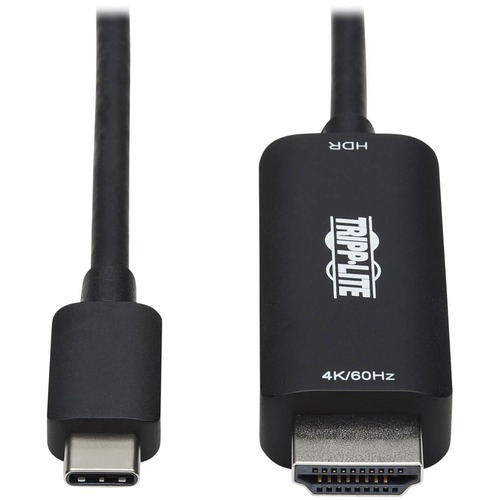
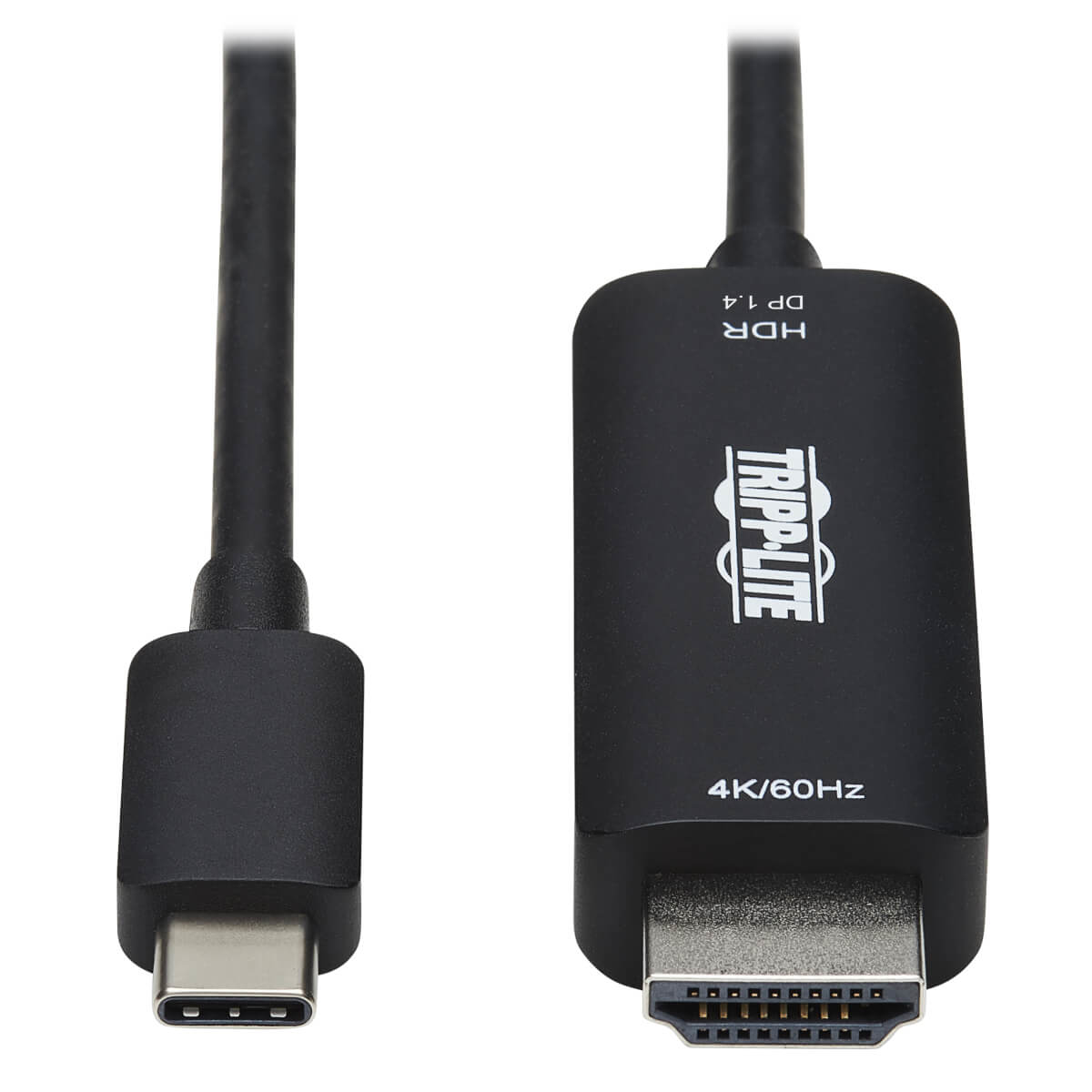
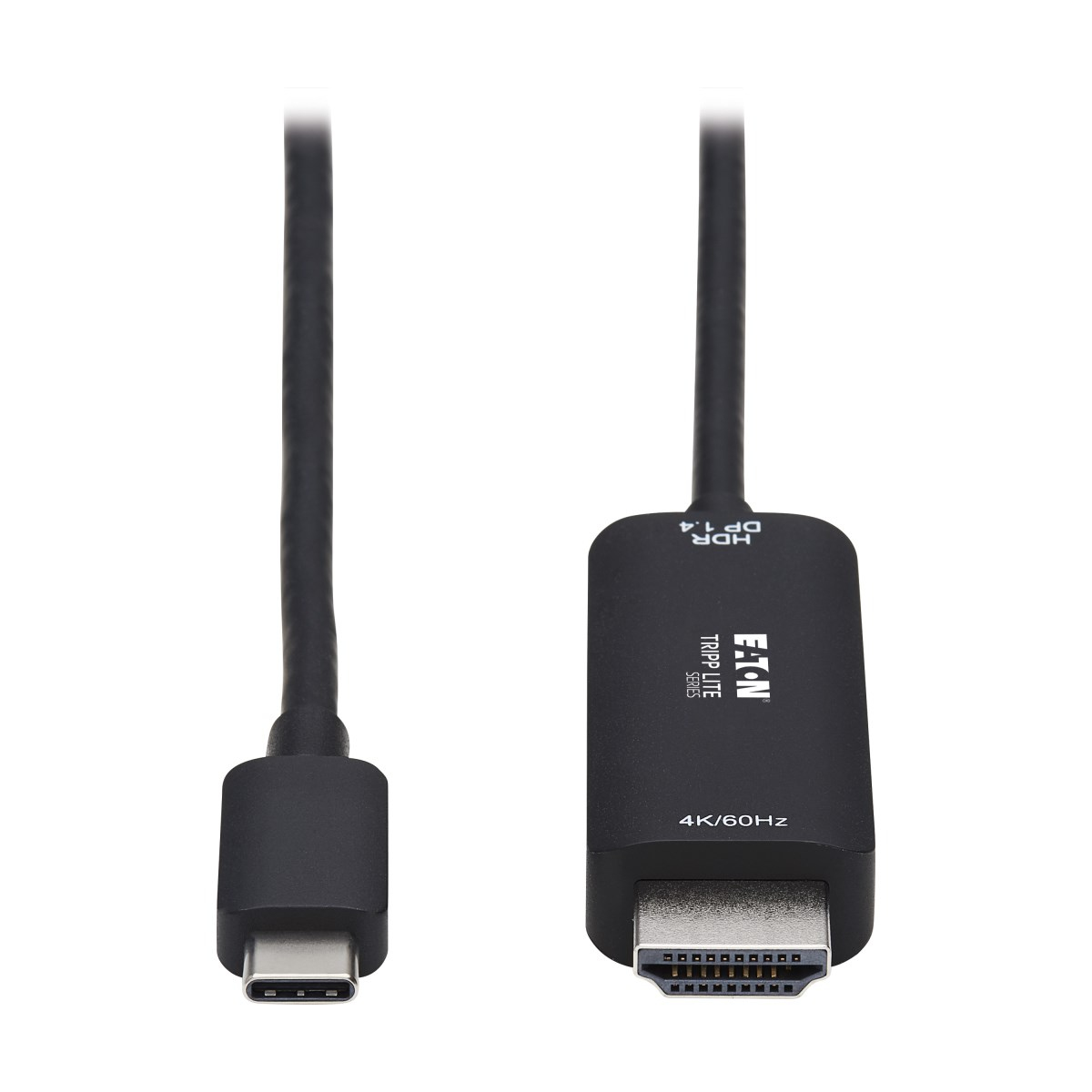
Tripp Lite U444-003-HDR2BE USB graphics adapter 4096 x 2160 pixels Black
USB-C to HDMI Converter Connects a USB-C or Thunderbolt 3 Port to a 4K MonitorThis USB Type-C to HDMI adapter (M/M) connects an HDMI monitor, projector or television to the USB-C or Thunderbolt 3 port on your MacBook Pro, Windows laptop, tablet or smartphone. It’s an ideal connector for multitasking, presenting video at trade shows and conferences, editing documents, playing online games and watching movies on a larger 4K screen. No other adapter or cable is needed to complete your 4K connection.Supports USB-C DisplayPort 1.2 Alternate Mode for Converting Audio/Video SignalsBy connecting the USB-C cable to a source device that supports USB DisplayPort 1.2 Alt Mode, you can output 4K video and digital audio to an HDMI monitor, television or projector without installing special software drivers.Transmits Crystal-Clear True 4K Video with HDR and 4:4:4 ColorThe U444-003-HDR2BE supports Ultra HD video resolutions up to 4K at 60 Hz (4096 x 2160) as specified in HDMI 2.0, as well as HDR video, providing a wide range of vibrant colors with richer contrast, brighter whites and deeper blacks that pop on your 4K display. HDCP 2.2 compliance allows you to stream 4K Amazon and Netflix content with no complications. This adapter also supports 4:4:4 chroma subsampling for top-level PC gaming or using your HDTV as a PC monitor.Reversible USB-C Connector Attaches in Either DirectionUnlike traditional USB cables that connect in only one direction, the reversible USB-C male connector plugs into a USB-C or Thunderbolt 3 port in either direction for an instant connection every time.Ready to Use Right from the Package, So You Can Plug and Play ImmediatelyThe plug-and-play USB Type-C to HDMI cable requires no software or external power. Just connect the USB-C plug to the USB-C or Thunderbolt 3 port on a source device that supports USB DisplayPort Alternate Mode, and connect the HDMI plug to your display. The USB 3.1 Gen 1 cable is backward compatible with previous USB and HDMI generations, so you can use it with 1080p displays.
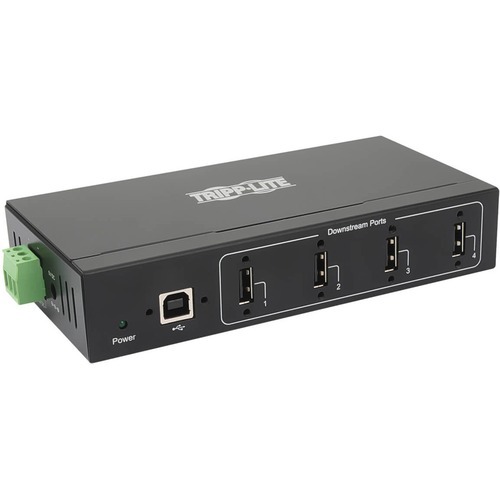
Item(s) added to cart
Netgear GS105E-200NAS ProSafe Plus Switch, 5-Port Gigabit Ethernet - 5 Ports - 2 Layer Supported - Wall Mountable - Lifetime Limited Warranty-None Listed Compliance
MFR: Netgear, Inc
Qty: 1
Part #: GS105NA