
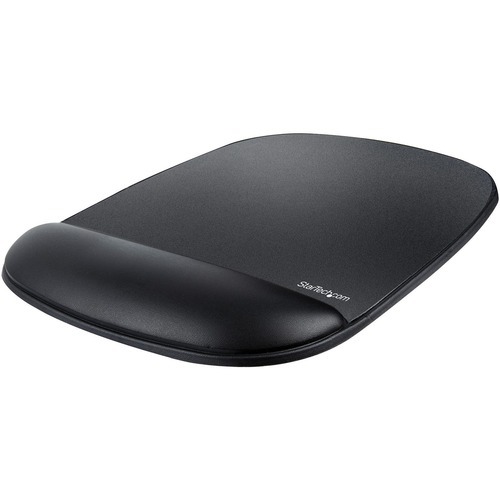
StarTech.com B-ERGO-MOUSE-PAD mouse pad Black
Mouse Pad |Cushioned Gel | Non-Slip Base | Wrist SupportThis computer mouse pad is the ideal ergonomic accessory to keep your wrist supported as you use your mouse, reducing strain and enhancing your comfort at work. The mouse pad area is 7.0 x 6.7 inches (180 x 170 mm).Designed for Comfort and SupportThe mouse pad features a 0.78 inch (20 mm) thick integrated gel-filled wrist rest. The neutral design of the mousepad and wrist rest allows for left or right-hand use while still contouring to your wrist, alleviating discomfort and providing support.Easy to use and maintainThe underside of the mouse pad and wrist rest is a non-slip surface and leaves no residue. The top surface of the mouse area is durable and easy to clean.The TAA compliant B-ERGO-MOUSE-PAD is backed for 2-years by StarTech.com, including free lifetime 24/5 multi-lingual technical assistance.The StarTech.com Advantage
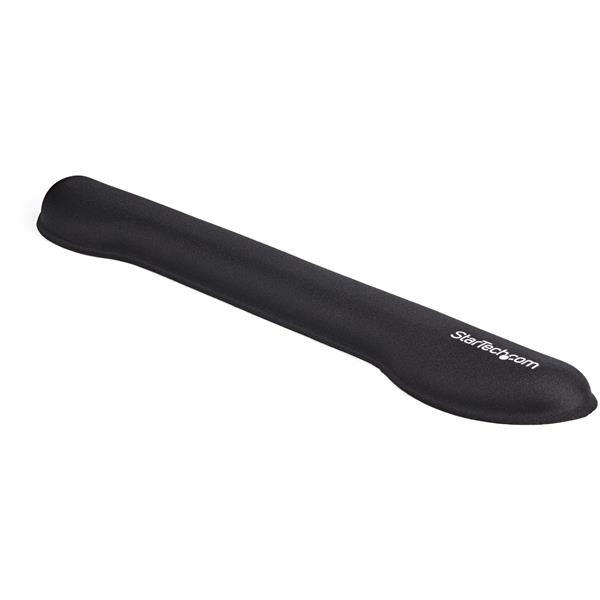
StarTech.com WRSTRST wrist rest Foam, Mesh, Plastic Black
Wrist Rest for Desk | Non-Slip Design | 2 Year WarrantyOnce you try this gel keyboard wrist rest, you’ll wonder how you ever got along without it. It helps to keep your wrist supported as you use your keyboard, to reduce strain and enhance your comfort at work. It’s the ideal ergonomic accessory. Easy to UseSimply install the gel arm rest next to your keyboard for wrist support whenever you type. Use it on your desk, table, sit-stand workstation, or even laptop. As you type, the gel supports your wrist, providing comfort and slight cushioning. It’s so light and comfortable, you’ll hardly know it’s there. Designed for Comfort and Support The innovative wrist cushion for keyboards features a modern design with a cushioned top surface that works like a wrist pillow. It gently cradles your wrist to provide support, helping to keep your hands in a neutral position while you type. The attractive black finish complements most workstations. The Choice of IT Pros Since 1985 StarTech.com conducts thorough compatibility and performance testing on all our products to ensure we are meeting or exceeding industry standards and providing high-quality products to IT Professionals. Our local StarTech.com Technical Advisors have broad product expertise and work directly with our StarTech.com Engineers to provide support for our customers both pre and post-salesThe WRSTRST is backed by a StarTech.com 2-year warranty and free lifetime technical supportThe StarTech.com Advantage- ERGONOMIC WRIST SUPPORT: Tailored for standard keyboards w/ numeric keypads at 18.3" long & 1" high, the foam wrist rest encourages neutral wrist posture & alleviates strain caused by hours of typing- OPTIMAL COMFORT: The wrist rest's soft, breathable nylon material keeps you comfortable & supported throughout the workday while the high quality foam cushion adds ergonomic wrist support to any desk.- NON-SLIP: The non-slip base keeps the padded wrist rest from slipping during use, providing extra grip on all desk surfaces & mouse pad mats & won't leave your computer, hands or arms sticky
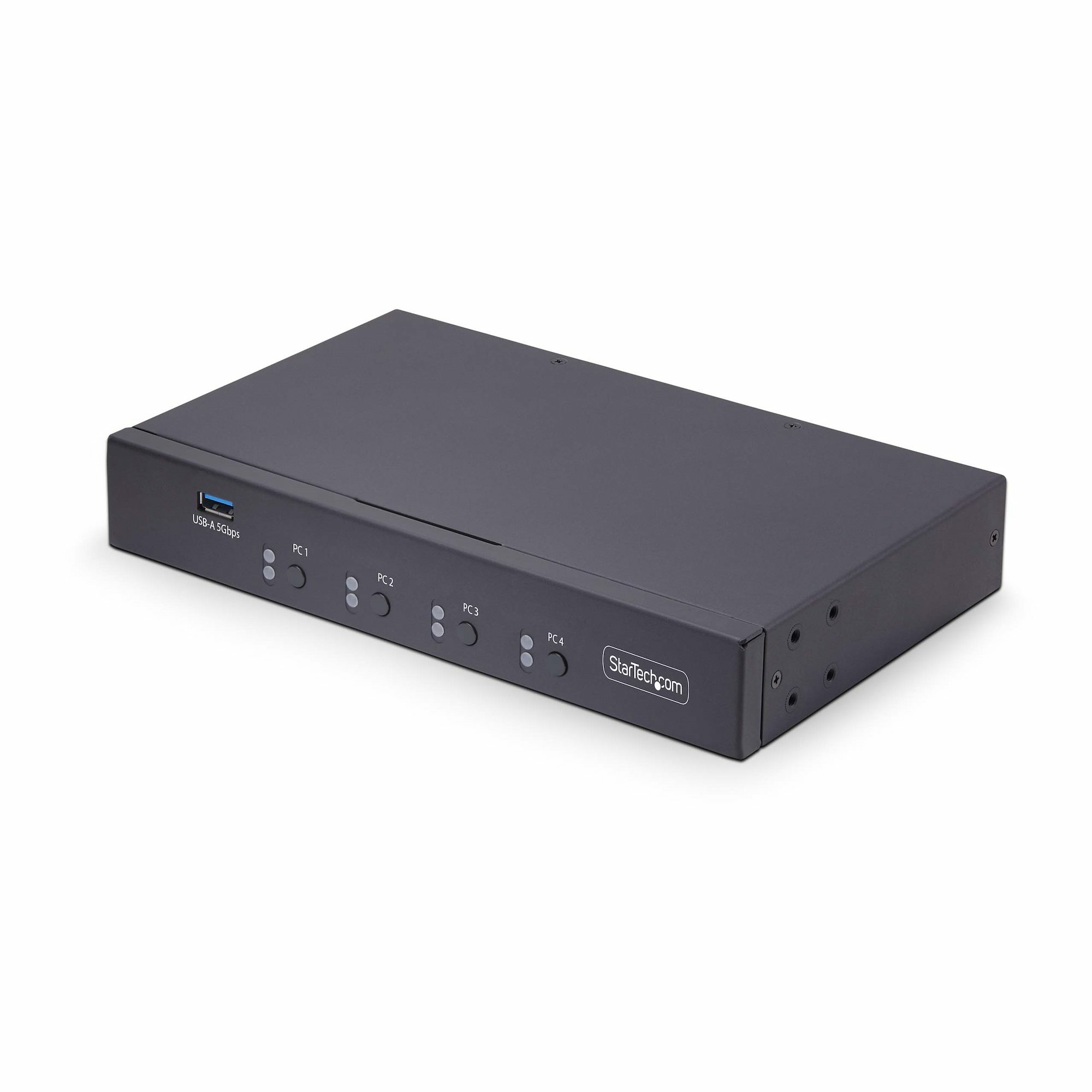
StarTech.com P4A20132-KM-SWITCH KVM switch Black
Control up to four computers with a single keyboard and mouseThis Keyboard and Mouse (KM) Switch enables switching a single keyboard and mouse between multiple computers using mouse roaming, allowing users to seamlessly move the cursor across multiple screens (i.e., one monitor per computer).Mouse SwitchingSwitch between computers by moving the mouse between monitors, enabling uninterrupted workflow and increased efficiency. Hotkey and push-button switching are universally compatible. Mouse Switching is supported by most major desktop operating systems, including Windows, macOS, and Linux.Preset Monitor LayoutsTo accommodate various physical monitor setups, there are four preset display configurations available. This allows for smooth mouse movement across host monitors.Thoughtful DesignHotkeys enable listening to audio from one computer while controlling another. USB audio and 3.5mm pass-through are available, and LEDs provide visual port selection status, while an audible buzzer confirms hotkey selection.Note: On computers with multiple monitors connected with Mouse Switching/Roaming enabled, mouse/keyboard operation is limited to the primary displayThe StarTech.com Advantage
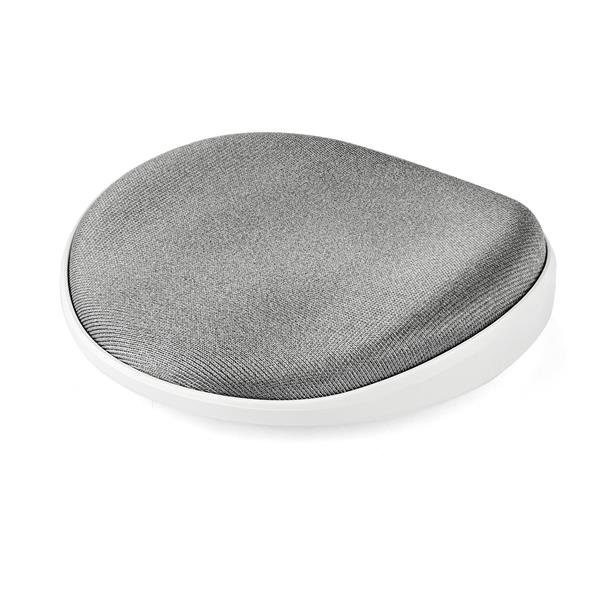
StarTech.com ROLWRSTRST wrist rest Foam, Mesh, Plastic Silver, White
Desk Wrist Pad | Fabric Padded | PortableOnce you try this sliding wrist rest, you’ll wonder how you ever got along without it. It helps to keep your wrist supported as you use your mouse, to reduce strain and enhance your comfort at work. It’s the ideal ergonomics accessory. Moves with YouSimply slide the desk wrist pad under your wrist anytime you use your mouse. Use it on your desk, table or sit-stand workstation. As you move your mouse, the wrist rest moves with you, providing comfort and slight cushioning. It’s so light and comfortable, you’ll hardly know it’s there. The sliding wrist rest provides more mobility than a static product like a mouse pad wrist rest or mouse hand rest.Designed for Comfort and Support The innovative wrist rest features a modern disc-shaped design with a contoured, cushioned top surface that works like a wrist pillow. It gently cradles your wrist to provide support, helping to keep your wrist in a neutral position while you use your mouse. The attractive silver fabric on top and the white base complement your workstation. Perfectly Portable Take your wrist rest with you, wherever you work. The compact design, with a 3.8" (9.6 cm) diameter, fits easily into your laptop bag.The TAA compliant ROLWRSTRST is backed by a StarTech.com 2-year warranty and free lifetime technical support.The StarTech.com Advantage- Ergonomic wrist rest helps to support your wrist, as you use your mouse- Compact and modern disc-shaped design, just 3.8" (9.6 cm) in diameter- Contoured padded top surface cradles your wrist, like a wrist pillow
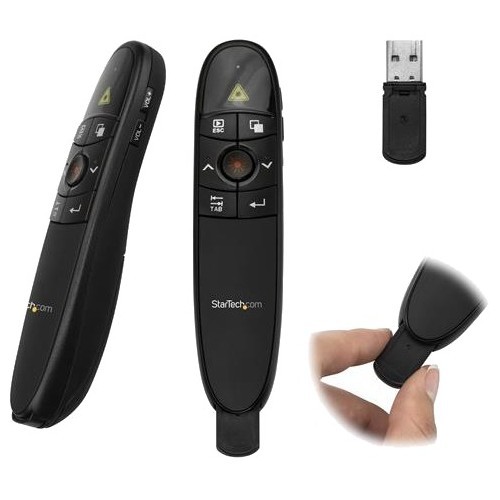
StarTech.com PRESREMOTE wireless presenter Black
Presentation Clicker | Mac & Windows | Slide & Volume Controls | Batteries IncludedThis wireless presentation remote helps you deliver seamless presentations by combining intuitive navigation and a laser pointer in a single compact unit.Engage Your AudienceBeing confined to your computer isn’t the most effective way to deliver a presentation, especially when you’re trying to engage your audience. This presentation clicker has a wireless range of 90 ft. (27 m) so you have control of what’s on your screen with the freedom to move around the room while controlling your presentation as if you were at your computer.Point Out Key MessagesWith a built-in red laser pointer, this presentation remote lets you guide your audience’s attention to critical information in your content. It’s also perfect for use as a slide advancer in PowerPoint presentations, websites or any other documents you want to share with your audience.Present from AnywhereThis wireless presentation clicker features a sleek, ergonomic design and includes the required batteries along with a protective carrying case, for total portability. You can store the wireless receiver inside the presentation remote when you’re not using it.The USB receiver works with virtually any Mac or Windows computer. Simply plug the receiver into your laptop and you're ready to present.PRESREMOTE is backed by a StarTech.com 2-year warranty and free lifetime technical support.The StarTech.com Advantage- Engage your audience, move freely around the room, with a wireless range of up to 90 ft. (27 m)- Easily control your presentation with intuitive push-button operation and no additional software or drivers required- Draw your audience's attention to specific on-screen content, using the built-in laser pointer
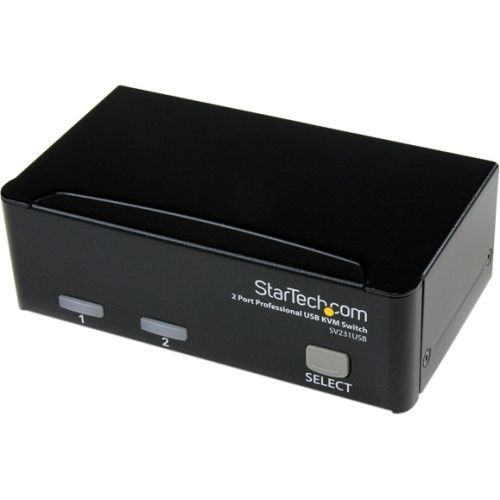
StarTech.com SV231USB KVM switch Black
StarTech.com SV231USB. Video port type: VGA, Console port: USB. Maximum digital resolution: 1920 x 1440 pixels. Product color: Black, Cable length: 70.9" (1.8 m), Certification: FCC. Input voltage: 110-240 V. Compliance certificates: RoHS
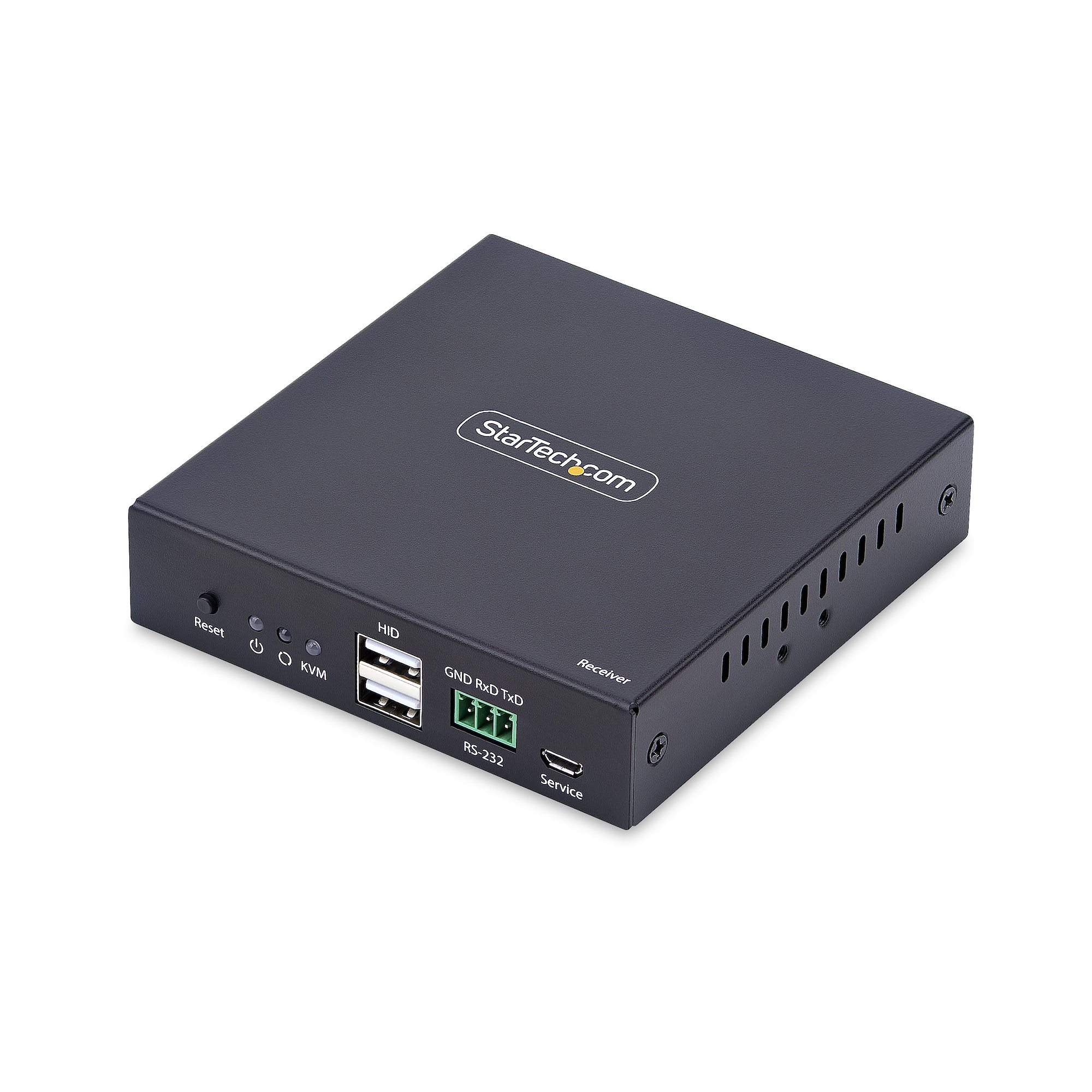
StarTech.com IH2006-KVM-RX KVM extender Receiver
Use this receiver unit for the IH2006-KVM-EXTENDER to extend an HDMI-enabled computer over IP, with support for RS-232 pass-through and 3.5mm audioThe AVoIP KVM Receiver enables remote computer access over an existing TCP/IP network using a keyboard, mouse, and 4K 60Hz HDMI monitor when paired with a compatible transmitter, keeping systems secure from unauthorized access and physical damage.Driver-Free InstallationThe plug-and-play design requires no drivers or software and is compatible with all major operating systems, including Windows, macOS, and Linux, as well as hardware platforms like Intel, AMD, Snapdragon/ARM, and Apple Silicon.Scalable, Flexible, and Future-ProofEasily expand your setup by adding multiple receivers to create a one-to-many configuration, making it easy to scale with your business needs for flexible and future-proof IP Video or KVM distribution.Professional-Grade DesignReceiver features a durable metal housing with mounting kits for wall or under-desk installation, plus rubber feet for desktop stability. RS232 and 3.5mm audio passthrough ports enable serial and audio extension.The StarTech.com Advantage
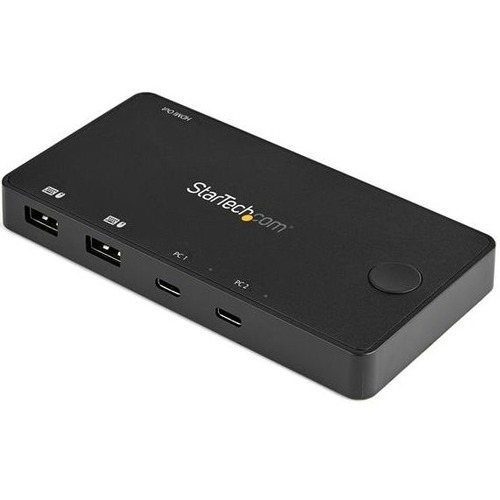
StarTech.com SV211HDUC KVM switch Black
USB-C™ with DP Alt Mode | HDMI® 2.0 | 4K 60Hz | Host Cables IncludedThis 2-port USB-C™ KVM enables you to easily switch between two USB Type-C or Thunderbolt™ 3 desktop or laptop computers, using a single keyboard, HDMI® monitor and mouse. Easy to Setup and Use Utilizing USB-C with DP alt-mode, this compact KVM switch only requires a single cable be connected to each of your computers, ensuring a small footprint with limited cabling requirements. All required cables for connecting your computers are included, to ensure a hassle-free setup right out of the box. For easy operation, the KVM features a single button that toggles between connected computers. Supports 4K 60Hz Resolutions The USB-C KVM switch supports UHD resolutions up to 4K (3840x2160) at 60Hz and can drive one large HDMI 2.0 display with ease, maximizing viewing space. Compact and Portable Along with the USB-C design that ensures cabling requires are minimum the KVM is bus powered further reducing clutter by avoiding the need for a bulky power adapter. The lightweight small form factor makes this mini KVM switch easy to deploy and is ideal for mobile/hot desk workforces. Guaranteed Compatibility The KVM is OS independent supporting all operating systems including Windows, Linux, macOS, iPadOS (Apple iPad Pro) and Android. StarTech.com has rigorously tested this product to ensure compatibility with all popular device brands including: Dell, HP, Apple and Lenovo. The SV211HDUC is backed by a StarTech.com 2-year warranty and free lifetime technical support.The StarTech.com Advantage
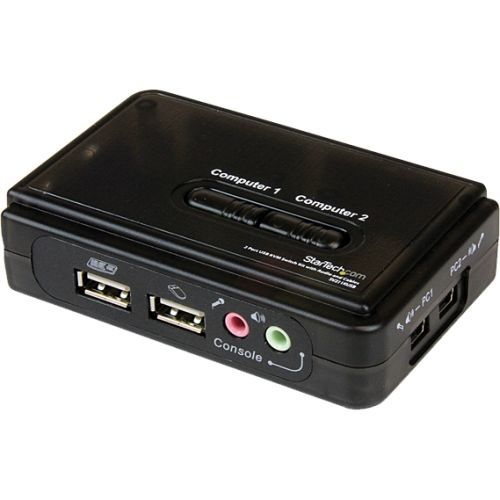
StarTech.com SV211KUSB KVM switch Black
Control 2 USB enabled computers with this complete KVM kit including cablesThe SV211KUSB 2 Port USB KVM Switch Kit with Audio and Cables lets you control two USB-enabled computers using a single keyboard, mouse and VGA monitor and offers both hotkey and top panel push-button operation for simple switching between connected computers. Designed to integrate seamlessly into any environment, the USB KVM switch offers a small footprint design (roughly the size of a deck of playing cards) and draws power from the connected computers, so it doesn't require an external power supply. A suitable solution for virtually any application, the USB KVM switch supports video resolutions of up to 2048 x 1536 as well as audio switching. The USB KVM switch includes two 4ft 2-in-1 VGA and USB Host Cables, providing everything needed for quick installation to provide a complete, out-of-the-box KVM solution. Delivering dependable and convenient control of multiple computers from a single peripheral station, the KVM switch is backed by a StarTech.com 2-year warranty and free lifetime technical support.The StarTech.com Advantage
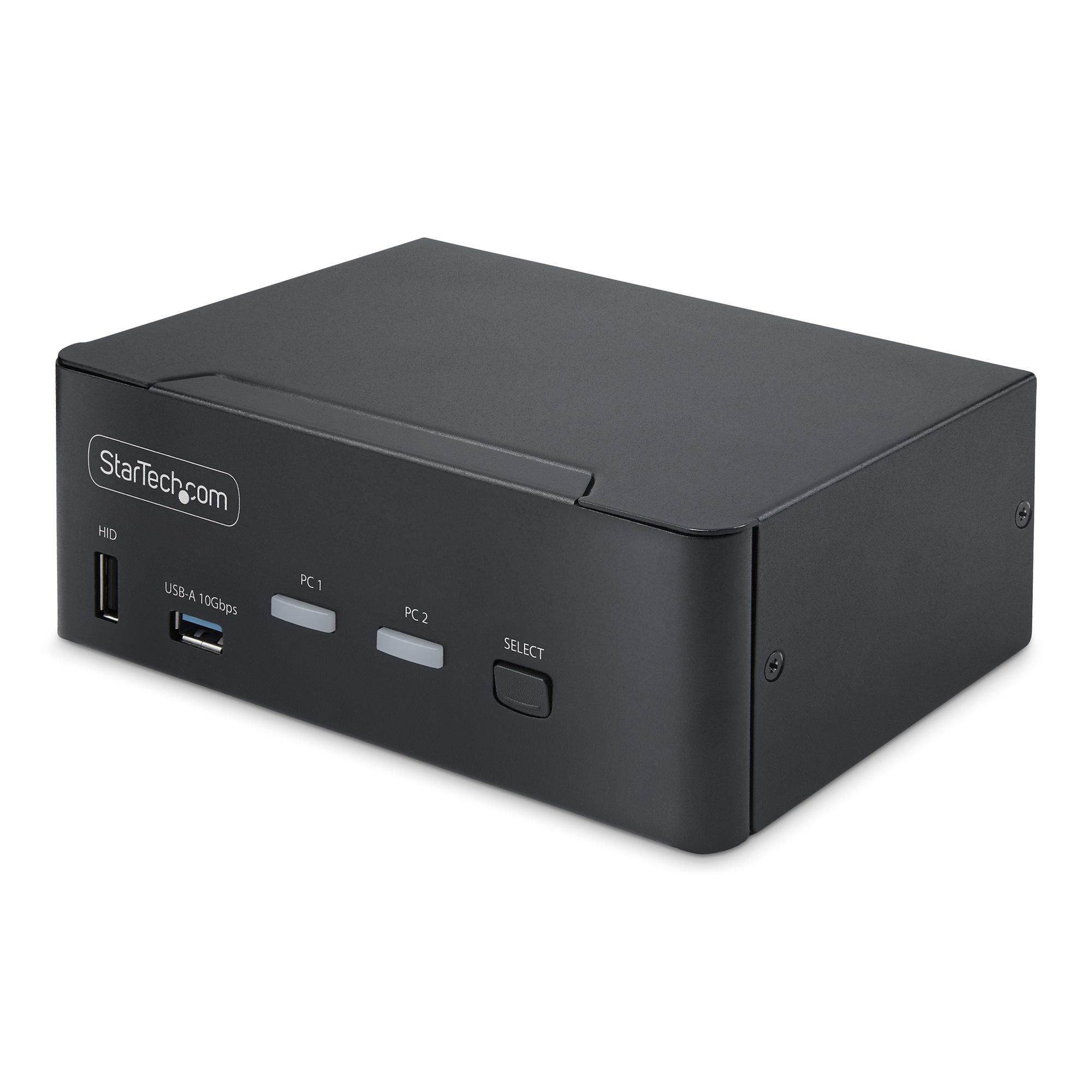
StarTech.com 2-Port Dual-Monitor DP 1.4 KVM switch
Share a mouse, keyboard, USB (10Gbps) Hub, and dual 8K 60Hz DisplayPort monitors between two DisplayPort-enabled computersThis dual-monitor KVM switch allows users to switch between two USB and DisplayPort-enabled desktops. It allows for sharing of dual-8K 60Hz DisplayPort monitors, a keyboard and mouse, and two USB 10Gbps devices.Dual-8K 60Hz Displays & USB 10Gbps Hub PortsThis TAA-compliant KVM Switch supports dual 8K 60Hz DisplayPort monitors, making it ideal for working with high-resolution graphics or video. It also features two USB 3.2 Gen 2 (10Gbps) hub ports for fast data transfer, and four USB HID ports for the keyboard, mouse, and two additional USB peripherals.Fast Switching with USB EmulationUSB emulation technology enables faster keyboard, video, and mouse switching compared to traditional KVMs. USB Emulation also ensures compatibility with combo keyboards/mice and keyboards featuring extra function keys.Switching OptionsThis Universal KVM Switch offers hotkey or push-button switching options. Hotkeys allow for independent switching of audio, enabling audio playback from one computer while controlling the other. An audible buzzer confirms hotkey input, and LEDs provide a visual status of the selected host.The StarTech.com Advantage
Item(s) added to cart
Netgear GS105E-200NAS ProSafe Plus Switch, 5-Port Gigabit Ethernet - 5 Ports - 2 Layer Supported - Wall Mountable - Lifetime Limited Warranty-None Listed Compliance
MFR: Netgear, Inc
Qty: 1
Part #: GS105NA