
Amer Networks Sit-Stand Combo Workstation Wall Mount System with Extended Display Arm
Amer Networks Sit-Stand Combo Workstation Wall Mount System with Extended Display Arm
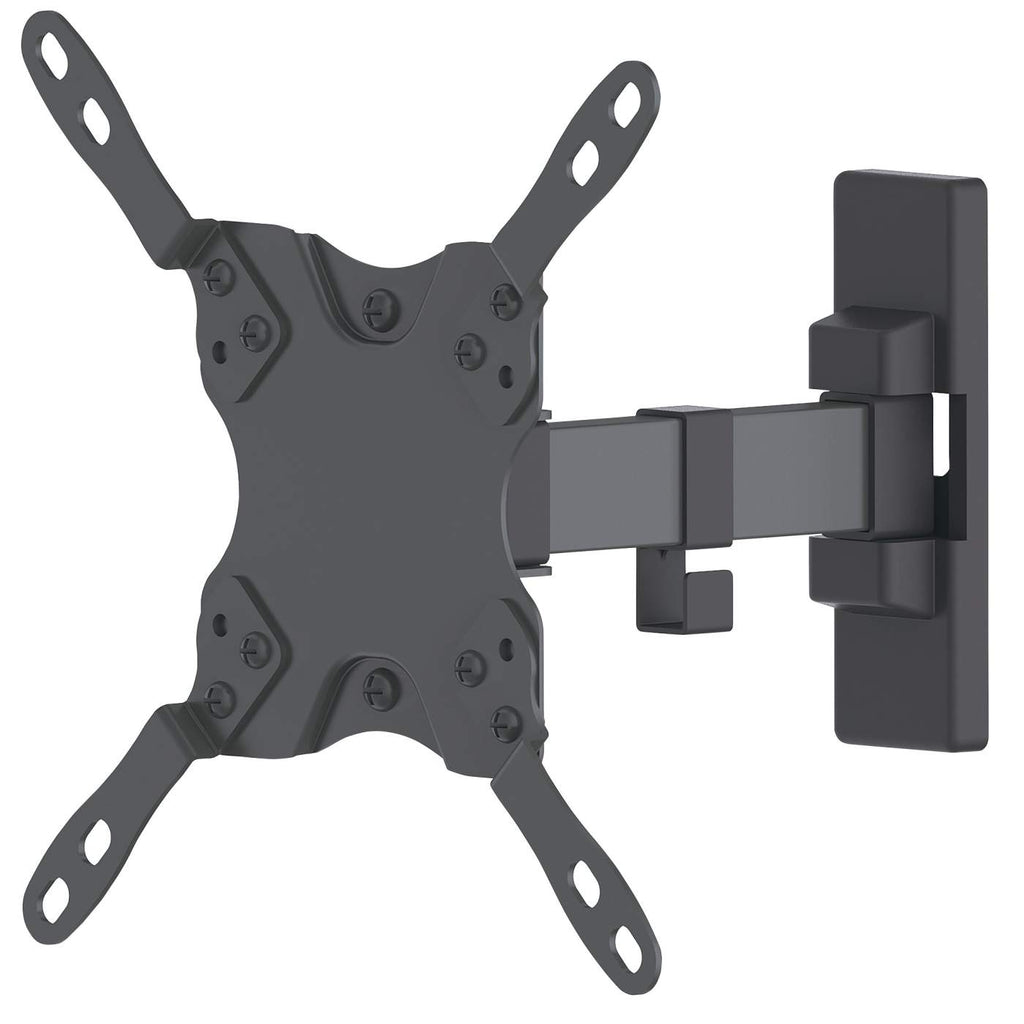
MANHATTAN/INTELLINET UNIVERSAL FLAT-PANEL ARTICULATING MOUNT
MANHATTAN/INTELLINET UNIVERSAL FLAT-PANEL ARTICULATING MOUNT
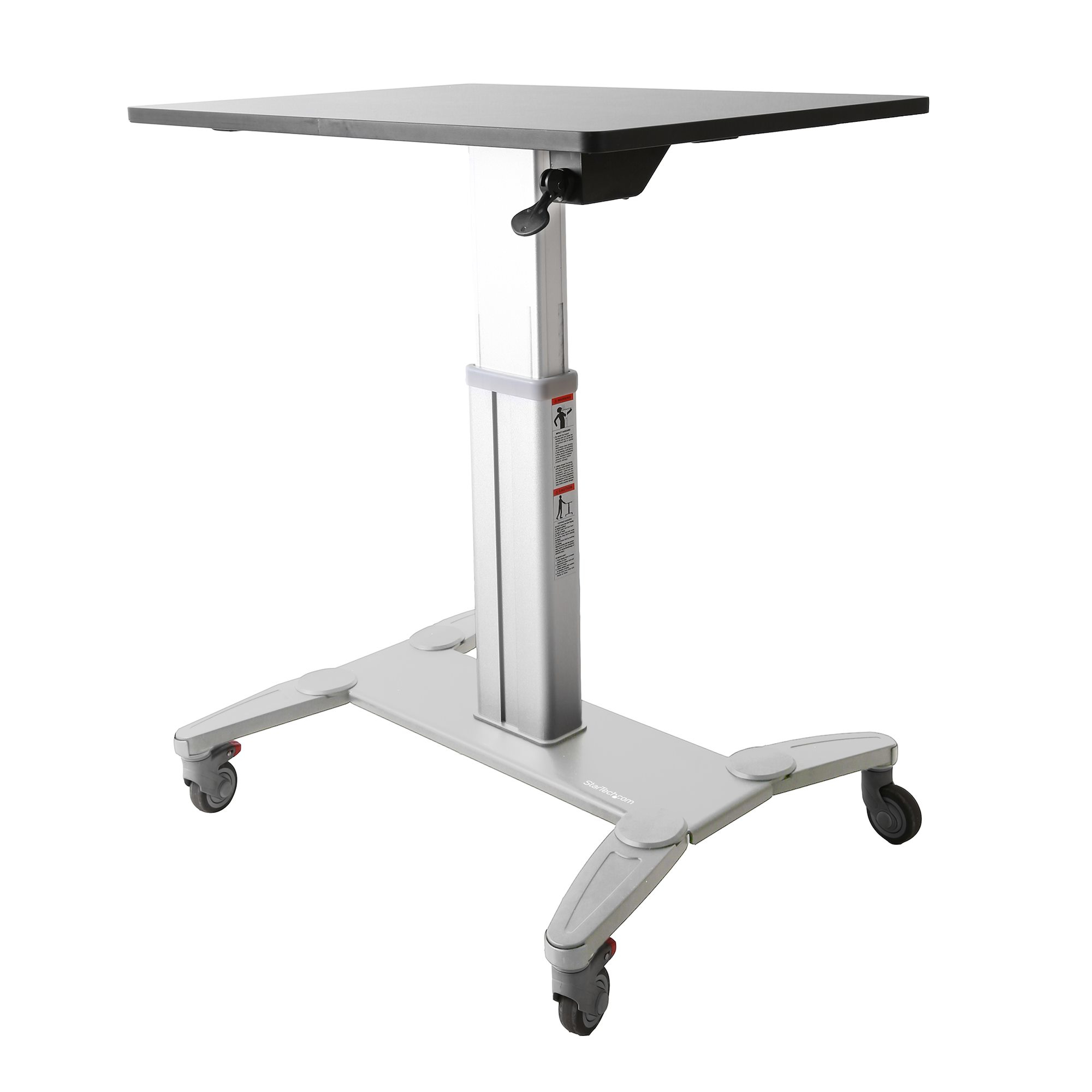
StarTech.com STSCART desktop sit-stand workplace
Increase student's comfort and productivity with mobile desks that feature easy height adjustmentEncourage interactive classrooms and engaged learning with StarTech.com mobile sit-stand workstations.These sit-stand desks allow students to set up their learning environments to suit their needs. The workstations can easily be adjusted from a sitting position to a standing position with no disruptions to the class. Teachers can arrange and rearrange their classrooms according to their lessons, they can set up individual desks for tests or lectures, or group two or more desks together for projects. The two front casters can be locked in place to prevent the workstations from moving.Simple height adjustments for individualized comfortMoving between sitting and standing throughout the day brings many health benefits, from increased circulation to reduced fatigue. The sit-stand workstations make it easy for students to change their positioning throughout the day, keeping them attentive and focused. Giving students the freedom to stand when needed can also help to reduce anxiety and restlessness.Students can adjust the desk to any height between 31.75" (806.45 mm) and 45" (1150 mm), they simply need to squeeze the lever located under the work surface, and then move the workstation up or down. The adjustment lever on the right side of the desktop can also be locked using the provided key, so that the height won't accidentally change if a student knocks the lever.There are no preset heights, so each student can find the precise height they need to work most comfortably.Large work surface sized to fit student needsThe large surface area of the desktop, 24" (600 mm) x 31.5" (800 mm), provides ample room for all schoolwork and supplies such as textbooks, pens, and other stationery.For laptop configurations, the workstations feature cable clips that run down the column in order to help keep cables organized. The workstations can also be combined with monitor mounts" append_qs="filter_NUMOFDISPLAY=1 to add displays. The work surface also provides enough room for a keyboard and mouse.Note: If more than 10 lb. (4.5 kg) of weight is added to the work surface, some manual force will be needed to raise the desktop.Mobile desks, perfect for customizable classroomsTeachers can create dynamic environments to accommodate different needs. They simply need to unlock the two front casters and move the workstations around the classroom to:• Split students into groups for projects• Pull individuals aside for personalized one-on-one learning• Sit the students in a circle for presentations and to encourage group conversations• Set up a standard classroom configuration for lectures and testsTeachers can also use the workstations for presentation purposes. The mobile workstations are ideal for moving around from class to class with laptops and other tools, and the height can be adjusted and locked.The portable desks can also be used in the following settings:• Office training rooms• Warehouses and manufacturing sites where workstations are shared amongst many individuals and need to be moved between different testing areas• Home offices• IT departments as server crash cartsThe STSCART is backed by a StarTech.com 2-year warranty and free lifetime technical support.The StarTech.com Advantage
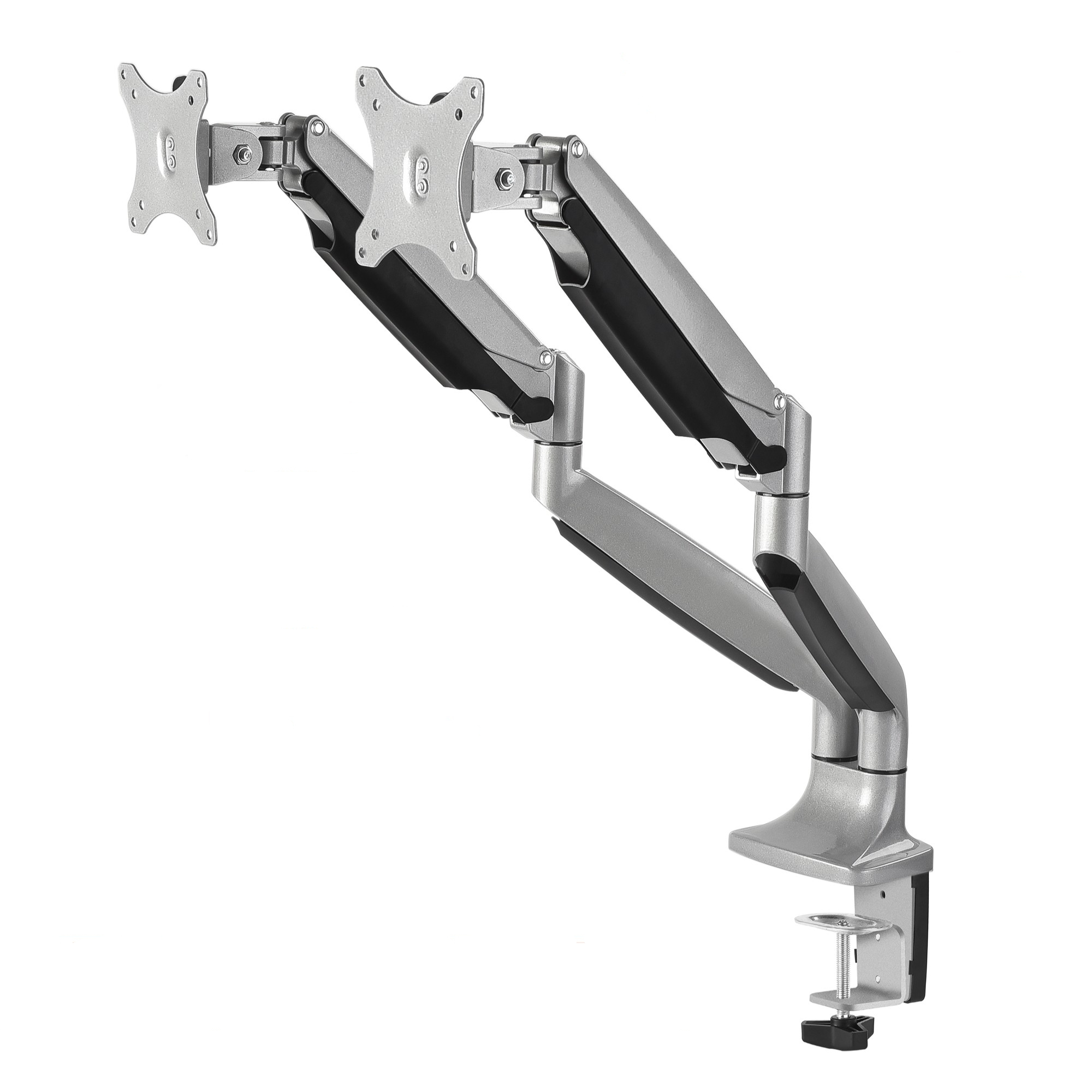
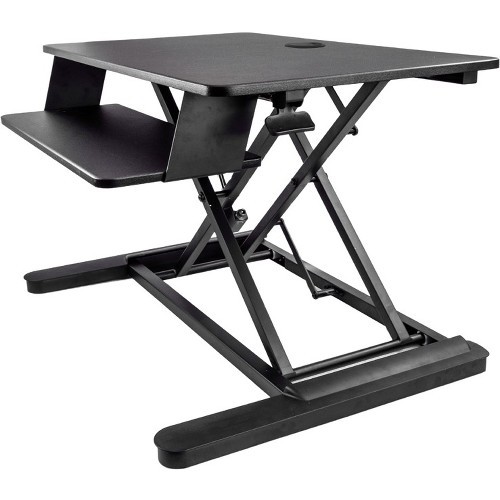
StarTech.com ARMSTSLG desktop sit-stand workplace
Work in comfort and enhance productivity, by turning your desk into a spacious sit-stand workspaceThis sit-stand desk converter, featuring a large work surface, lets you change your working position with ease, to enhance your comfort and productivity.Go from sitting to standing, with one smooth motionWith a simple squeeze of a paddle, you can easily switch your position to sitting or standing, to keep a balanced level of movement. The workstation features a pneumatic spring arm that provides effortless movement - you simply raise or lower the platform with one squeeze of the lever. You can adjust the standing desk to match your exact height requirements, with a height adjustment range of 15.7" (399 mm).A cost-effective ergonomic solutionCreate an ergonomic work space at a fraction of the cost of a standing desk. Simply place the sit-stand desk converter on your existing work surface (minimum 26" depth), to enjoy the benefits of a height-adjustable standing desk.Flexible setupWith a large 35" (wide) work surface, the sit-stand workstation gives you plenty of setup options, supporting two monitors (up to 24" each), or one monitor (up to 30"); with a generous weight capacity of 12.7 kg (28.1 lb.).You can also use the grommet hole and provided hardware to mount a monitor arm to the workstation. It supports many StarTech.com monitor arms including ARMDUAL, ARMPIVOT and ARMSLIM.The ARMSTSLG is backed by a StarTech.com 2-year warranty and free lifetime technical support.The StarTech.com Advantage
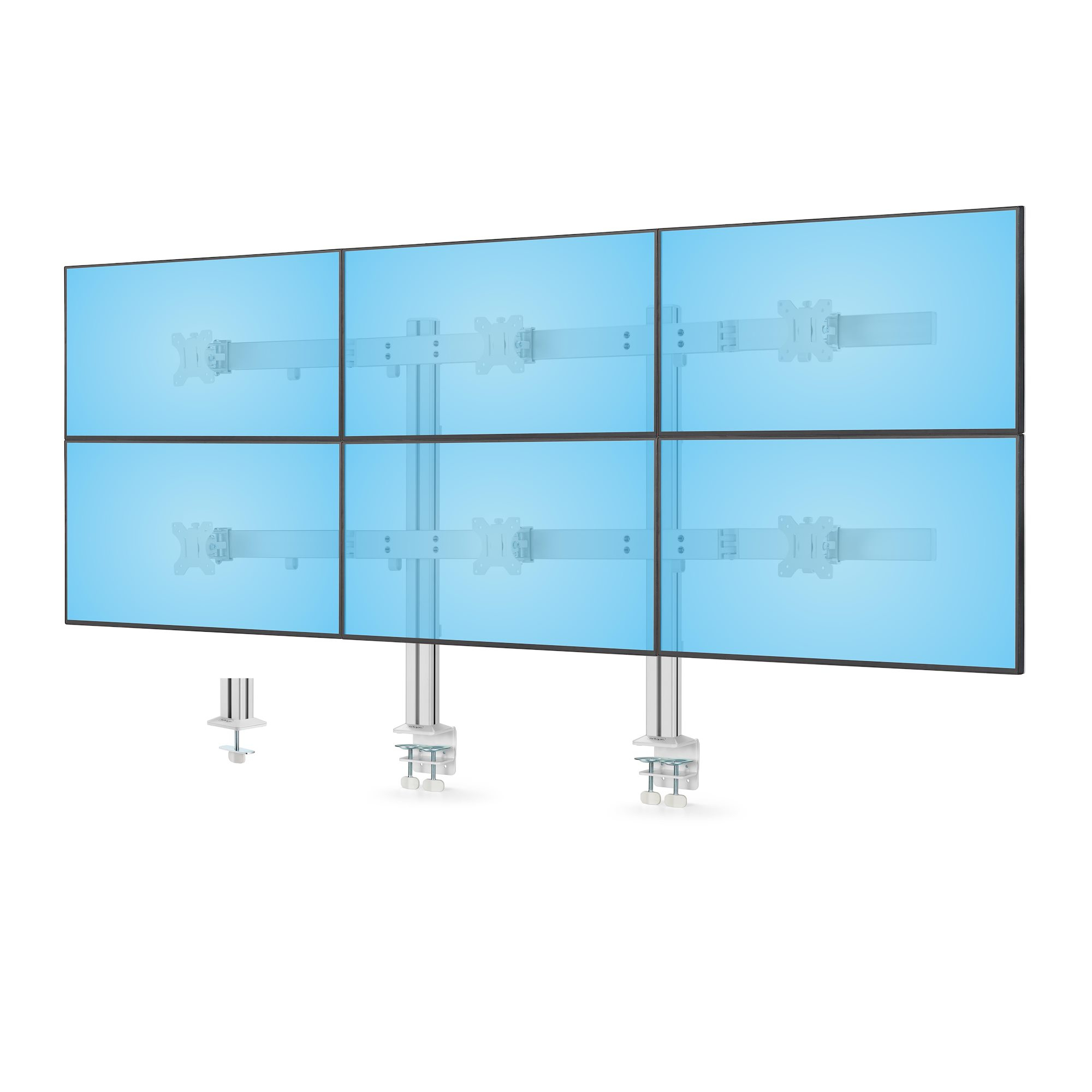
StarTech.com 6-MONITOR-ARM-A monitor mount / stand 32" Desk White
Six monitor desk mount with support up to 32" displays with articulation and height adjustment. VESA compatible 75x75/100x100This monitor desk mount is designed to support up to six 32-inch displays, creating an ergonomic multi-monitor setup that provides a vast viewing area for productivity.Dual-Column StabilityThe dual-column design, sturdy aluminum construction, and enhanced c-clamp base ensure long-lasting stability. This design prevents tilting over time and evenly distributes weight across the desk for reliable support.Perfect 3x2 SetupThis monitor setup is ideal for data aggregation and monitoring applications such as financial analysis, security monitoring, control rooms, and other activities that require an extensive viewing area.Individual micro-height adjustment enables precise alignment of each monitor.Display AdjustmentThe ergonomic VESA plate support +/-17° swivel, +/-34° tilt, and 360° screen rotation for portrait or landscape orientation, and 75x75/100 patterns. Each display mount can support up to 17.6lb (8kg).Every monitor can be positioned along the 71.1-inch (1.8m) wide crossbars. The outer monitors can be angled (+/-16°) toward the user.Convenient InstallationThe mount offers dual mounting options: robust C-clamps for desks from 0.4 to 2.9in (1 to 7.5cm) thick or grommet hole mounts for desks from 0.4 to 1.7in (1 to 4.5cm) thick.Each crossbar can be positioned along the two 33.5-inch (85.3cm) columns, providing flexible height options.All VESA plates are removable for easy installation or removal of the monitors.Organized WorkspaceTo maintain an organized workspace, the mount includes cable clips for the crossbars and columns to keep cables neatly tucked away and out of sight. Combine accessories such as cable ties and hooks (parts HKLP25GN and CBMZT8B) for a tidier setup.The StarTech.com Advantage
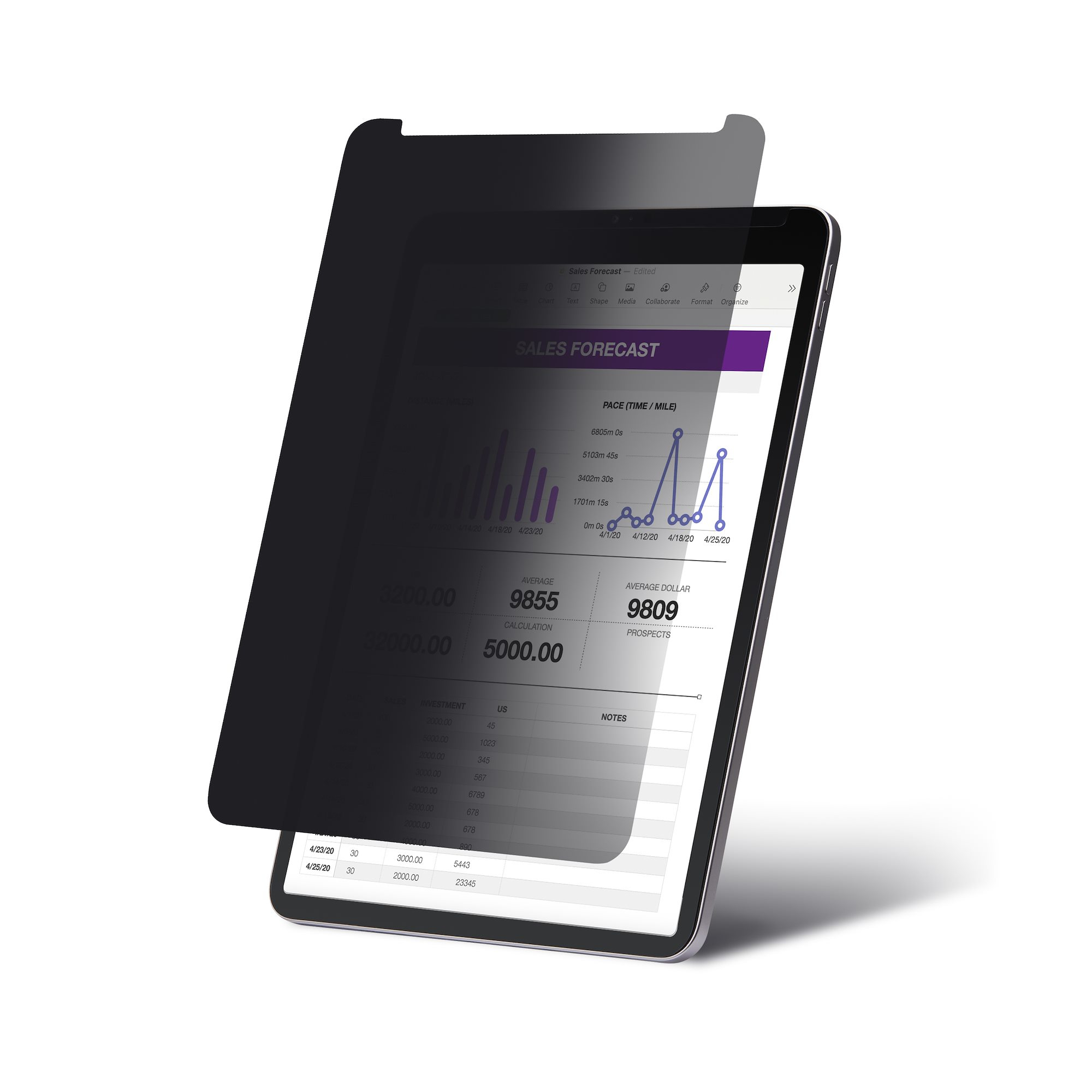
StarTech.com 11IP-PRIVACY-SCREEN display privacy filters 11" Tablet Frameless display privacy filter
Prevent visual eavesdropping by limiting the viewing angle of an iPad screenThis 11-inch iPad Pro Privacy Screen smoothly transitions from a clear view to an obscured screen beyond the intended viewing angle, significantly enhancing visual privacy in office or public environments. The anti-glare matte finish helps to reduce reflections in glare-prone environments and provides additional screen protection with a scratch and fingerprint-resistant coating.4-Way Privacy and Touch SupportThe security filter ensures optimal privacy in portrait or landscape orientations when viewed beyond 30° from the center, covering a total visible area of 60°. It supports touchscreen input and gestures, preserving the interactive experience of an iPad while maintaining the confidentiality of on-screen content.InstallationThe screen protector is compatible with all generations of the 11" iPad Pro up to Gen 4/M3 and features a precise fit that does not interfere with the display, camera, or speakers. The included installation kit and step-by-step instructions allow for a one-time application to the iPad screen. Please note that due to the camera's repositioning to landscape orientation in newer models, this privacy filter is not compatible with the 11-inch iPad Pro M4 .Blue Light ReductionThis Blue Light Reduction Privacy Shield reduces eye strain and improves visual comfort by blocking 40% - 51% of the blue light emitted from the display (in the 380nm - 480nm wavelength range). Symptoms of digital eye strain, such as headaches, dry eyes, and blurred vision, can be alleviated by using blue-light filtering privacy screens.The StarTech.com Advantage
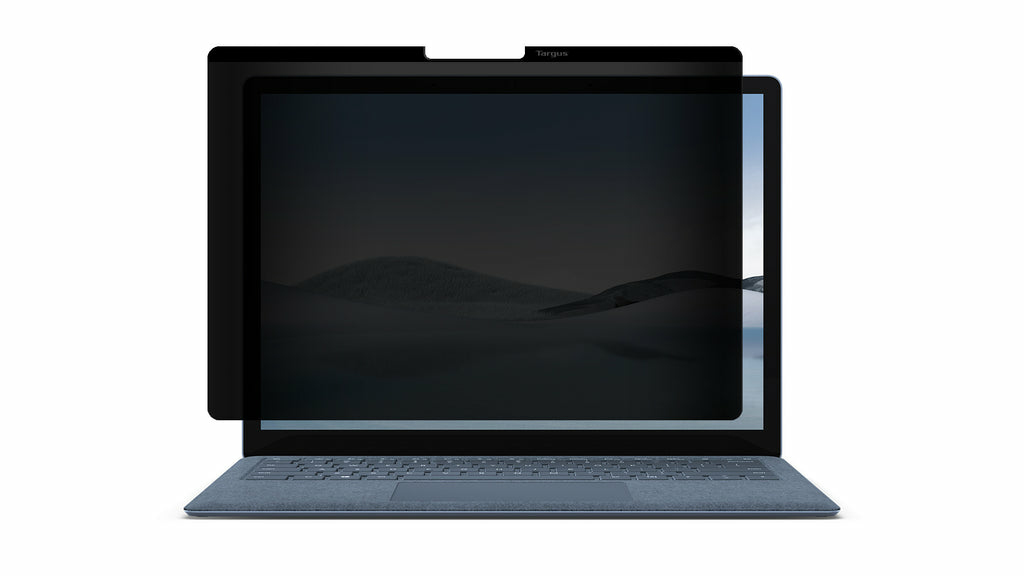
Targus ASM502AMGL display privacy filters 15" Netbook Frameless display privacy filter
The Privacy Screen protects your information using tiny vertical blinds on the surface of the privacy screen, which narrow the viewing angle so data is only visible directly in front of the monitor up to 30° away from the center of the screen.Onlookers will only see a dark, unclear screen when attempting to view the information from a side angle when held in landscape orientation. In addition to providing security, the screen also helps block the glare from lights and windows. The Privacy Screen can be easily attached by using the included attachments.Easy On, Easy OffExpertly designed to fit the Microsoft Surface™ Laptop 5 (15-inch) and Surface Laptop 4, the privacy screen is equipped with magnetic strips to easily apply and remove from your screen as you see fit.30° Viewing AngleEven in public places like hotel lobbies, airplanes, or cafes, the 4Vu Privacy Screen keeps your data safe from prying eyes. Your content is visible only to the person directly in front of the screen and up to 30° on either side. You have full clarity and visibility, while onlookers or passersby see only a black screen.Reduced Glare, Even in Bright RoomsOur anti-reflective coating reduces glare and improves light transmittance under most viewing conditions. The result is brightness that’s up to 12.4% higher than competitive privacy screens for comfortable, clear views.Antimicrobial PropertiesIdeal for touch screen applications, the privacy screen features Targus DefenseGuard™ Antimicrobial Protection, which creates a cleaner touchpoint surface and works continuously to prevent the growth of microorganisms. Unlike topically applied sprays, DefenseGuard privacy screens are treated with an antimicrobial additive that does not wear off and lasts for the life of the product.
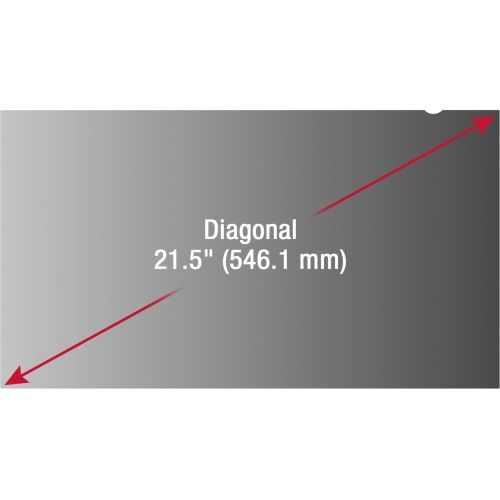
Viewsonic VSPF2150 display privacy filters Frameless display privacy filter 21.5"
Product Description Protecting confidential information from unauthorized viewing is crucial for businesses, government institutions, and consumers alike. The ViewSonic® Privacy Filter Screen Protector powered by Tech Armor™ keeps sensitive and confidential data on your screen from being visually compromised, without sacrificing front-of-screen performance. The Privacy Filter Screen Protector maintains a clear view directly in front of your screen, while blocking visibility when the screen is viewed from a side angle. In addition, the anti-glare coating on the Privacy Filter Screen Protector helps to reduce eye strain while increasing work productivity. Key Applications: - Healthcare - Financial services - Government - Business - Education Key Features: - Industry standard 60-degree viewing angles protects on-screen data from being visually compromised - Anti-glare, anti-reflective surface for enhanced viewing comfort - Durable design prolongs life of privacy filter, and also protects screen against scratches - Quick and easy installation - Hassle-free two-year manufacturer warranty
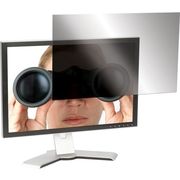
Targus ASF23W9USZ monitor accessory Screen protector
The Targus Privacy Filter is designed to fit 23” widescreen LCD monitors with 16:9 ratio screens. To protect your information, tiny vertical blinds on the surface of the privacy screen narrow the viewing angle so data is only visible directly in front of the monitor up to 45 degrees away from the center of the screen. Onlookers will only see a dark unclear screen when attempting to view the information from a side angle. In addition to providing security, the screen also blocks the glare to help reduce eye strain. The Targus Laptop Privacy Screen can be easily attached by using clear adhesive strips designed for LCD filters or with the included tab guides that stick to the edge of the LCD bezel to hold the screen in place. Users can also position the tabs so the screen easily slides on and off. Highly portable and easy to use, the Targus Privacy Screen prevents onlookers from viewing valuable information viewed on a laptop or LCD monitor.
Item(s) added to cart
Netgear GS105E-200NAS ProSafe Plus Switch, 5-Port Gigabit Ethernet - 5 Ports - 2 Layer Supported - Wall Mountable - Lifetime Limited Warranty-None Listed Compliance
MFR: Netgear, Inc
Qty: 1
Part #: GS105NA