
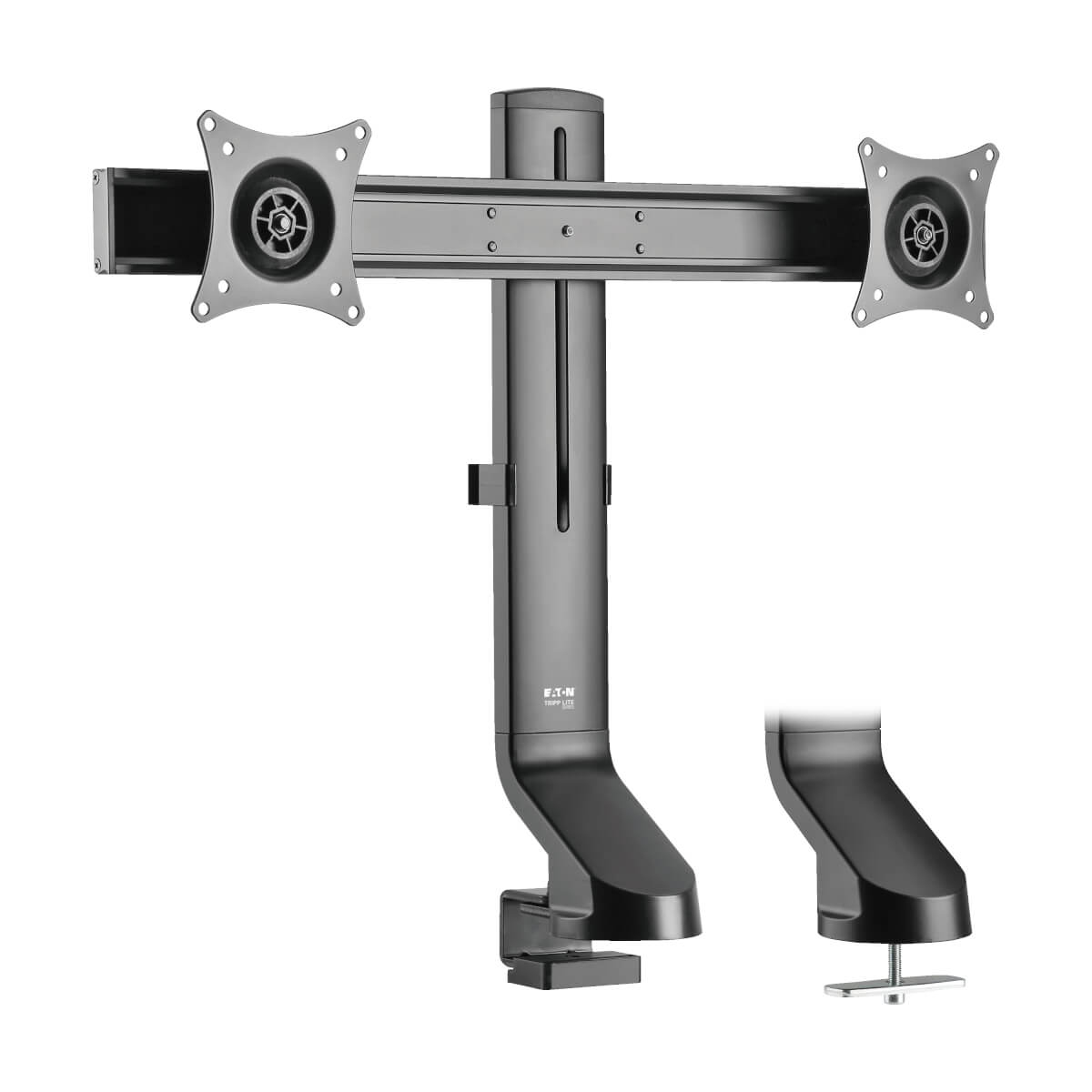
Tripp Lite DDR1727DC monitor mount / stand 27" Black Desk
Low-Profile Monitor Desk Mount Makes It Easy to Adjust the Height of Your MonitorsAdjusting the height of desktop flat-panel displays at home or the office often requires a lot of effort - loosening fasteners, moving the monitor up and down, tightening knobs to secure the monitor in place. With the DDR1727DC, all it takes is a simple turn of the easy-grip knob on the back of the vertical support for fast one-touch adjustment from 9.4 to 18.5 inches. The monitor arm is compatible with flat-panel screens ranging from 17 to 27 inches. Choose Clamp or Grommet Mounting to Match Your PreferenceThis monitor mount includes a clamp for attaching it to the edge of a desk or table and a grommet for secure mounting through the desktop. The clamp supports surfaces ranging from 0.4 to 1 inch thick. Grommet mounting works with surfaces from 0.4 to 1.6 inches thick. Maximum weight capacity is 15.4 pounds (6.9 kg) per screen. Cables are efficiently routed through the rear of the arm to reduce clutter and keep cords organized.Swivel, Tilt and Rotate the Screen to Find the Perfect and Most Comfortable Viewing AngleThis monitor-arm desk mount adjusts independently to optimize viewing angles and improve ergonomics. To minimize screen glare, reduce eye fatigue and increase viewing comfort, the mount features -10° to +10° tilt, 10° swivel and 180° rotation for position your screens in portrait or landscape orientation. Easy screen adjustment lets you quickly find just the right angle without interrupting your workday. The slim design makes this dual-monitor mount ideal for sit-stand workstations.VESA-Compliant Mounting Ensures Display CompatibilityVESA (Video Electronics Standards Association) promotes uniformity in the video electronics industry by developing standards for TVs and monitors. For hassle-free display compatibility, this mount supports the following VESA mounting hole patterns: 75 x 75 and 100 x 100. Mounting hardware is included.Sure to Stand Up to Frequent UseThe durable steel frame withstands the stress of repeated adjustments. Its scratch-resistant powder-coated finish tolerates frequent handling and blends easily into any home or office décor.
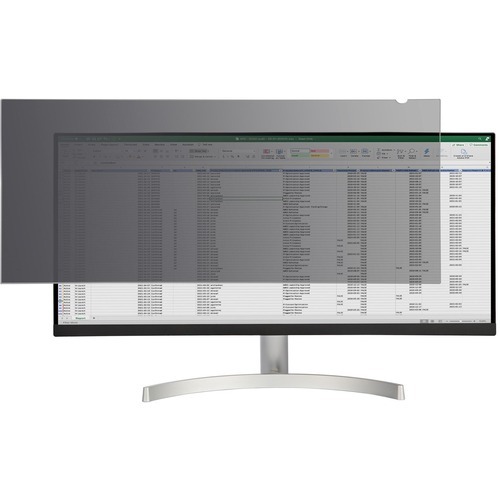
StarTech.com PRIVSCNMON34W display privacy filters 34" Monitor Frameless display privacy filter
Prevent visual eavesdropping by limiting the viewing angles of your computer monitor screenThe monitor privacy screen is easy to attach and remove. Simply attach the 34 inch ultrawide privacy screen to your 21:9 aspect ratio display using the attachment strips or slide-mount tabs. This confidentiality screen filter is also reversible. The matte side provides you with glare reduction and the glossy side of the privacy screen will provide you with increased clarity.Protect Your PrivacyThe privacy screen protector for desktop monitors is a great investment if you want to protect your privacy. It is a convenient and cost-effective way to keep your classified information, intellectual property or any other important data you wish to keep protected. You can have a peace of mind while working in the office or public environments because you know your screen is protected with the 30+/- degree privacy viewing angle. The cutout on the top corner of the privacy screen makes it easy to remove for sharing content with trusted audiences or switching between finishes.Blue Light ReductionLowering blue light exposure is important. To reduce digital eye strain, the monitor privacy film blocks between 40% to 51% of the blue light in the wavelength range of 380nm to 480nm.Antimicrobial ProtectionOur privacy screens feature an anti-microbial coating on the matte-side of the filter. Embedded antimicrobial technology provides protection against bacterial microbes by continuously eliminating up to 99.99% of certain surface bacteria. Antimicrobial screen protectors are ideal for environments where disinfection is important.The Choice of IT Pros Since 1985StarTech.com conducts thorough compatibility and performance testing on all our products to ensure we are meeting or exceeding industry standards and providing high-quality products to IT Professionals. Our local StarTech.com Technical Advisors have broad product expertise and work directly with our StarTech.com Engineers to provide support for our customers both pre and post-sales.The TAA compliant PRIVSCNMON34W is backed by a StarTech.com 2-year warranty and free lifetime technical support.The StarTech.com Advantage
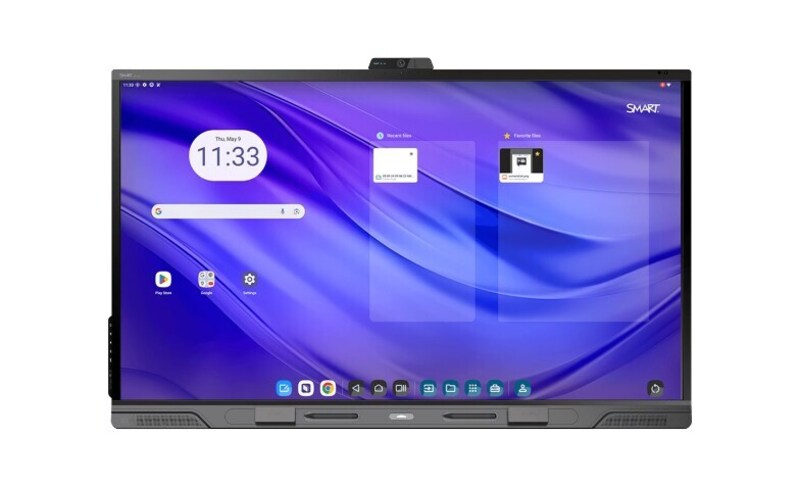
SMART TECHNOLOGIES SMART BOARD QX075-V2 PRO SERIES INTERACTIVE DISPLAY WITH IQ
SMART TECHNOLOGIES SMART BOARD QX075-V2 PRO SERIES INTERACTIVE DISPLAY WITH IQ

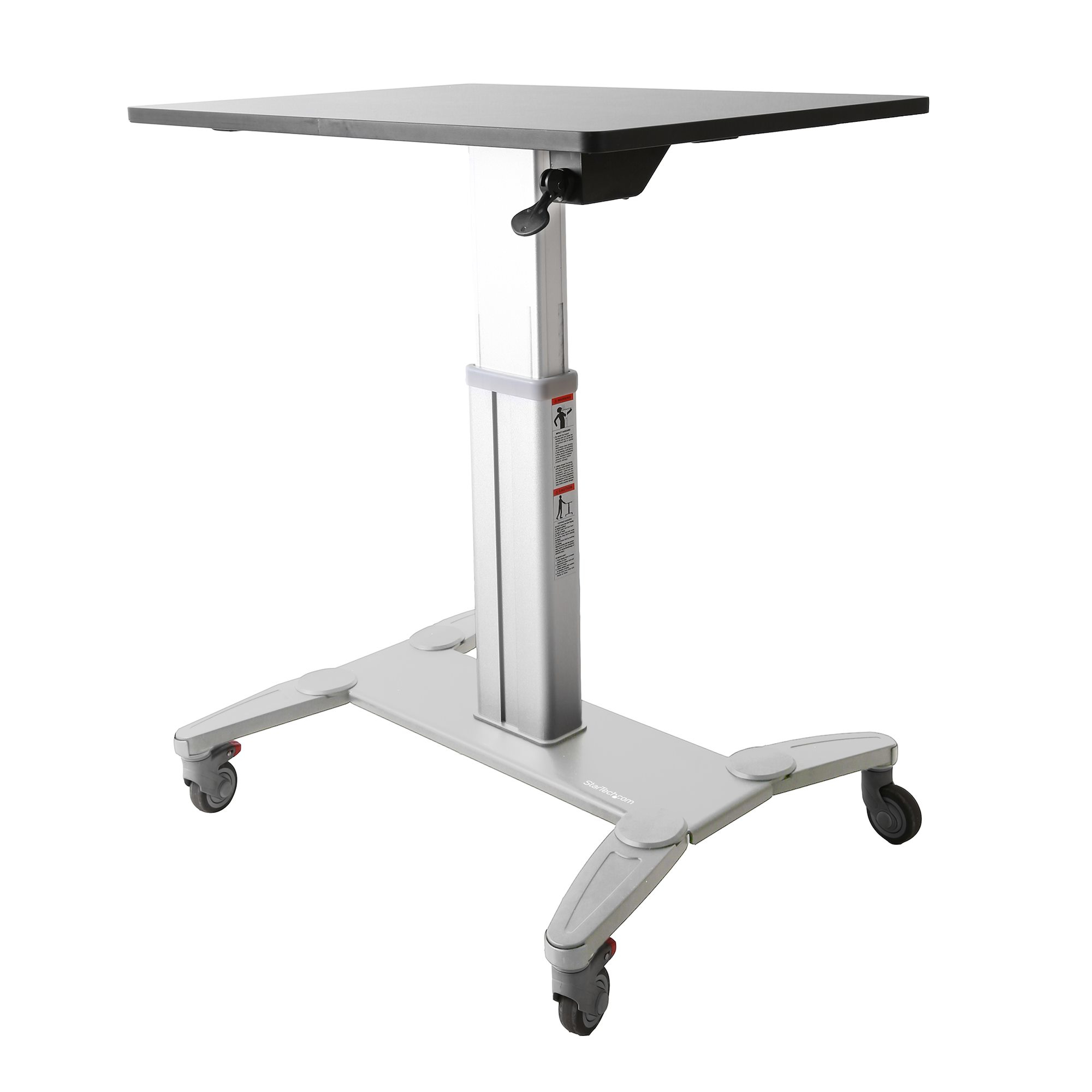
StarTech.com STSCART desktop sit-stand workplace
Increase student's comfort and productivity with mobile desks that feature easy height adjustmentEncourage interactive classrooms and engaged learning with StarTech.com mobile sit-stand workstations.These sit-stand desks allow students to set up their learning environments to suit their needs. The workstations can easily be adjusted from a sitting position to a standing position with no disruptions to the class. Teachers can arrange and rearrange their classrooms according to their lessons, they can set up individual desks for tests or lectures, or group two or more desks together for projects. The two front casters can be locked in place to prevent the workstations from moving.Simple height adjustments for individualized comfortMoving between sitting and standing throughout the day brings many health benefits, from increased circulation to reduced fatigue. The sit-stand workstations make it easy for students to change their positioning throughout the day, keeping them attentive and focused. Giving students the freedom to stand when needed can also help to reduce anxiety and restlessness.Students can adjust the desk to any height between 31.75" (806.45 mm) and 45" (1150 mm), they simply need to squeeze the lever located under the work surface, and then move the workstation up or down. The adjustment lever on the right side of the desktop can also be locked using the provided key, so that the height won't accidentally change if a student knocks the lever.There are no preset heights, so each student can find the precise height they need to work most comfortably.Large work surface sized to fit student needsThe large surface area of the desktop, 24" (600 mm) x 31.5" (800 mm), provides ample room for all schoolwork and supplies such as textbooks, pens, and other stationery.For laptop configurations, the workstations feature cable clips that run down the column in order to help keep cables organized. The workstations can also be combined with monitor mounts" append_qs="filter_NUMOFDISPLAY=1 to add displays. The work surface also provides enough room for a keyboard and mouse.Note: If more than 10 lb. (4.5 kg) of weight is added to the work surface, some manual force will be needed to raise the desktop.Mobile desks, perfect for customizable classroomsTeachers can create dynamic environments to accommodate different needs. They simply need to unlock the two front casters and move the workstations around the classroom to:• Split students into groups for projects• Pull individuals aside for personalized one-on-one learning• Sit the students in a circle for presentations and to encourage group conversations• Set up a standard classroom configuration for lectures and testsTeachers can also use the workstations for presentation purposes. The mobile workstations are ideal for moving around from class to class with laptops and other tools, and the height can be adjusted and locked.The portable desks can also be used in the following settings:• Office training rooms• Warehouses and manufacturing sites where workstations are shared amongst many individuals and need to be moved between different testing areas• Home offices• IT departments as server crash cartsThe STSCART is backed by a StarTech.com 2-year warranty and free lifetime technical support.The StarTech.com Advantage
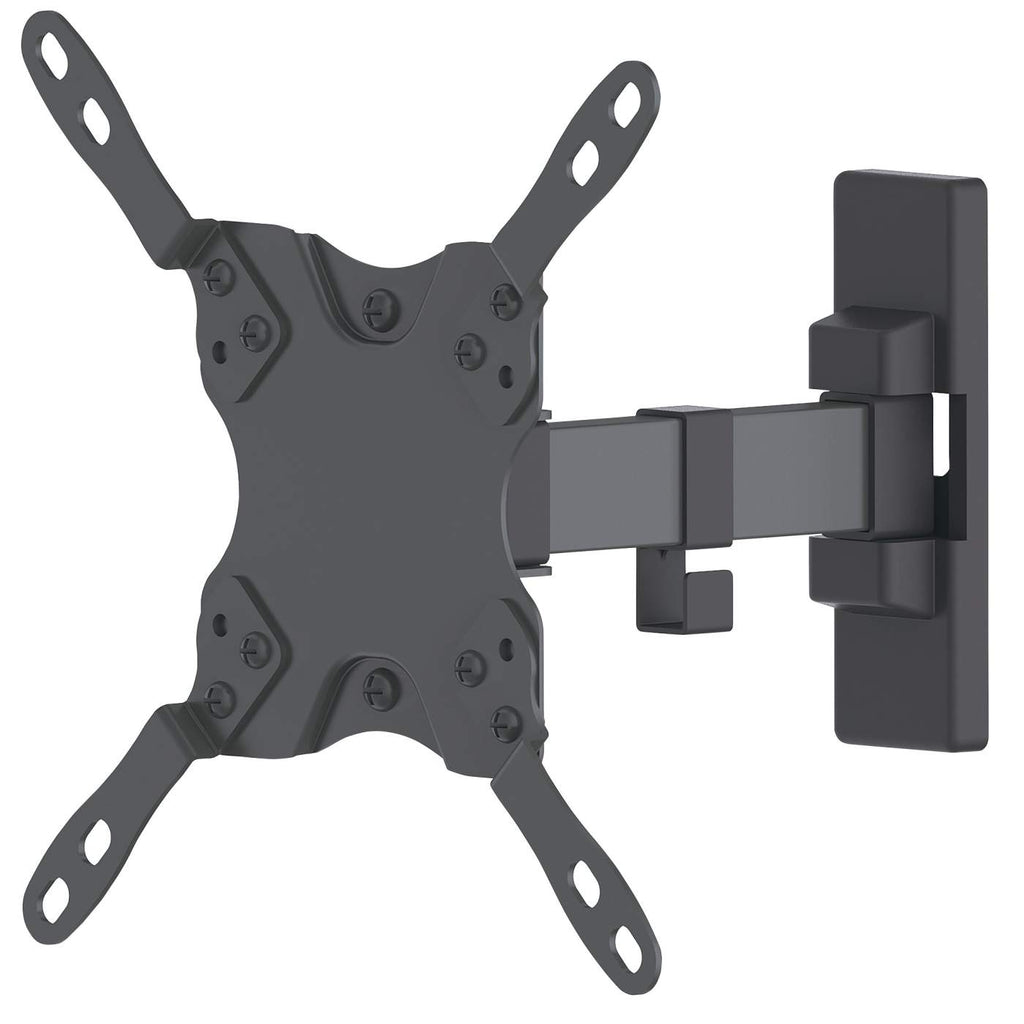
MANHATTAN/INTELLINET UNIVERSAL FLAT-PANEL ARTICULATING MOUNT
MANHATTAN/INTELLINET UNIVERSAL FLAT-PANEL ARTICULATING MOUNT
Amer Networks Sit-Stand Combo Workstation Wall Mount System with Extended Display Arm
Amer Networks Sit-Stand Combo Workstation Wall Mount System with Extended Display Arm
Item(s) added to cart
Netgear GS105E-200NAS ProSafe Plus Switch, 5-Port Gigabit Ethernet - 5 Ports - 2 Layer Supported - Wall Mountable - Lifetime Limited Warranty-None Listed Compliance
MFR: Netgear, Inc
Qty: 1
Part #: GS105NA