
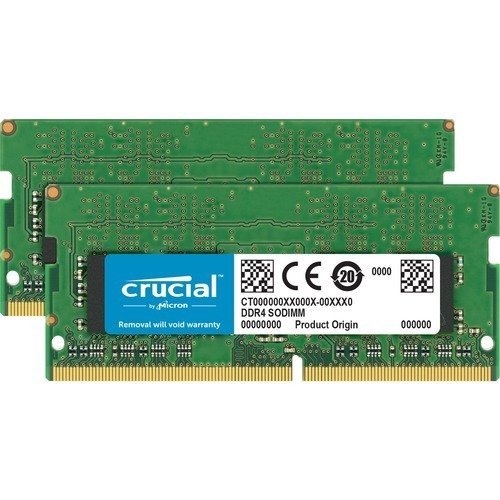
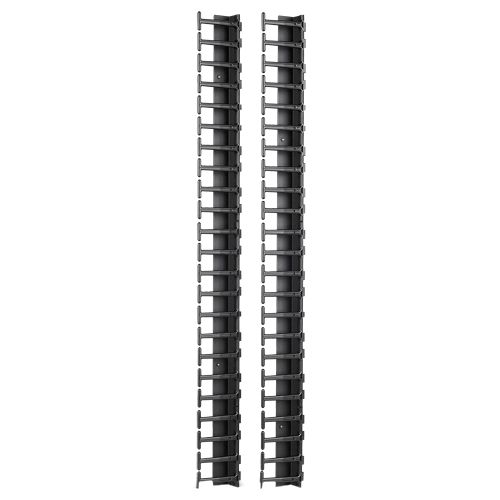
APC AR7721 rack accessory
Cable management accessory to help eliminate cable stress and maintain a neat, organized cable layout within an enclosure or a rack
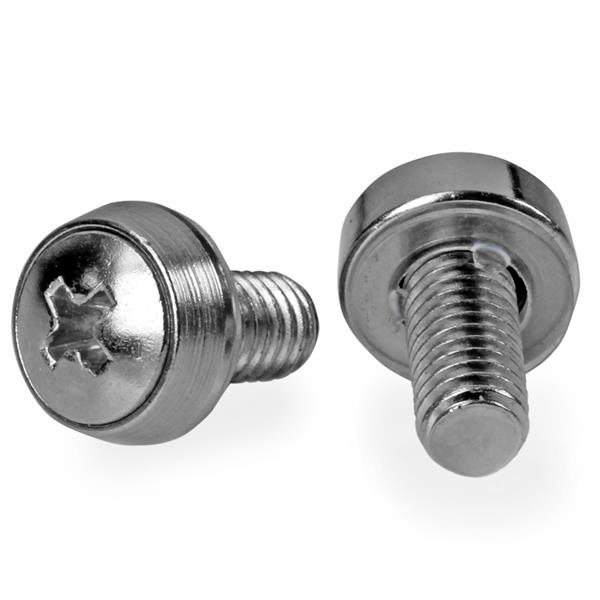
StarTech.com CABSCREWSM62 rack accessory Screw
Install your rack-mountable hardware securely with these high-quality screwsThis 100-pack of M6 mounting screws is convenient to have on hand for installing rack-mountable equipment, such as your server, network or audio/video equipment. This TAA compliant product adheres to the requirements of the US Federal Trade Agreements Act (TAA), allowing government GSA Schedule purchases.They are also suitable for new server rack and cabinet setups - perfect for those times when you drop or misplace a screw or two. The bulk package ensures that you have enough screws available for all of your installations, when you need them.The CABSCREWSM62 is backed by a StarTech.com 2-year warranty.The StarTech.com Advantage
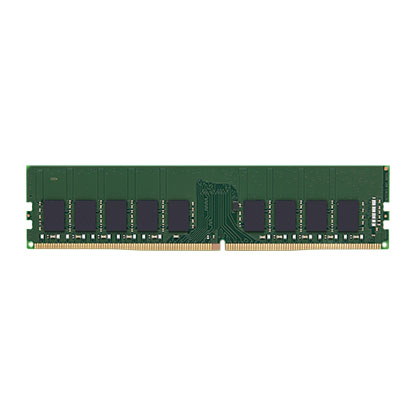
Kingston Technology KTD-PE426E/16G memory module 16 GB 1 x 16 GB DDR4 2666 MHz ECC
Kingston memory is designed, manufactured and rigorously tested to meet the exact specifications of each brand name system.
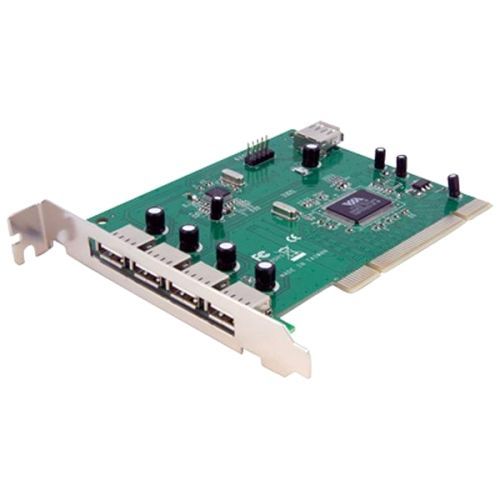
StarTech.com PCIUSB7 interface cards/adapter Internal USB 2.0
Add 7 USB 2.0 Ports to your PC through a PCI slotThis PCI USB card adds seven USB 2.0 ports (1 internal USB A Female, 2 internal USB motherboard header, and 4 external USB A Female) to your PCI-capable PC.The PCI USB 2.0 card is a versatile solution that lets you add USB 2.0 connections without having to upgrade the system motherboard.An all-in-one solution, the PCI USB card supports USB 2.0 device connections for full data transfer speeds of up to 480Mbps, and is backward compatible with USB 1.1 devices (max. transfer rate 12Mbps), allowing you to connect any USB device to the computer without having to worry about compatibility issues.Designed and constructed to provide long-lasting USB capability, the adapter card is backed by StarTech.com's free lifetime technical support.The StarTech.com Advantage
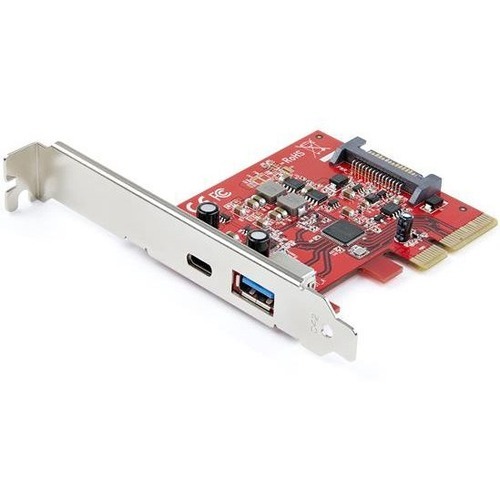
StarTech.com PEXUSB311AC3 interface cards/adapter Internal USB 3.2 Gen 2 (3.1 Gen 2)
PCIe 3.0 | USB Type-C & USB Type-A | 5V 3A/15W via USB-C | 5V 0.9A/4.5W via USB-A | UASPThis USB 3.2 Gen 2 card lets you add one USB-C™ port and one USB-A port to your computer, through a PCI Express slot. It enables you to upgrade your current system by adding two USB 3.2 Gen 2 ports to your computer and giving you access to data transfer speeds up to 10Gbps per port. USB 3.2 Gen 2 (also known as USB 3.1) PCIe Add-On card supports Multiple INs, maintains optimal bandwidth even when mixed speed devices are connected. Plus, by adding one USB-C and one USB-A port to your PC, you can easily connect legacy, modern, and future USB devices, regardless of the USB connector type. USB 3.2 Gen 2 Performance By adding 10Gbps USB ports to your computer, you can harness the speed of USB 3.2 Gen 2 and rest assured you're ready for both current and future high-bandwidth USB-A and USB-C devices. With higher data throughput support, this USB 3.2 PCIe card is a necessity for external drives, drive enclosures, and many other USB 3.2 peripherals. Plus, the expansion card with SATA power enables supplemental power to the USB ports (when motherboard power is insufficient) providing up to 5V 3A/15W via the USB-C port and 5V 0.9A/4.5W via the USB-A port. The card is ideal for use with high performance external storage solutions. Compatible with Older USB Devices Connecting older peripherals isn't a problem. This versatile dual-port USB 3.2 card is backward compatible with legacy USB 3.2 Gen 1/2.0 devices that use the common USB Type-A port, so you can eliminate the added expense and aggravation of purchasing new devices. You can also connect older devices on the USB Type-C™ port using a variety of USB-C cables and adapters. Easy Installation The USB 3.2 card is compatible with a broad range of Windows®; macOS and Linux® operating systems. Plus, the high-quality card includes both standard-profile and low-profile brackets, making it easy to install in full or small form-factor PCs and servers. Faster Transfer Speeds with UASP The card supports USB data transfer speeds of 10Gbps. But, you can experience transfer speeds up to 70% faster than conventional USB, when connected to a computer that also supports UASP. With UASP you can utilize the full potential of a SATA III SSD or HDD. UASP is supported in Windows® 8, macOS (10.8 or above), and Linux®. In testing, UASP performs with a 70% faster read speed and 40% faster write speed over traditional USB 3.2 Gen 2 at peak performance. At the same peak in testing, UASP also shows an 80% reduction in required processor resources. The PEXUSB311AC3 is backed by a StarTech.com 2-year warranty and free lifetime technical support.The StarTech.com Advantage
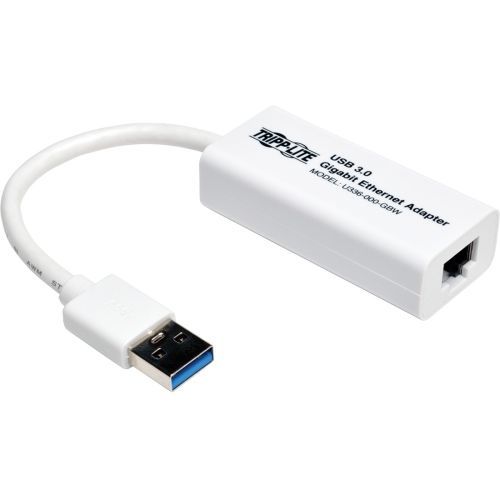
Tripp Lite U336-000-GBW network card Ethernet 1000 Mbit/s
USB 3.0 to Gigabit Ethernet Adapter Connects You to a Wired 10/100/1000 Mbps NetworkThis USB 3.0 Gigabit Ethernet NIC network adapter instantly connects your computer, laptop, notebook, MacBook, Ultrabook or Chromebook to a 10/100/1000 Mbps network through a USB port. No internal Ethernet card is required. Just connect the built-in USB plug to your computer, and use a Cat5e/6 cable (sold separately) to connect the RJ45 end to a wired Gigabit Ethernet network. This network adapter is ideal for use in areas where Wi-Fi is unavailable or a wired connection offers faster speeds.Compliant with State-of-the-Art USB 3.0 SpeedsBecause this Gigabit Ethernet adapter complies with USB 3.0 (5 Gbps) specifications, you are ensured true 10/100/1000 Mbps network speed without a compromise in signal quality.Plug-and-Play Operation Lets You Begin Transferring Data Almost ImmediatelyNo external power is required. Just connect the adapter to both your computer and an RJ45 Gigabit Ethernet port for network access without the need to find an AC outlet. The lightweight unit is easy to carry in a pocket, purse, backpack or laptop bag for instant file transfers where needed. It’s compatible with Windows, Mac and Linux.Manufactured to Exacting Standards to Ensure a Full Ethernet ExperienceThis USB 3.0 Gigabit Ethernet adapter complies with IEEE 802.3 (10Base-T), 802.3u (100Base-TX), 802.3ab and 802.3az (Energy Efficient Ethernet) standards. It supports full- and half-duplex operations, suspend mode and remote wakeup via link-up and magic packet. Diagnostic LEDs indicate when you are connected to a network and when data is being transferred.
Lenovo 4X90Q84427 network card Ethernet
ThinkPad Ethernet Extension Adapter Gen2 is the unique Ethernet cable for ThinkPad selected systems, enabling Ethernet connections, and supporting PXE and Remote control features. With a small form factor and a cable length of 80 mm, it is convenient and portable. Driver-free, plug and use.
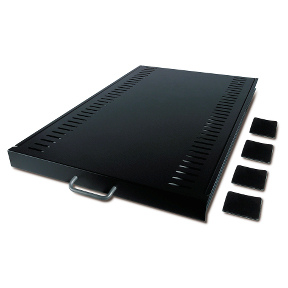
APC AR8123BLK rack accessory Rack shelf
Sliding shelf to enable the mounting of tower units, monitors, and other equipment into the rack environment
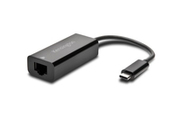
Kensington CA1100E USB-C to Ethernet Adapter
Kensington CA1100E USB-C to Ethernet Adapter. Connectivity technology: Wired, Host interface: USB Type-C, Interface: Ethernet. Maximum data transfer rate: 1000 Mbit/s. Product color: Black
Item(s) added to cart
Netgear GS105E-200NAS ProSafe Plus Switch, 5-Port Gigabit Ethernet - 5 Ports - 2 Layer Supported - Wall Mountable - Lifetime Limited Warranty-None Listed Compliance
MFR: Netgear, Inc
Qty: 1
Part #: GS105NA