
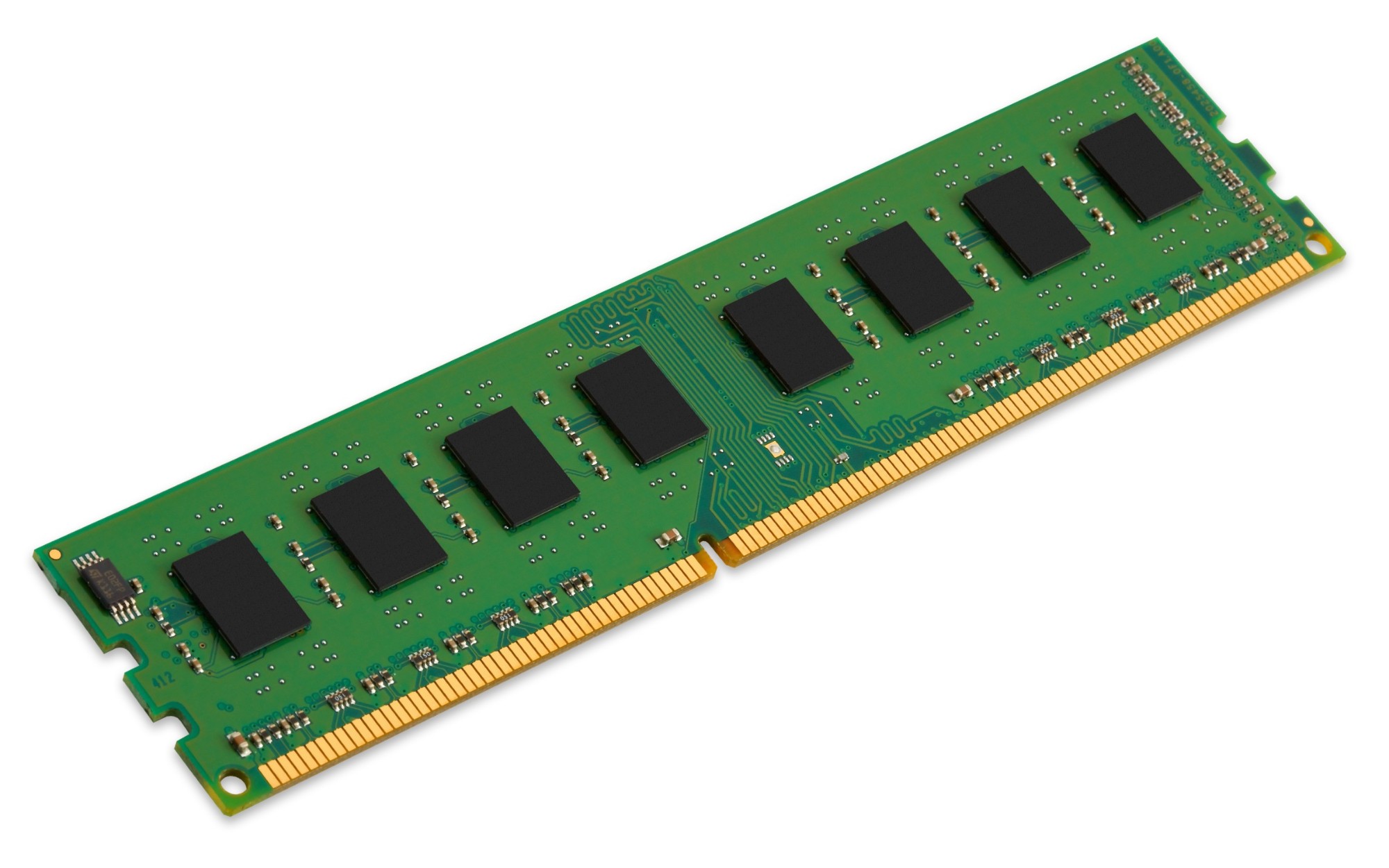
Kingston Technology System Specific Memory 8GB DDR3L 1600MHz Module memory module 1 x 8 GB
Kingston Technology offers extremely reliable, high-performance desktop memory. Every module is customised and tested to meet the exact specification requirements of each system. Kingston memory can increase the processing power of your desktop. It’s guaranteed to be compatible and offers a great cost-performance benefit plus better multitasking, faster processing of multimedia files and smoother video streaming. For added peace of mind, Kingston memory is backed by a lifetime warranty, free technical support and legendary Kingston reliability.- Expertise - From the industry leader in PC memory- Superior quality and testing - All components are qualified and all modules are tested at all stages of production.- Guaranteed compatibility - Kingston memory is guaranteed to be compatible with the system for which it’s designed.- Lifetime warranty and free technical support- Kingston system-specific memory for Acer, Dell and HP desktop computers (please make sure to always check the system and memory compatibility).
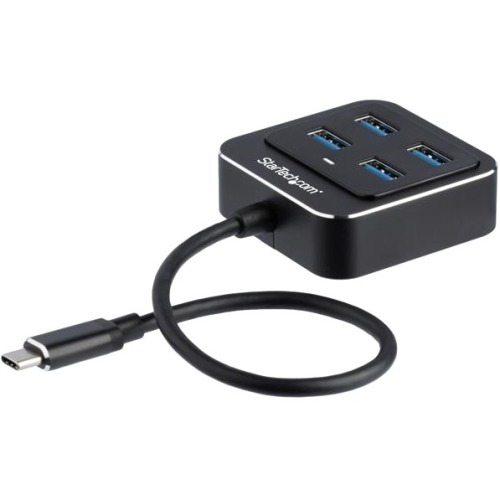
StarTech.com HB31C4AB interface hub USB 3.2 Gen 2 (3.1 Gen 2) Type-C 10000 Mbit/s Black
USB Type-C™ Hub | USB 3.2 Gen 2 (10Gbps) | Bus-Powered | Metal HousingExpand the connectivity of your USB-C™ laptop with this new-generation USB-C 10G hub. It plugs into your laptop’s USB Type-C™ or Thunderbolt™ 3 port, adding four USB 3.2 Gen 2 Type-A ports, so you can quickly connect more USB devices. It’s bus-powered, so there’s no external power adapter required.Connect Your USB Devices to Enhance ProductivityThis four-port USB Type-C hub enhances your productivity, giving you the connections you need while you work. Connect the latest USB devices, like flash drives, capture devices and external hard drives, with fast data transfer speeds of up to 10Gbps, to save time when transferring large files.The USB-C hub also lets you extend the life of your existing USB devices - it’s backward compatible with previous versions of USB devices.Bus-Powered for Easy PortabilityThe compact, lightweight USB-Type-C hub is a convenient and portable addition to your laptop. It’s bus-powered, so it draws its power directly from your computer’s USB-C port, with no external power required. That means fewer cables to carry with you when you travel. It also has a built-in cable (9.8 in./25 cm) for convenient travel.Universally Supported for Easy InstallationThe USB 3.2 Gen 1 Hub works with a wide range of operating systems, including macOS, Windows® and Linux™. It installs automatically when you connect it to your laptop or desktop, so you can be up and running quickly.HB31C4AB is backed by a StarTech.com 2-year warranty and free lifetime technical support.The StarTech.com Advantage
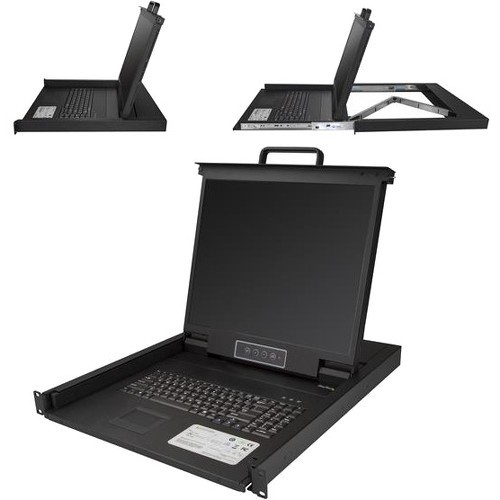
StarTech.com RKCONS1901 rack console 19" 1280 x 1024 pixels Steel Black 1U
Control your server or KVM switch from a centralized rack consoleThis rack-mount KVM console provides complete keyboard, monitor and mouse control for a single server or multiple servers, connected through a separate KVM switch (sold separately). The 19 in. console installs into 1U of rack space, offering a space-efficient solution for complete console control.Maximize your IT budget, minimize your hassleThis KVM console provides all the essential controls you’ll need to manage your server room at a low cost. The console features a built-in keyboard (QWERTY) and a touchpad for intuitive control, as well as an LCD display that supports resolutions up to 1280x1024.Maximize your screen spaceThis versatile LCD console has a 19 in. screen. The increased screen space allows you to run multiple applications on the same screen, increasing your productivity.Clutter-free monitoringThe rack-mount LCD console slides out from 1U of rack space, enabling you to easily monitor and control a single server or multiple servers when connected through a KVM switch. The rack-mount VGA console features a handle that makes it easy to slide the console in and out of the server rack, keeping your area organized and clutter-free.Hassle-free system integrationThe rack console features a single-port KVM module, which enables you to connect it directly to a server. The module offers the flexibility you need to easily integrate it into your existing server infrastructure.The RKCONS1901 is backed by a StarTech.com 2-year warranty and free lifetime technical support.The StarTech.com Advantage
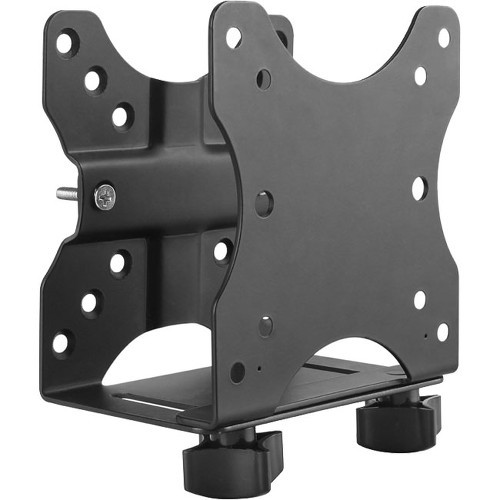
StarTech.com ACCSMNT CPU holder Monitor stand-mounted CPU holder Black
Save space and neatly mount your docking station, thin client or USB hub to a VESA mount, behind your monitor, or under your deskThis thin-client mounting bracket provides an excellent space-saving solution, by letting you mount your thin-client PC or docking station to create a clutter-free workspace.Multiple installation methodsThe versatile double-sided VESA mount offers several installation options, enabling you to mount your thin-client PC or dock to the back of your monitor or under your desktop, or clamp it to a monitor-mount pole. The mount supports 75x75, and 100x100 VESA mount compatibility, making it suitable for most monitors and monitor mounts.Store a variety of productsThis adjustable mount is ideal for holding an Intel® NUC, Mac Mini, most small CPUs, thin clients, docking stations, or USB hubs that fit within the width adjustability of the mount (.7" to 2.8" / 17 mm to 70 mm). The PC mounting bracket is also great for mounting other devices behind displays such as wireless routers, modems, video extenders, and digital signage media players. The mount can support up to 11 lb. (5 kg). It also features an adjustable strap to help keep your devices secure, and rubber pads to secure products with non-parallel surfaces.Unrestricted AccessThe open-frame design of the mount allows unrestricted access to your computer.The ACCSMNT is backed by a StarTech.com 5-year warranty and free lifetime technical support.The StarTech.com Advantage

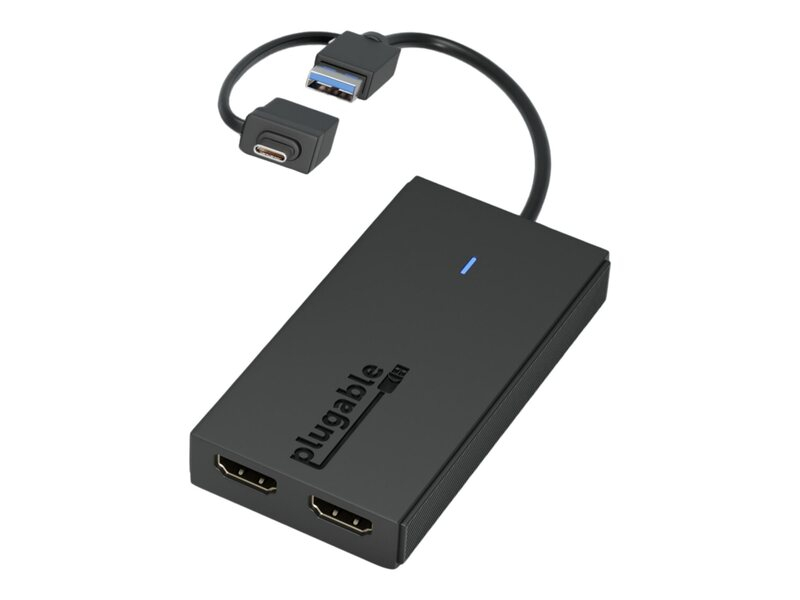
PLUGABLE PLUGABLE USBC HDMI ADAPTER
Plugable UGA-HDMI-2S - video adapter kit
Item(s) added to cart
Netgear GS105E-200NAS ProSafe Plus Switch, 5-Port Gigabit Ethernet - 5 Ports - 2 Layer Supported - Wall Mountable - Lifetime Limited Warranty-None Listed Compliance
MFR: Netgear, Inc
Qty: 1
Part #: GS105NA