
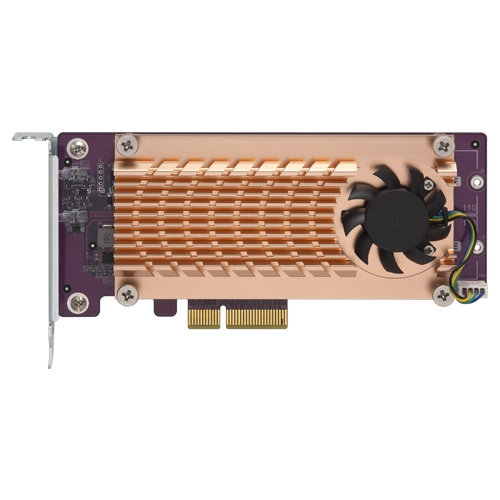
QNAP QM2 interface cards/adapter Internal M.2
Fast, efficient, and easy-to-useThe efficient architecture of the QM2-2P-244A allows you to easily install NVMe SSDs and maximize their performance with a quiet cooling module.Keep SSD coolA quiet cooling module (heatsink and smart fan) keeps your SSDs running with dependable high performance.SSD cache accelerationAdd an SSD cache or enable Qtier (QNAP’s auto-tiering technology) to your NAS to improve overall system performance and maximize storage utilization.Super-fast NVMe SSD storage volumePhotographers and videographers can tackle high-resolution RAW multimedia editing directly on NVMe SSD volumes. RAID configurations can help prevent data loss from drive failure.
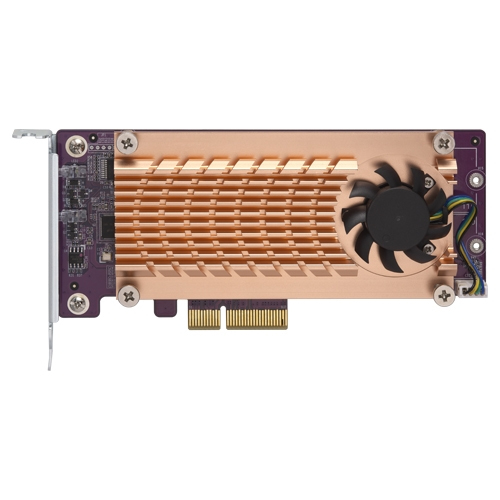
QNAP QM2-2S-220A interface cards/adapter Internal M.2
Enhanced performance for demanding applicationsThe QM2 expansion card allows for adding M.2 SSDs to increase the storage capacity of your Windows/Linux PC/workstation, while also boosting overall IOPS performance by offloading bandwidth-demanding tasks to the SSD to minimize application loading times. It is ideal for resource-demanding applications, such as inline video-editing, gaming and more.Tackle performance bottlenecksQM2 boosts performance by adding M.2 SSDs. It doesn’t occupy any 3.5-inch drive bays, allowing you to maximize both your storage capacity and performance.
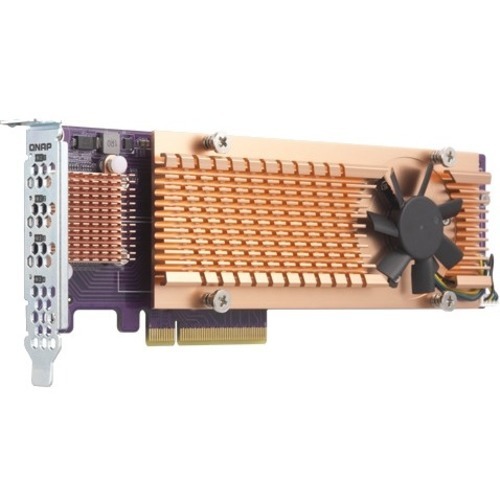
QNAP QM2-4P-384 interface cards/adapter Internal PCIe
The PCIe QM2 expansion card allows you to easily add M.2 SSDs to your PC/workstation. Compared with the SATA interface, the QM2's PCIe interface provides higher bandwidth to deliver faster computing speed and data access. No extra drivers are required to use this QM2 expansion card.Enhanced performance for demanding applicationsThe QM2 expansion card allows for adding M.2 SSDs to increase the storage capacity of your Windows/Linux PC/workstation, while also boosting overall IOPS performance by offloading bandwidth-demanding tasks to the SSD to minimize application loading times. It is ideal for resource-demanding applications, such as inline video-editing, gaming and more.Tackle performance bottlenecksQM2 boosts performance by adding M.2 SSDs. It doesn’t occupy any 3.5-inch drive bays, allowing you to maximize both your storage capacity and performance.
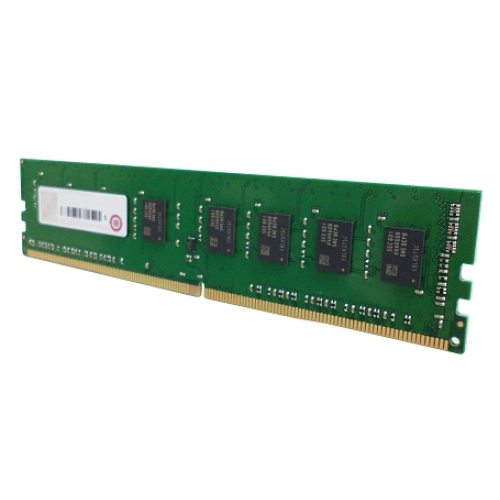
QNAP RAM-16GDR4A1-UD-2400 memory module 16 GB 1 x 16 GB DDR4 2400 MHz
QNAP RAM-16GDR4A1-UD-2400 memory module 16 GB 1 x 16 GB DDR4 2400 MHz
QNAP RAM-2GDR4A0-SO-2400 memory module 2 GB 1 x 2 GB DDR4 2400 MHz
QNAP RAM-2GDR4A0-SO-2400 memory module 2 GB 1 x 2 GB DDR4 2400 MHz
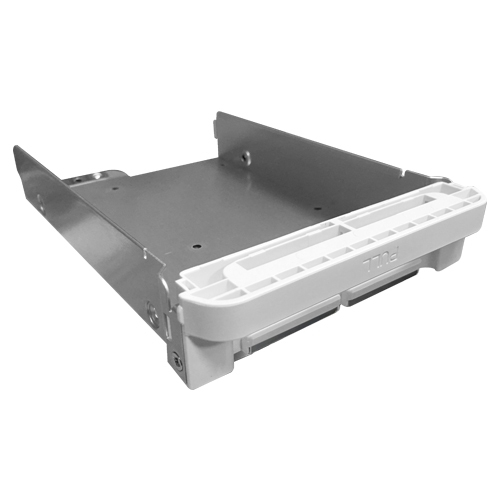
QNAP TRAY-35-NK-WHT01 mounting kit
QNAP TRAY-35-NK-WHT01 mounting kit
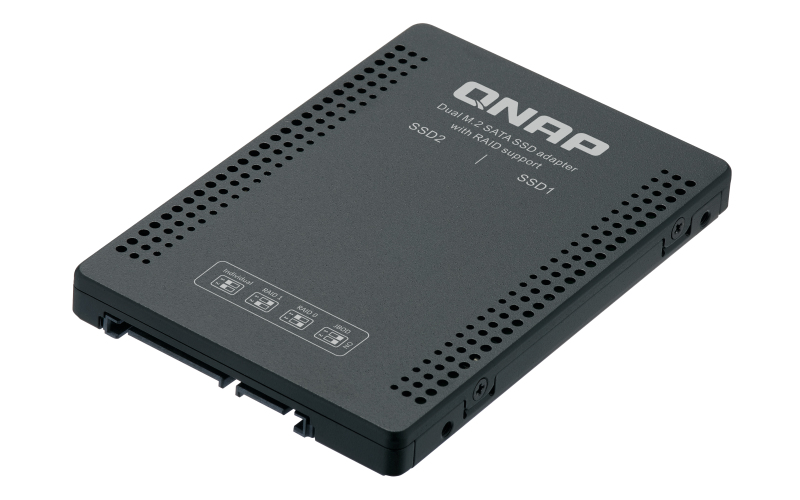
QNAP QDA-A2MAR storage drive enclosure SSD enclosure Black M.2
The QDA-A2MAR can accommodate two M.2 SATA SSDs within a single 2.5-inch SATA drive bay. No software driver is required for the QDA-A2MAR, and it can be installed in a PC/workstation (Windows®, Linux®) or QNAP NAS to flexibly add high-performance M.2 SATA SSDs with RAID configurations to meet various storage needs.Supports various RAID levelsThe QDA-A2MAR supports a variety of RAID configurations. Depending on your requirements, you can use the bundled metal pin as disk mode switch tool to select your ideal RAID mode: Individual, JBOD, RAID 0, or RAID 1. Windows® users can use the QNAP External RAID Manager utility to view the RAID group status and disk health information.Install in a PC/workstation for higher performance or data protectionWhen using two M.2 SSDs instead of a single 2.5-inch drive in a PC/workstation (Windows® or Linux®) you can create a RAID 0 for enhanced performance, or RAID 1 to add data redundancy for greater data protection. The M.2 SSDs also help achieve maximized performance and lower latency, ideal for on-the-fly video editing and server-grade applications.External RAID Manager for Windows usersThe QNAP External RAID Manager utility allows Windows® users to view the drive status and RAID information of the QDA-A2MAR. Firmware updates for the QDA-A2MAR can also be managed with the External RAID Manager utility.Install in QNAP NAS for efficient storage or SSD cachingThe QDA-A2MAR supports hardware RAID that will not consume CPU resources to help sustain optimal NAS performance. You can install one or more QDA-A2MAR in a NAS to maximize the storage utilization of available 2.5-inch drive bays. The QDA-A2MAR can accommodate two M.2 SSDs to create an SSD volume for performance-demanding workflows or work in an efficient tiered-storage environment with Qtier. It can also boost IOPS performance when configuring SSD caching. RAID information and disk health of the QDA-A2MAR can be monitored through the QTS Storage & Snapshots Manager.
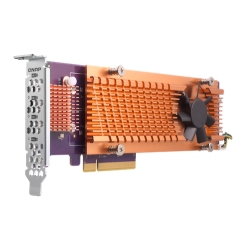
QNAP QM2 interface cards/adapter Internal M.2
The PCIe QM2 expansion card allows you to easily add M.2 NVMe SSDs to your PC/workstation. Compared with the SATA interface, the QM2's PCIe interface provides higher bandwidth to deliver faster computing speed and data access. No extra drivers are required to use this QM2 expansion card.Enhanced performance for demanding applicationsThe QM2 expansion card allows for adding M.2 SSDs to increase the storage capacity of your Windows/Linux PC/workstation, while also boosting overall IOPS performance by offloading bandwidth-demanding tasks to the SSD to minimize application loading times. It is ideal for resource-demanding applications, such as inline video-editing, gaming and more.Tackle performance bottlenecksQM2 boosts performance by adding M.2 SSDs. It doesn’t occupy any 3.5-inch drive bays, allowing you to maximize both your storage capacity and performance.
Item(s) added to cart
Netgear GS105E-200NAS ProSafe Plus Switch, 5-Port Gigabit Ethernet - 5 Ports - 2 Layer Supported - Wall Mountable - Lifetime Limited Warranty-None Listed Compliance
MFR: Netgear, Inc
Qty: 1
Part #: GS105NA