
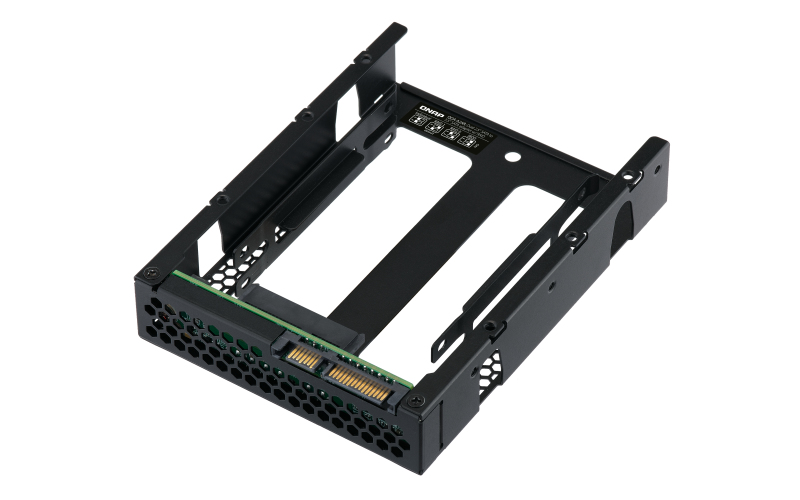
QNAP QDA-A2AR storage drive enclosure HDD/SSD enclosure Black 2.5"
Use two 2.5-inch SATA drives in a single 3.5-inch SATA drive bay with RAID support for PC and NASThe QDA-A2AR can accommodate two 2.5-inch SATA drives within a single 3.5-inch SATA drive bay. No software driver is required for the QDA-A2AR, and it can be installed in a PC/workstation (Windows®, Linux®) or QNAP NAS to flexibly add additional hard drives or SSDs to meet various storage needs.Supports various RAID levelsThe QDA-A2AR supports a variety of RAID configurations. Depending on your requirements, you can use the bundled metal pin as disk mode switch tool to select your ideal RAID mode: Individual, JBOD, RAID 0, or RAID 1. Windows® users can use the QNAP External RAID Manager utility to view the RAID group status and disk health information.Individual ModeA PC that supports SATA port multipliers can connect two SATA drives to a single SATA port, allowing you to independently access each disk as separate storage space.RAID 1 Mode (Default)Half of the total storage capacity is used to store data, and the other half keeps a copy of this data. This provides high data protection at the cost of only being able to use half the installed storage space.RAID 0 ModeData is split amongst the drives. RAID 0 provides the fastest performance but does not protect data from drive failure.JBOD ModeAll the drives are recognized as a single drive. This allows maximal storage utilization but provides no data protection.Install in a PC/workstation for higher performance or data protectionWhen using two 2.5-inch drives instead of a single 3.5-inch drive in a PC/workstation (Windows® or Linux®) you can create a RAID 0 for enhanced performance, or RAID 1 to add data redundancy for greater data protection. To deal with tasks that require intensive, fast data transmission, you can install high-speed SATA SSDs to achieve maximized performance and lower latency, ideal for on-the-fly video editing and server-grade applications.External RAID Manager for Windows usersThe QNAP External RAID Manager utility allows Windows® users to view the drive status and RAID information of the QDA-A2AR. Firmware updates for the QDA-A2AR can also be managed with the External RAID Manager utility.Install in QNAP NAS for efficient storage or SSD cachingThe QDA-A2AR supports hardware RAID that will not consume CPU resources to help sustain optimal NAS performance. You can install one or more QDA-A2AR in a NAS to maximize the storage utilization of 3.5-inch drive bays. The QDA-A2AR can accommodate two SSDs to create an SSD volume for performance-demanding workflows or work in an efficient tiered-storage environment with Qtier. It can also boost IOPS performance when configuring SSD caching. RAID information and drive health of the QDA-A2AR can be monitored through the QTS Storage & Snapshots Manager.
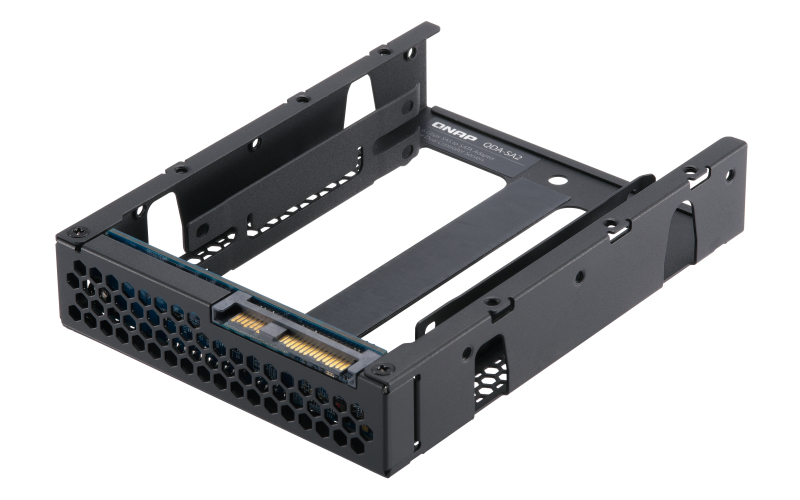
QNAP QDA-SA2-4PCS storage drive enclosure HDD/SSD enclosure Black 2.5"
QDA-SA2 6Gbps 2.5-inch SATA SSD to 3.5-inch SAS drive adapter for dual-controller servers The QDA-SA2 adapter is designed for dual-controller servers and QNAP Enterprise ZFS NAS and allows the use of a 2.5-inch SATA 6Gbps SSD in a 3.5-inch SAS drive bay. It can be installed in a QNAP NAS or server (Windows®, Linux®) – providing the capacity to replace an expensive SAS drive with a more-affordable yet high-performing SATA SSD. SAS dual-port advantage for fault tolerance SAS features dual porting for redundancy, eliminating single points of failure and allowing for higher reliability and performance. Although SATA 6Gbps SSDs provide high-performance and affordable storage, the lack of dual-port support makes them unsuitable for dual-controller environments. By installing a SATA SSD with the QDA-SA2 into a dual-controller Enterprise ZFS NAS or a dual-controller server, the SATA SSD can share these SAS dual-port advantages to ensure a high-availability, fault-tolerant enterprise storage environment. Designed for dual-controller servers and Enterprise ZFS NAS The QDA-SA2 can be easily installed in a dual-controller Windows®/Linux® SAS server and the 3.5-inch disk tray of an Enterprise ZFS NAS (Disk tray model: SP-ES-TRAY-WOLOCK). (QES 2.0.0 (or later) is required for the NAS)
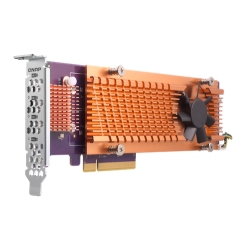
QNAP QM2 interface cards/adapter Internal M.2
QM2 series PCIe cards add support for M.2 SSDs to a QNAP NAS, allowing users to configure SSD caching, a caching pool, or an auto-tiering volume to improve overall NAS performance.Enhanced performance for demanding applicationsThe QM2 expansion card allows for adding M.2 SSDs to increase the storage capacity of your Windows/Linux PC/workstation, while also boosting overall IOPS performance by offloading bandwidth-demanding tasks to the SSD to minimize application loading times. It is ideal for resource-demanding applications, such as inline video-editing, gaming and more.Tackle performance bottlenecksQM2 boosts performance by adding M.2 SSDs. It doesn’t occupy any 3.5-inch drive bays, allowing you to maximize both your storage capacity and performance.
QNAP QXG-5G1T-111C network card Internal Ethernet 5000 Mbit/s
QNAP offers various cost-effective network expansion cards for businesses and organizations to upgrade the bandwidth of their QNAP NAS to accommodate intensive data transfer and virtualization applications.5 GbE network expansion cardThe 5 GbE network expansion card delivers speeds of up to 5 Gbps. You can easily upgrade the transfer speed in your network environment with existing cables.
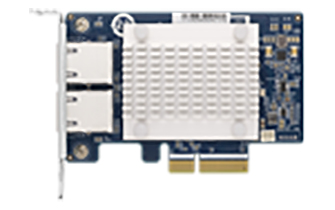
QNAP QXG-5G2T-111C network card Internal Ethernet 5000 Mbit/s
QNAP offers various cost-effective network expansion cards for businesses and organizations to upgrade the bandwidth of their QNAP NAS to accommodate intensive data transfer and virtualization applications.5 GbE network expansion cardThe 5 GbE network expansion card delivers speeds of up to 5 Gbps. You can easily upgrade the transfer speed in your network environment with existing cables.
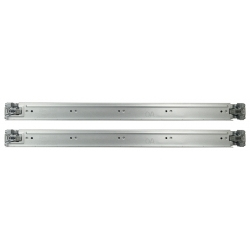
QNAP RAIL-E03 rack accessory Rack rail kit
QNAP RAIL-E03 rack accessory Rack rail kit
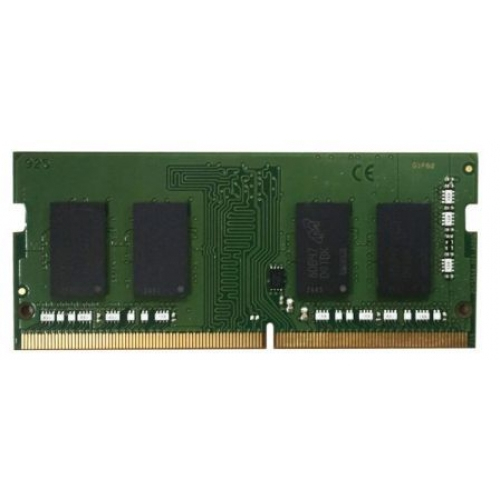
QNAP RAM-8GDR4K1-SO-2400 memory module 8 GB 1 x 8 GB DDR4 2400 MHz
QNAP RAM-8GDR4K1-SO-2400 memory module 8 GB 1 x 8 GB DDR4 2400 MHz
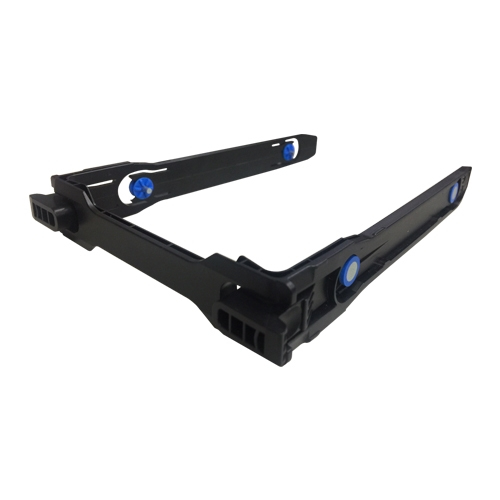
QNAP TRAY-35-NK-BLK05 drive bay panel Storage drive tray Black
TRAY-35-NK-BLK053.5" tooless tray on 3-bay NAS
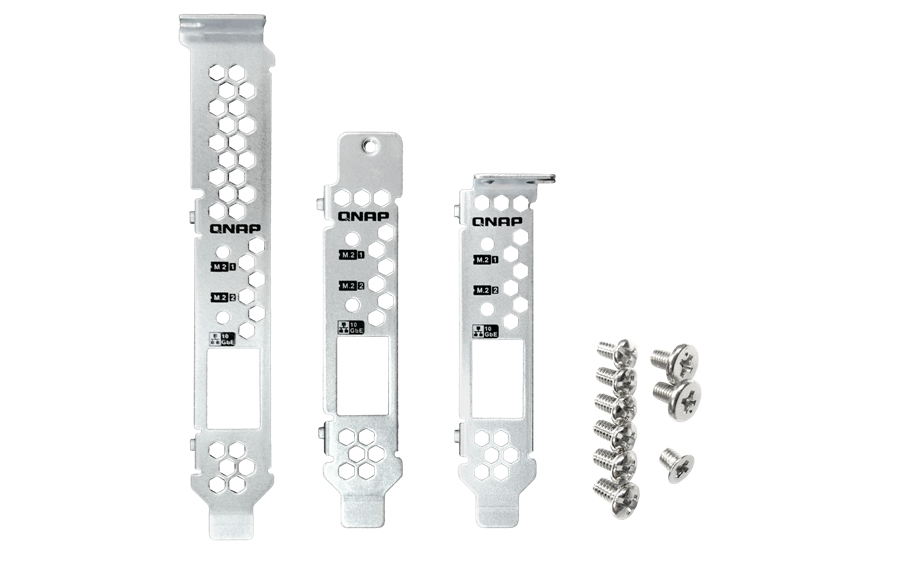
QNAP BRKT-QM2-10G1T mounting kit
QNAP BRKT-QM2-10G1T mounting kit
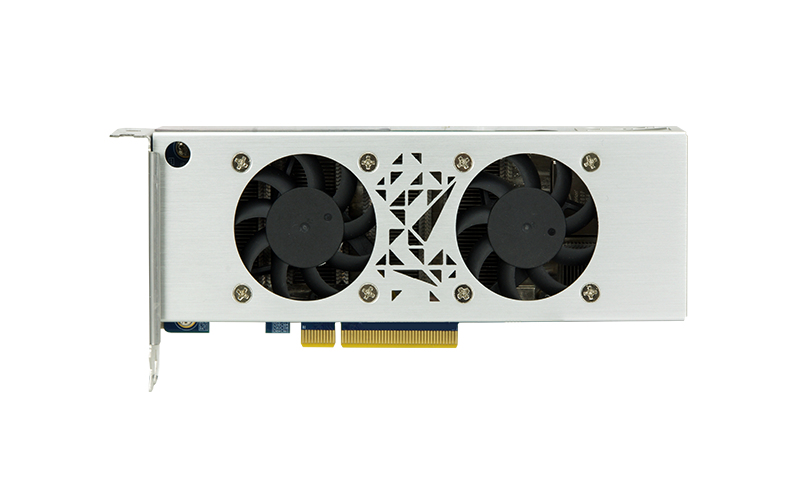
QNAP Mustang-F100 interface cards/adapter Internal
As QNAP NAS evolves to support a wider range of applications (including surveillance, virtualization, and AI) you not only need more storage space on your NAS, but also require the NAS to have greater power to optimize targeted workloads. The Mustang-F100 is a PCIe-based accelerator card using the programmable Intel® Arria® 10 FPGA that provides the performance and versatility of FPGA acceleration. It can be installed in a PC or compatible QNAP NAS to boost performance as a perfect choice for AI deep learning inference workloads.OpenVINO™ toolkitOpenVINO™ toolkit is based on convolutional neural networks (CNN), the toolkit extends workloads across Intel® hardware and maximizes performance.It can optimize pre-trained deep learning model such as Caffe, MXNET, Tensorflow into IR binary file then execute the inference engine across Intel®-hardware heterogeneously such as CPU, GPU, Intel® Movidius™ Neural Compute Stick, and FPGA.Get deep learning acceleration on Intel-based Server/PCYou can insert the Mustang-F100 into a PC/workstation running Linux® (Ubuntu®) to acquire computational acceleration for optimal application performance such as deep learning inference, video streaming, and data center. As an ideal acceleration solution for real-time AI inference, the Mustang-F100 can also work with Intel® OpenVINO™ toolkit to optimize inference workloads for image classification and computer vision.QNAP NAS as an Inference ServerOpenVINO™ toolkit extends workloads across Intel® hardware (including accelerators) and maximizes performance. When used with QNAP’s OpenVINO™ Workflow Consolidation Tool, the Intel®-based QNAP NAS presents an ideal Inference Server that assists organizations in quickly building an inference system. Providing a model optimizer and inference engine, the OpenVINO™ toolkit is easy to use and flexible for high-performance, low-latency computer vision that improves deep learning inference. AI developers can deploy trained models on a QNAP NAS for inference, and install the Mustang-F100 to achieve optimal performance for running inference.
Item(s) added to cart
Netgear GS105E-200NAS ProSafe Plus Switch, 5-Port Gigabit Ethernet - 5 Ports - 2 Layer Supported - Wall Mountable - Lifetime Limited Warranty-None Listed Compliance
MFR: Netgear, Inc
Qty: 1
Part #: GS105NA