

Vertiv VRA1030 rack accessory Ladder
Organized cable arrangement increases the lifetime of cables and makes it easier to work on them for replacements or maintenance. Make sure the cables in your Vertiv VR Rack are properly organized with cable management accessories like cable rings, cable lobster claws, and Velcro straps. The Vertiv™ VRA1030 Cable Ladder Kits and accessories provide easy to install overhead cable management solutions.
Vertiv VRA1027 rack accessory Cable ladder kit
Organized cable arrangement increases the lifetime of cables and makes it easier to work on them for replacements or maintenance. Make sure the cables in your Vertiv VR Rack are properly organized with cable management accessories like cable rings, cable lobster claws, and Velcro straps. The Vertiv™ VRA1027 Cable Ladder Kits and accessories provide easy to install overhead cable management solutions.

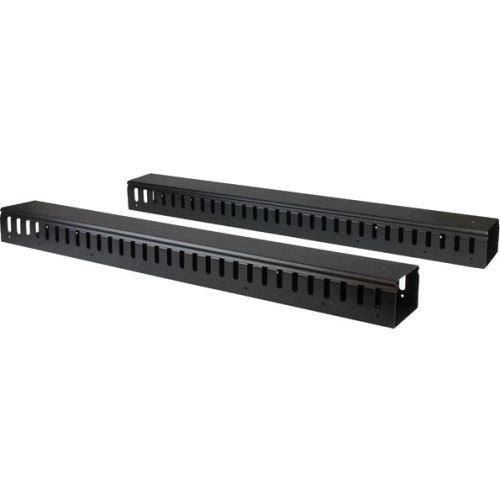
StarTech.com CMVER40UF rack accessory Cable management panel
Organize your cables in any rack or cabinet that’s 40U or larger, using this vertical cable management panelThis 6-foot vertical cable manager (2 x 3-foot panels) gives you a simple and space-efficient way to organize the cables in your server rack. You can attach the two-panel cable manager vertically into your rack, to neatly guide cables between equipment that’s mounted at different heights.The 0U cable manager offers versatile installation options and is compatible with most racks that are 40U or larger. The panels feature a 0U design that doesn’t take up any mounting space, and with simple tool-less installation, they’re easy to attach or reposition as necessary.Improve the appearance and accessibility of your rackThe vertical cable manager uses a finger-duct method of cable management, which includes a cover panel that neatly conceals the cables that are running through it.Having well organized and routed cables not only improves the appearance and accessibility of your rack, it also makes it easier for you to install, access and maintain rack components.Configurable installation optionsThis versatile cable management system consists of two 3-foot panels, so you can configure each panel as needed to accommodate all of your equipment. You can install the individual panels end to end (top to bottom) so that they span the height of your rack, or on either side or the front and back of your rack to manage cables in multiple locations. The two-piece cable manager runs vertically along the side of your rack, to neatly guide cables between equipment that’s mounted at different heights. This provides a tidy and well-organized way to run cables from devices mounted toward the bottom of your rack to other devices mounted near the top, without leaving a mess of cables hanging in between.Hassle-free compatibility with your rackFor maximum compatibility with virtually any server rack, you can install the cable-management panels using mounting holes that are commonly found on most rack equipment. The tool-less mounting method attaches the cable management panel to the keyhole-shaped mounting holes that are built into your rack.The horizontal mounting rail method attaches the cable management panel to the horizontal mounting rails that run along the side of your rack.For racks that don't support these installation methods, you can also mount the cable management panels through other means, such as using the non-standardized holes found on your rack walls and enclosures, or the rack units on equipment mounting rails.Protect your equipmentRouting your cables through a panel reduces the tension that's often put on cables. This prevents cable damage or connection loss, and reduces strain on equipment ports, preventing damage to your expensive rack-mounted devices.Properly routing cables also improves airflow, which passively cools devices stored in your rack, helping to keep your equipment running at optimal temperatures to reduce the probability of damage caused by your rack overheating.The CMVER40UF is backed by a StarTech.com 2-year warranty and free lifetime technical support.The StarTech.com Advantage- Improve the appearance of your rack using a vertical cable manager with finger ducts- Promote passive cooling in your rack by organizing cables to improve airflow- Make your rack more accessible by organizing your cables for hassle-free maintenance and scalability
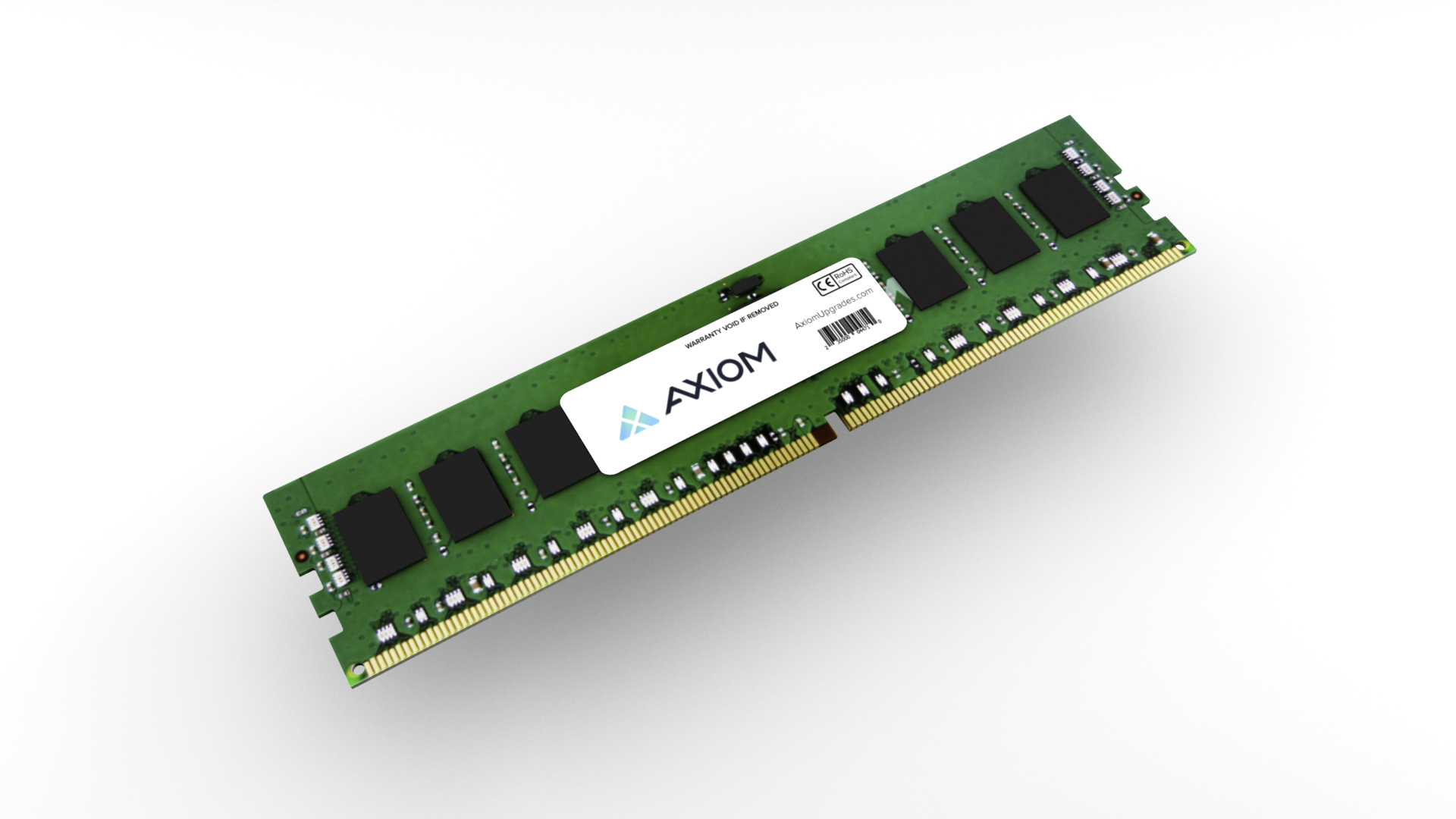
HP 8GB DDR4 3200 SODIMM Memory
HP 8GB DDR4 3200 SODIMM Memory
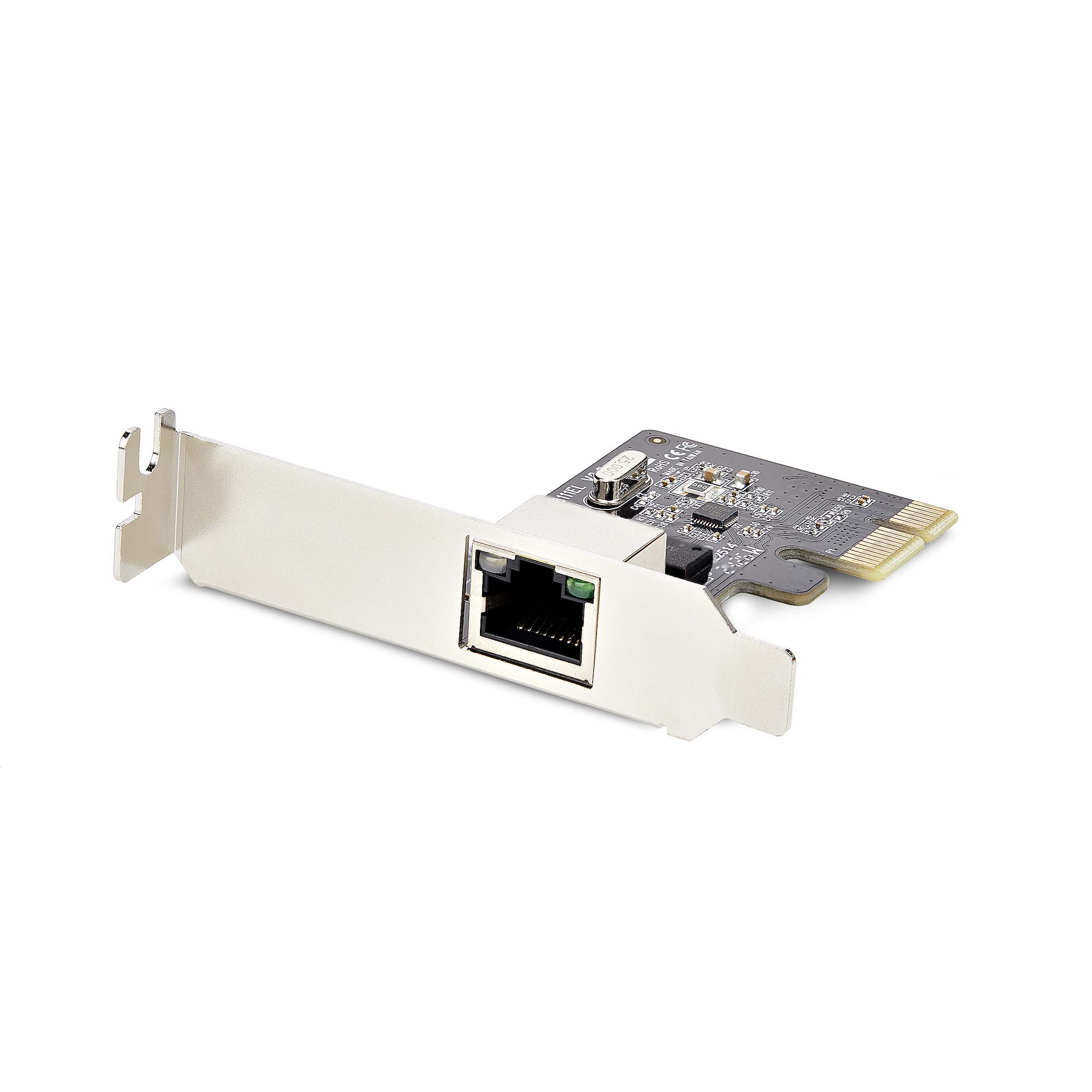
StarTech.com ST1000SPEX2LT network card Internal Ethernet 1000 Mbit/s
Add a 10/100/1000Mbps Ethernet port to any PC through a PCI Express slotThis TAA-compliant Gigabit Ethernet card adds a gigabit Ethernet interface to a desktop or server.Plug And Play CompatibleThis 1-port network interface card is plug-and-play compatible, with drivers that auto-install on major operating systems such as Windows, Windows Server, and Linux. It is compatible with Intel and AMD hardware platforms equipped with PCI Express x1, x2, x4, x8, or x16 slots.Performance and ManagementThis network card features link speed and activity LED indicators for visual network speed verification and issue diagnosis.This PCIe network adapter supports 9K jumbo frames to minimize packet overhead, Wake-on-LAN (WoL) for remote system booting, auto-negotiation between 10/100/1000Mbps, and VLANs for streamlined network management.Universal FitThe PCI Express NIC includes a pre-installed low-profile bracket for compatibility with small form-factor computers, as well as a standard-profile bracket for full-sized desktops and servers.The StarTech.com Advantage
HP NVIDIA RTX A400 4 GB with Mini Bracket 4mDP Graphics
HP NVIDIA RTX A400 4 GB with Mini Bracket 4mDP Graphics

Item(s) added to cart
Netgear GS105E-200NAS ProSafe Plus Switch, 5-Port Gigabit Ethernet - 5 Ports - 2 Layer Supported - Wall Mountable - Lifetime Limited Warranty-None Listed Compliance
MFR: Netgear, Inc
Qty: 1
Part #: GS105NA