

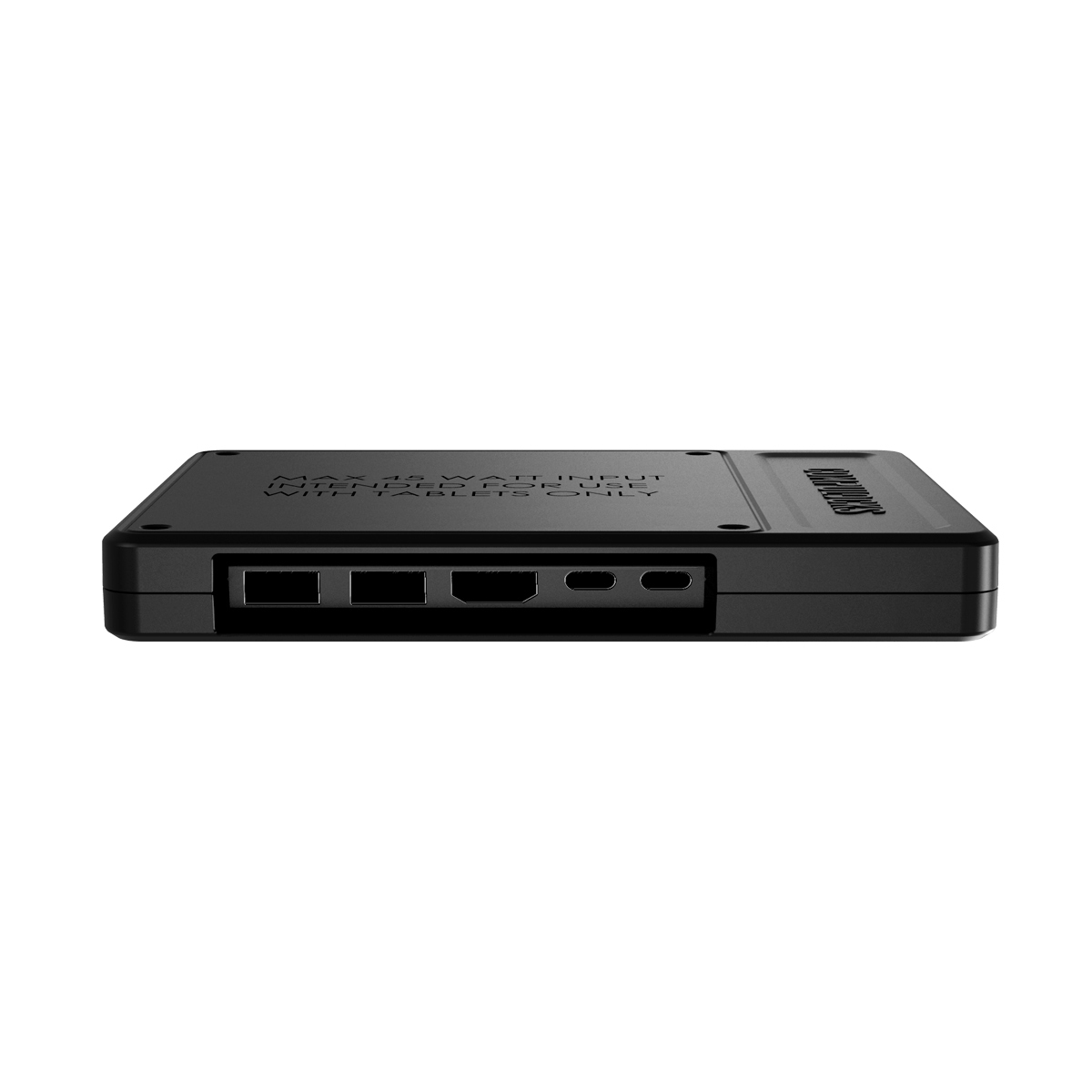
Compulocks H01 interface hub USB Type-C
Compulocks H01 interface hub USB Type-C
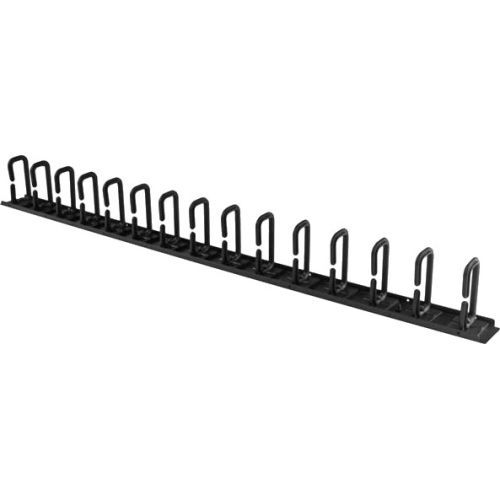
StarTech.com CMVER20UD rack accessory Cable management panel
Organize your cables in any rack or cabinet that’s 20U or larger, using this vertical cable management panelThis 3-foot vertical cable manager gives you a simple and space-efficient way to organize the cables in your server rack. You can attach the cable manager vertically into your rack, to neatly guide cables between equipment that’s mounted at different heights.The 0U cable manager offers versatile installation options and is compatible with most racks that are 20U or larger. The panel features a 0U design that doesn’t take up any mounting space, and with simple tool-less installation it's easy to attach or reposition as necessary.Improve the appearance and accessibility of your rackThe cable manager uses a D-ring method of cable management to run cables vertically along the side of your rack, neatly guiding them between equipment that’s mounted at different heights. This provides a tidy and well-organized way to run cables from devices mounted toward the bottom of your rack to other devices mounted near the top, without leaving a mess of cables hanging in between.Having neatly organized and routed cables not only improves the appearance and accessibility of your rack, it also makes it easier for you to install, access and maintain rack components.Hassle-free compatibility with your rackFor maximum compatibility with virtually any server rack, you can install the cable-management panels using mounting holes that are commonly found on most rack equipment. The tool-less mounting method attaches the cable management panel to the keyhole-shaped mounting holes that are built into your rack.The horizontal mounting rail method attaches the cable management panel to the horizontal mounting rails that run along the side of your rack.For racks that don't support these installation methods, you can also mount the cable management panels through other means, such as using the non-standardized holes found on your rack walls and enclosures, or the rack units on equipment mounting rails.Protect your equipmentRouting your cables through a panel reduces the tension that's often put on cables. This prevents cable damage or connection loss, and reduces strain on equipment ports, preventing damage to your expensive rack-mount devices.Properly routing cables also improves airflow, which passively cools devices stored in your rack, helping to keep your equipment running at optimal temperatures to reduce the probability of damage caused by your rack overheating.The CMVER20UD is backed by a StarTech.com 2-year warranty and free lifetime technical support.The StarTech.com Advantage

Rackmount.IT RM-PA-T12 rack accessory Mounting bracket
Introducing the RM-PA-T12, your ultimate solution for seamlessly integrating your appliance into a 19" rack. This rack is custom-designed to perfectly accommodate the listed models, ensuring a snug and secure fit every time. With convenient front-facing connections, accessing your setup has never been easier.Worried about accidental power loss? Fear not! The power supply is securely fixed to the rack, providing peace of mind and uninterrupted functionality. Assembling your setup is a breeze, taking less than 3 minutes from start to finish. Simply slide your device into the kit, secure it with the retainers, connect the included cables to the keystones, and fix the power supply to the rack – it's that simple!Want to add a personal touch? Customize your setup with a variety of color options and even add your own logo or branding – available on a project basis.Experience seamless integration and effortless assembly with the RM-PA-T12 – your go-to solution for professional rack mounting.
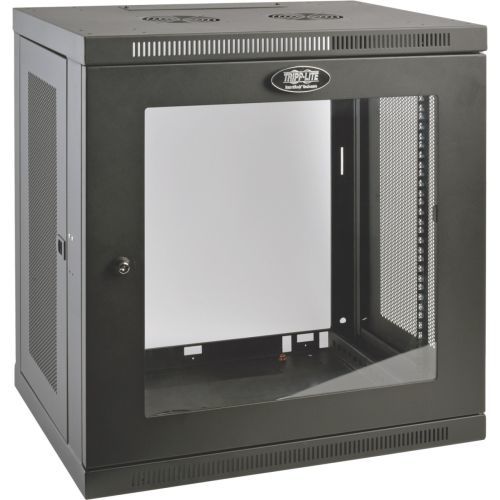
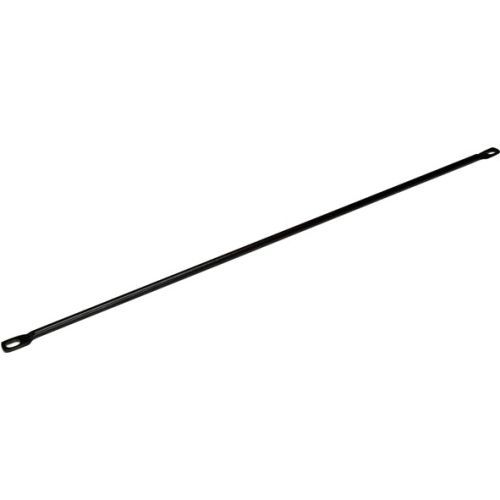
StarTech.com CMLB10 rack accessory Cable lacing bar
These lacing bars install horizontally on the front or back of your rack to provide a secure mounting point for you to run cables. You can attach your cables to the lacing bars using cable ties to reduce the tension on your cables and prevent damage to the ports on your rack-mount equipment.Protect your equipmentCable lacing bars protect your equipment by offloading the weight of the cables in your rack, which reduces the constant strain that can be put on the ports of your rack equipment. The lacing bars also provide a route for cables, which enhances passive cooling within your rack. This helps to ensure your rack remains at an optimal temperature, to extend the life of your equipment and minimize or eliminate downtime.Discreet and sturdy designThese cable lacing bars are constructed of solid steel and occupy just one-third of a rack U at each install point. The round solid-steel design ensures a high weight capacity, unlike flat lacing bars that can bend easily.Save on shipping costsThis package includes 10 cable lacing bars, enabling you to buy multiple bars packaged together. This is ideal for large-scale implementations, because it significantly reduces the packaging, and in turn, shipping costs.The CMLB10 is backed by a 2-year StarTech.com warranty and free lifetime technical support.
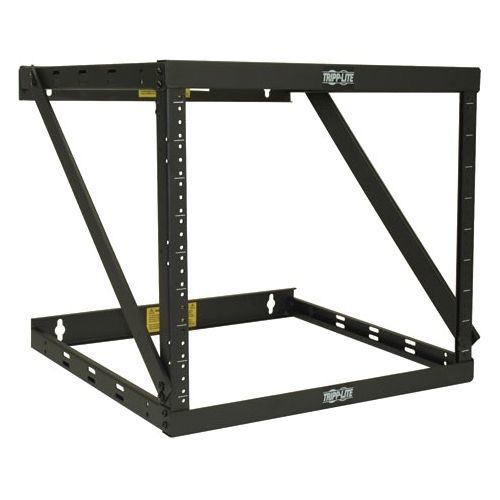
Tripp Lite SRWO8U22 rack cabinet Wall mounted rack Black
The SRWO8U22 SmartRack 8U/12U/22U Expandable Flat-Pack Low-Profile Switch-Depth Wall-Mount 2-Post Open-Frame Rack stores and organizes EIA-standard 19-inch rack equipment compatible with 2-post mounting in network wiring closets, back offices and other secure IT areas with limited floor space where a locked enclosure is not required. Mounted to the wall or resting on the floor, this rack offers fast, easy access to network components and cabling.Constructed from heavy-duty steel with a durable black powder-coated finish, the rack has a maximum load capacity of 150 lbs (68 kgs). The expandable design allows you to assemble the rack in an 8U, 12U or 22U configuration to meet your current needs, while leaving rack space in reserve for future expansion.The rack is simple to assemble and mount to the wall. Threaded 12-24 mounting holes and numbered rack spaces make equipment installation easy. The vertical mounting rails accommodate equipment up to 18 inches deep, such as network switches and patch panels. Assembly and equipment-mounting hardware is included.
Item(s) added to cart
Netgear GS105E-200NAS ProSafe Plus Switch, 5-Port Gigabit Ethernet - 5 Ports - 2 Layer Supported - Wall Mountable - Lifetime Limited Warranty-None Listed Compliance
MFR: Netgear, Inc
Qty: 1
Part #: GS105NA