
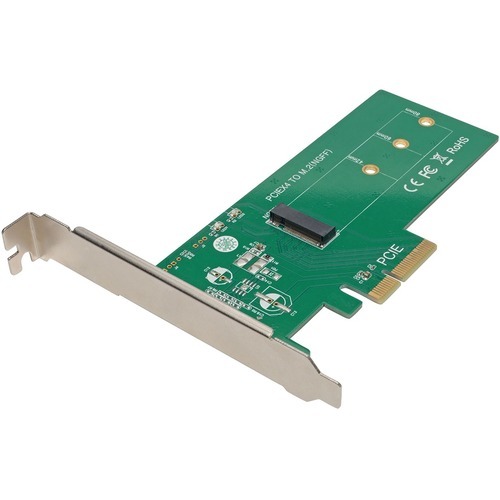
Tripp Lite PCE-1M2-PX4 interface cards/adapter Internal M.2
The high-performance PCE-1M2-PX4 M.2 NGFF PCIe SSD (M-Key) PCI Express Card enhances your computer’s speed and increases the amount of internal storage by adding an M.2 PCI Express (PCIe) SSD (M-Key) drive. You can add an ultra-fast four-lane M.2 SSD, such as a Samsung 950 Pro or Samsung SM 951, to a computer or server with an available x4, x8 or x16 PCI Express expansion slot.This lets you keep your operating system on your M.2 PCIe drive, while using larger platter drives for bulk storage. Its plug-and-play design requires no software, driver or external power supply, so setting up the card is easy enough. Just connect your drive to the PCE-1M2-PX4, and insert the unit inside your computer’s PCIe expansion slot.The PCE-1M2-PX4 supports 2242, 2260 and 2280 M.2 drive types up to 80 millimeters. It’s compatible with PCIe 3.0 motherboards and backward compatible with PCIe 2.0 and PCIe 1.0. Works with Windows and Mac computers.
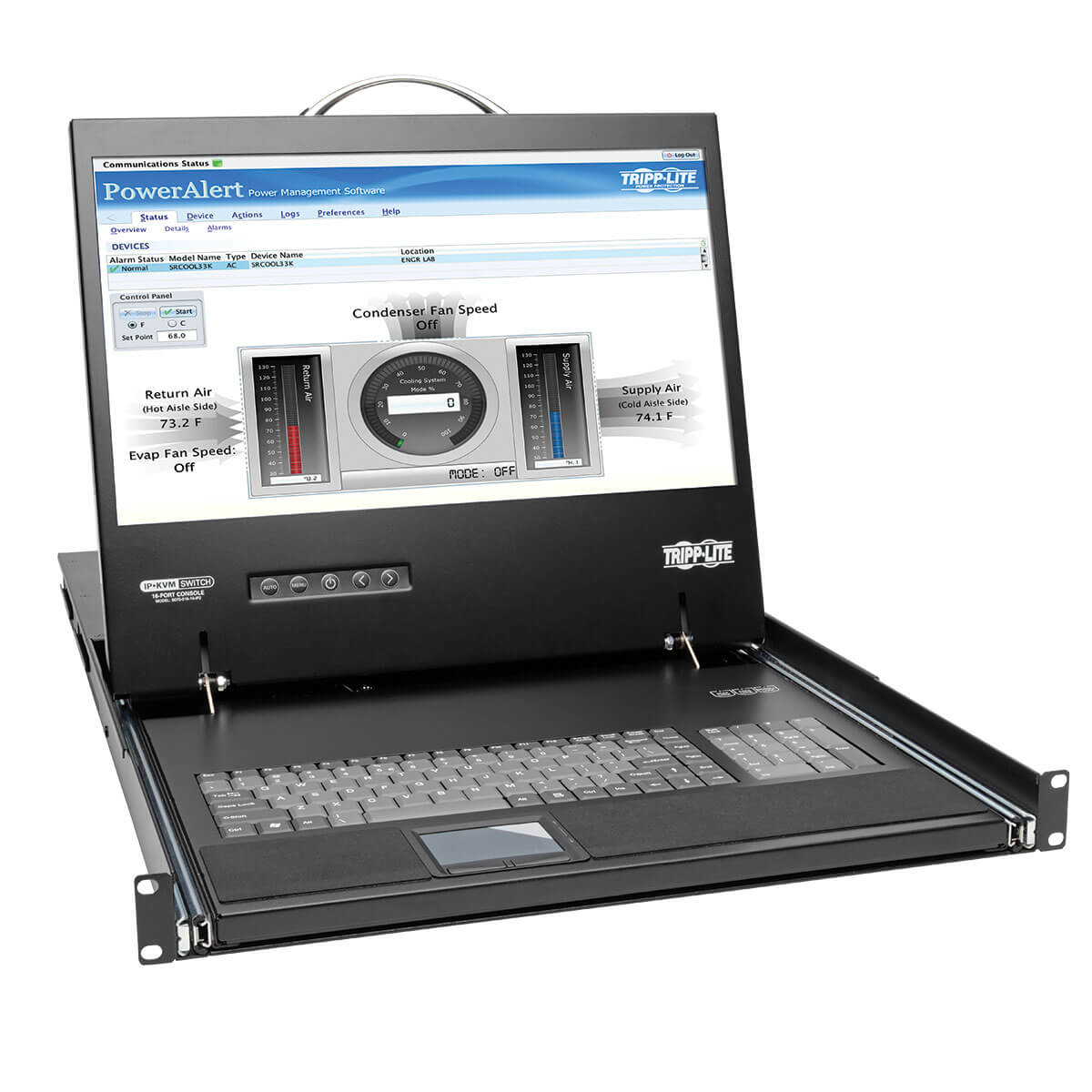
Tripp Lite B070-016-19-IP2 rack console 19" 1280 x 1024 pixels Black
Tripp Lite's B070-016-19-IP2 NetCommander® 16-Port Cat5 1U Rack-Mount Console KVM Switch includes a full keyboard, 19-inch LCD screen and touchpad in a 1U rack-mount console. It connects up to 16 computers and/or servers and allows you to control them locally or remotely via LAN, WAN or web browser.Connect computers/servers up to 100-ft. (30.5 m) away using Cat5e/6 cabling and a compatible Tripp Lite B078-Series server interface unit (B078-101-USB2 required for Fast Virtual Media speeds up to 12 Mbps). Dual 10/100 LAN ports ensure uninterrupted remote access in case one port should fail. A local user and two remote users can log on simultaneously and switch between the 16 ports using an on-screen display, hotkeys or remote toolbar. Multi-level password protection prohibits unauthorized access.The LCD supports video resolutions up to 1366 x 768. Dual serial ports allow control of serial devices, such as IP PDUs, firewalls and routers. You can assign individual ports to an IP PDU port to power on/off the server connected to that port. The heavy-duty steel housing slides neatly into the rack when not in use. Free NetCommander-AXS management software is available to access and control your Tripp Lite NetCommander IP KVM switches (B070 and B072 Series). From a single interface, you can access server ports on any of your KVM switches, power cycle or power on/off outlets of IP PDUs, and manage KVM settings. This software can be found at the Technical Support link in the right-hand column.Includes 16-Port KVM Switch, 19 in. LCD, Keyboard and TouchpadMounts in 1U of space in EIA-standard 19 in. rackConnects up to 16 computers/servers up to 100-ft. (30.5 m) away via Cat5e/6 cabling and Tripp Lite B078 Series SIUsTo convert DisplayPort or HDMI computers to VGA, use Tripp Lite adapters P134-06N-VGA-V2 or P131-06N. Maximum video resolutions using adapters may vary.Fast Virtual Media KVM system: U.S. Patent #9,417,720BIOS-level control of any server brand and modelIP Remote Access for Fewer Trips to the Server RoomJava-based application allows Windows computers to control a target server via web browser from any location over a secured IP connectionA non-browser client is available that allows Windows computers to remotely access the KVM without the need for a browser and without the need to install Java Up to 3 users (1 local, 2 remote) can sign in simultaneouslyUp to 5 users can share a single sessionSupports both IPv4 and IPv6Dual 10/100 Mbps LAN ports for uninterrupted remote access in case one port should failSimplifies IT TasksUsers can switch between ports via on-screen display, hotkeys or remote toolbarDual RJ45 serial ports for connecting IP devices, such as PDUs, firewalls and routersAssign individual ports to an IP PDU port to power on/off the server connected to that portVirtual Media allows .iso file to be mounted to target server and accessed directlySupports RADIUS and LDAP/S authenticationLog tracks events on your installationLarge 19 in. LCD ScreenSupports video resolutions up to 1366 x 768; 1920 x 1080 remotelyDDC emulation allows for optimal output to LCDAdvanced Security FeaturesMulti-level password protection—create administrator accounts with full access and user accounts with limited accessSupports TLS 1.2 security protocolFree NetCommander-AXS Management SoftwareAccess and manage all of your NetCommander IP KVM switches from one interfaceAccess server ports on any KVM, power cycle or power on/off outlets of IP PDUs, and manage KVM settingsFree download available at Technical Support link in right-hand columnTAA-CompliantCompliant with the Federal Trade Agreements Act (TAA) for GSA Schedule purchases
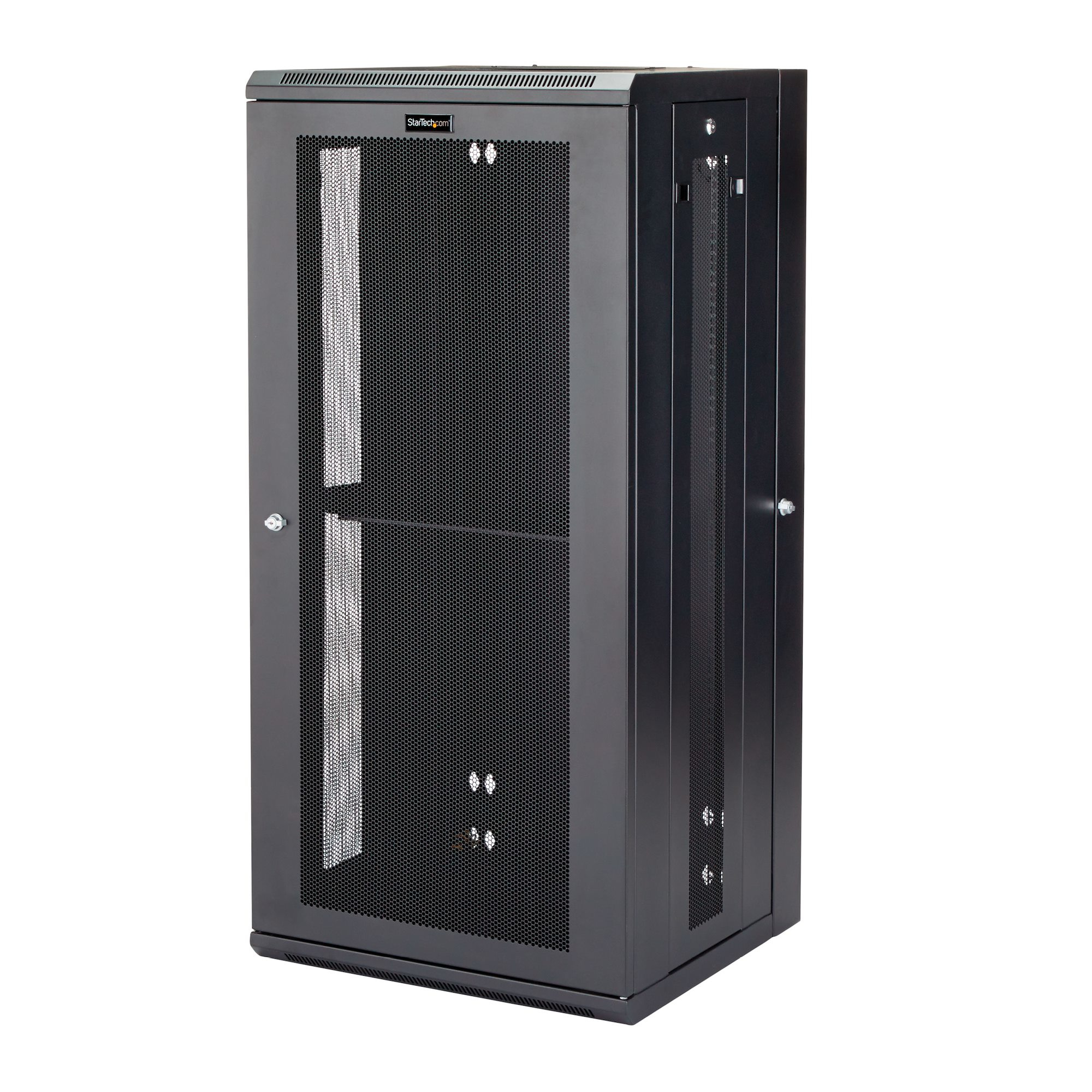
StarTech.com RK2620WALHM rack cabinet 26U Wall mounted rack Black
Use this wall-mount network cabinet to mount your server or networking equipment to the wall, with a hinged enclosure for easy accessThis 26U server or network rack cabinet lets you mount your EIA-310 compliant equipment to the wall, in a secure enclosure that has a hinged rear door for easy access to your equipment. The enclosure features adjustable mounting depth from 3 to 16 in. to provide a robust storage solution for your rack-mount equipment.To provide secure stability for your heaviest equipment, this rack offers 4-post mounting, supporting a higher weight capacity per U than 2-post racks and supporting a total load capacity of up to 200 lb. (90 kg).Save space in your office or server roomSave valuable floor space by wall-mounting the enclosure. The wall-mounted design makes this enclosure the ideal solution for optimizing equipment storage in your classroom, retail store, server room or office. This rack also includes a 1U shelf that gives you a stable surface for placing equipment that's not rack-mountable or storing your tools.Easily access your servers and network equipmentThe wall-mount network rack makes it easy to access your equipment and cabling, with a rear hinge that swings the enclosure away from the wall. By flipping the enclosure 180 degrees upon installation, you can reverse the direction of the hinge so that the enclosure swing open from left or the right, depending on your preference.The 26U network cabinet features a removable and reversible front door and removable side panels, each with quick-release mechanisms, so you can easily access your equipment. Plus, each door and panel on this rack features an independent lock, ensuring your equipment is secure.For hassle-free cable management, the rack includes a 3 meter roll of hook-and-loop cable tie that makes it easy to keep your cables neat and tidy by binding them together or binding them to the rack. The self-gripping fabric can be cut to any size, enabling a wrap-around solution for the cables of any rack-mount equipment.Securely protect your equipmentThis server rack enclosure features heavy-duty steel construction, with lockable doors at all entrances. For hassle-free equipment installation, the mounting rails on the rack can be switched for use with square holes and cage nuts, or tapped rails.To ensure your equipment is running at an optimal temperature, the server rack/cabinet promotes passive cooling. It features mesh doors and vented top and bottom panels for maximum airflow.For simple and sturdy mounting, the rack's mounting holes are positioned 16 in. apart, so you can securely attach it to a wall using wall studs.The StarTech.com Advantage
Lenovo 4XF0N82412 mounting kit Black
ThinkCentre Tiny Clamp Bracket Mounting Kit II is a new mounting solution that provides an efficient and secure monitor mounting solution for your Tiny PC. To complete this solution the ThinkCentre Tiny VESA Mount II (Sold separately, PN:4XF0N03161) is required to mount the Tiny PC to the Clamp bracket, and Power Cage II (sold seperately, PN: 4XH0N23158) is required to mount the Power adapter of the Tiny PC.
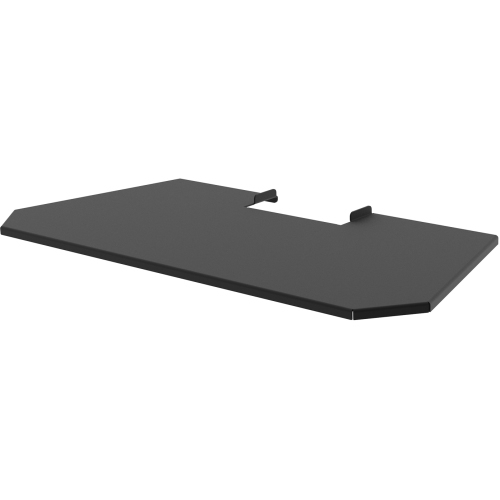
Viewsonic STND-042-CS1 holder Passive holder Portable printer Black
The STND-042-CS1 can be easily attached to the ViewSonic Interactive Kiosk Solution and provide a convenient shelf for charging notebook computers or mobile devices.
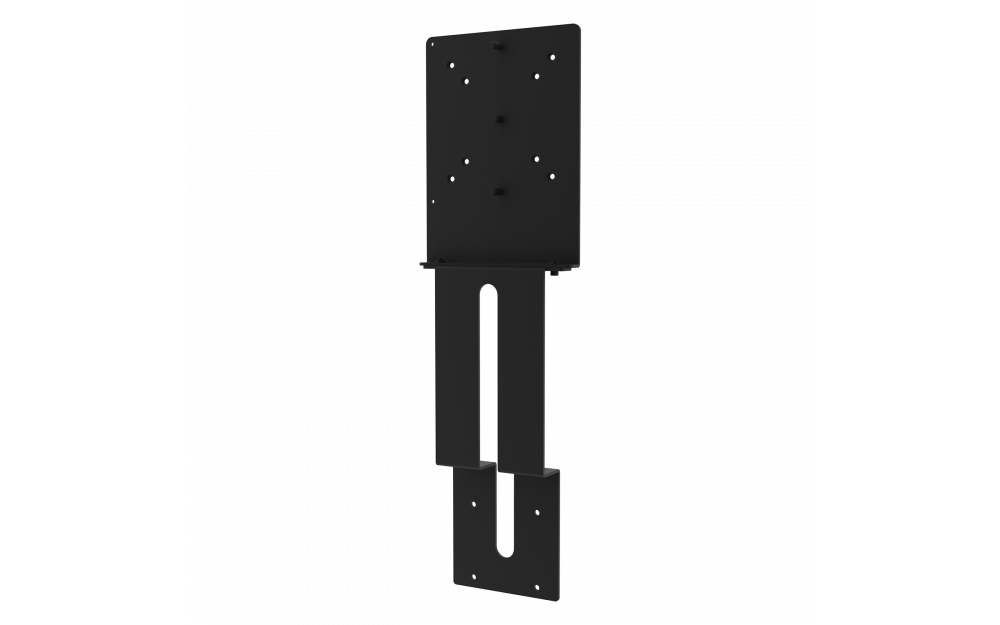
Viewsonic STND-042-CC1 holder Passive holder Portable printer Black
The STND-042-CC1 can be easily attached to the ViewSonic Interactive Kiosk Solution and provide convenient storage for bar code readers such as the ID TECH 80139500-001.
Item(s) added to cart
Netgear GS105E-200NAS ProSafe Plus Switch, 5-Port Gigabit Ethernet - 5 Ports - 2 Layer Supported - Wall Mountable - Lifetime Limited Warranty-None Listed Compliance
MFR: Netgear, Inc
Qty: 1
Part #: GS105NA