
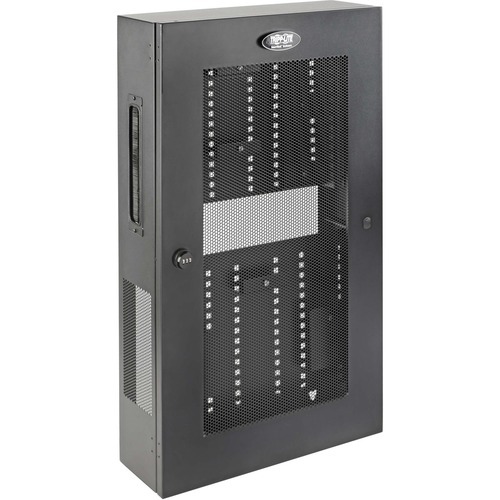
Tripp Lite SRWF6UMOD rack cabinet 3U Wall mounted rack Black
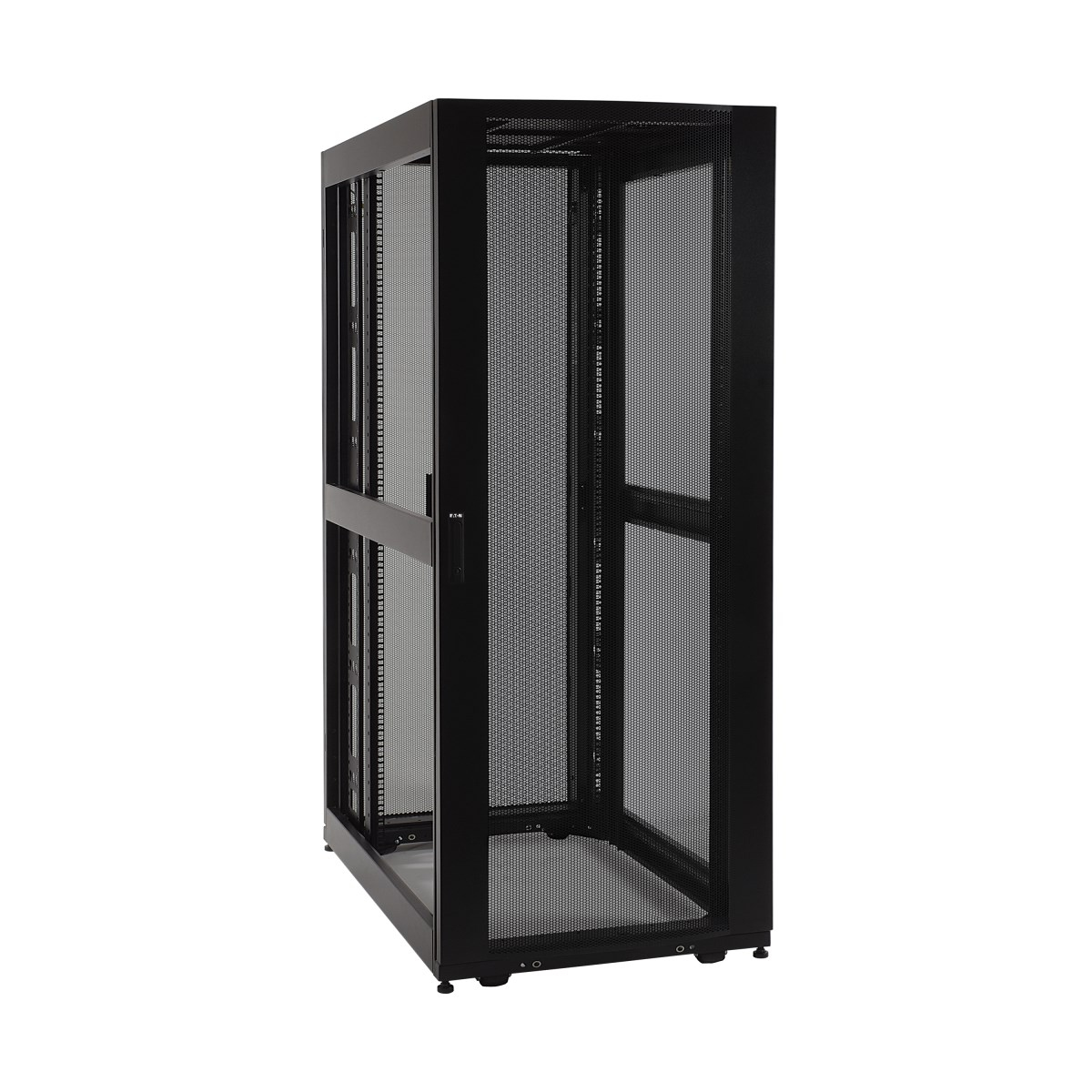
Rugged 3U Enclosure Ideal for Housing Regular Rack and Non-Rack Network EquipmentThis heavy-duty steel enclosure secures and houses both regular rack equipment and other equipment not typically mounted in an EIA-standard 19-inch rack. It is recommended for wiring closets, retail locations, classrooms, back offices and other areas with limited floor space where you need audio/video, voice and data infrastructure to be secure, organized and out of the way. Constructed with a durable black powder-coated finish, the vertical equipment rack has a maximum load capacity of 150 lbs (68 kgs).Connect a Modem, Router and Other Non-Rack Equipment Inside the EnclosureTwo pre-installed, but removable, 1U shelves with adjustable metal equipment brackets attach to the cabinet's square mounting holes. Just place your modem, router, firewall, switch, power block or other non-rack equipment on the brackets, and use the included thumbscrew to secure them to the rack. Four RJ45 jacks are built into the rack cabinet for connecting your devices to a network.Low-Profile Design Accommodates Switches, Panels and Other Standard Rack EquipmentRemove the two shelves to reveal two 3U areas for rack-mount equipment, one above the other, forming a total mounting space of 6U. The enclosure extends less than five inches from the wall, while housing equipment up to 16.5 inches deep, including network switches and patch panels.Keeps Important Equipment Secure and Easy to AccessThe reversible front door locks securely with a built-in combination lock to help prevent damage, tampering or theft. The vented cabinet allows air to flow freely and keep equipment cool. Brush-strip cable plates on both sides allow easy cable routing while preventing dust from entering. Easy Enclosure Deployment and Equipment InstallationThe structured wiring cabinet comes fully assembled and ready to mount to the wall. The equipment brackets adjust easily and allow for flexibility in storing routers and other devices.Meets Payment Card Industry StandardsThe SRWF6UMOD provides physical equipment and media security required for PCI DSS (Payment Card Industry Data Security Standard) compliance. This is essential for companies that process, store and/or transmit credit card information.
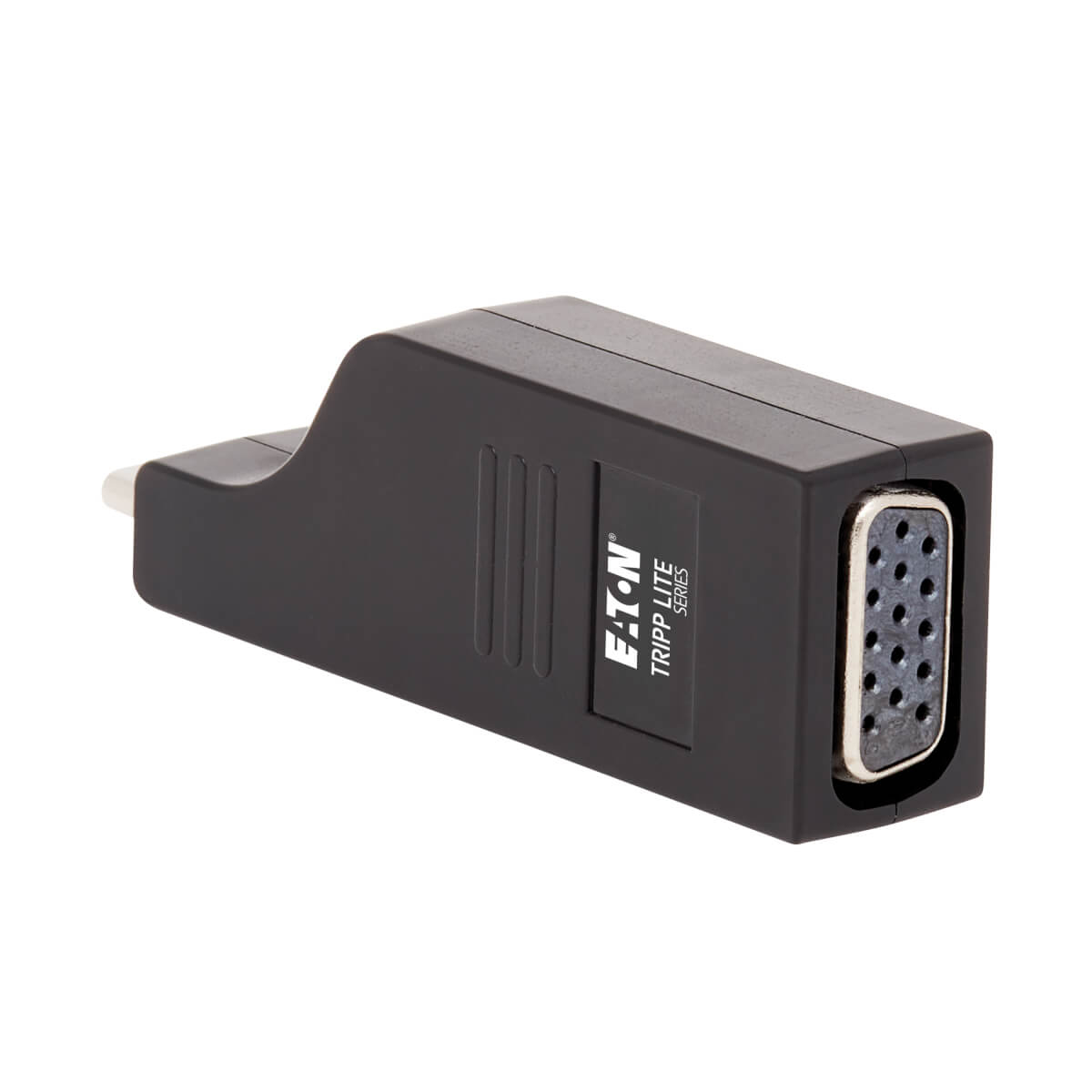
Tripp Lite U444-000-VGA USB graphics adapter 1920 x 1080 pixels Black
USB Type-C to VGA Adapter Connects to Your Laptop or Tablet’s USB-C or Thunderbolt 3 PortThis USB Type-C to VGA adapter connects a VGA monitor to the USB Type-C or Thunderbolt 3 port on your computer, tablet, laptop, notebook, MacBook, Chromebook, Ultrabook or smartphone. It’s an ideal connector for multitasking, presenting video at trade shows and conferences, editing documents, playing online games and watching movies on a larger screen. It saves you money by allowing you to use your existing VGA display instead of buying a new monitor. Supports USB Type-C DisplayPort Alternate Mode for Converting Video SignalsBy connecting the USB Type-C plug to a source device that supports USB DisplayPort Alt Mode, you can output 1080p video to a VGA monitor, television or projector without the hassle of installing special software drivers.Transmits Crystal-Clear 1080p Video to a VGA DisplayTo send high-definition video to a VGA television, projector or monitor, connect the VGA port to the display using a VGA cable (such as P500-Series, sold separately). The VGA port supports HD video resolutions up to 1920 x 1200 (1080p) at 60 Hz.Vertical Molding Prevents Blockage of Adjacent PortsThe USB Type-C input’s vertical orientation results in a slimmer adapter that maximizes space around the device’s ports and prevents them from being blocked. Unlike traditional USB cables that connect in only one direction, the reversible USB Type-C male connector plugs into a USB Type-C or Thunderbolt 3 port in either direction for a fumble-free connection every time.Ready to Use Right from the Package, So You Can Plug and Play ImmediatelyThe plug-and-play USB Type-C to VGA adapter is specifically designed for use with the MacBook, Google Chromebook Pixel and other laptops, tablets and devices equipped with a USB Type-C or Thunderbolt 3 port. It requires no software, drivers or external power. The palm-sized one-piece molding fits into your pocket, briefcase or laptop bag for connecting to VGA displays anywhere.
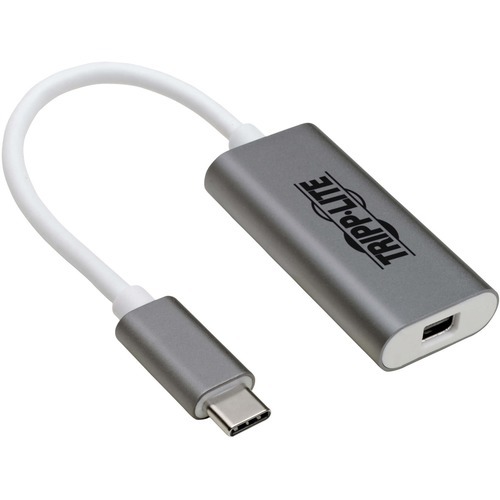
Tripp Lite U444-06N-MDP-AL USB graphics adapter 3840 x 2160 pixels Silver, White
USB-C to Mini DisplayPort Adapter Connects to Your Laptop’s USB-C or Thunderbolt 3 PortThis USB Type-C to Mini DisplayPort adapter connects a Mini DisplayPort (mDP) monitor to the USB-C or Thunderbolt 3 port on your computer, tablet, laptop, notebook, MacBook, Chromebook, Ultrabook or smartphone. It’s an ideal connector for multitasking, presenting video at trade shows and conferences, editing documents, playing online games and watching movies on a larger screen. It saves you money by allowing you to use your existing mDP display instead of buying a new monitor.Supports USB-C DisplayPort Alternate Mode for Transmitting Audio/Video SignalsBy connecting the built-in USB-C cable to a source device that supports USB DisplayPort Alt Mode, you can output 4K video and digital audio to a compatible monitor, television or projector without installing special software drivers.Transmits Crystal-Clear 4K Video and Digital Audio to a Mini DisplayPort MonitorTo send Ultra High Definition video and digital audio to an mDP television, projector or monitor, connect the mDP port to the display using an mDP cable (such as P584-Series, sold separately). The mDP port supports Ultra HD video resolutions up to 3840 x 2160 (4K) at 60 Hz, as well as 48-bit Deep Color (16 bits per channel). The USB-C to Mini DisplayPort cable transfers data at rapid USB 3.2 Gen 1 speeds up to 5 Gbps. It also supports 4:4:4, 4:2:2 and RGB chroma subsampling for top-level PC gaming or using your HDTV as a PC monitor.Reversible USB-C Connector Attaches in Either DirectionUnlike traditional USB cables that connect in only one direction, the reversible USB-C male connector plugs into a USB-C or Thunderbolt 3 port in either direction for a fumble-free connection every time.Ready to Use Right from the Package, So You Can Plug and Play ImmediatelyThe plug-and-play USB Type-C to Mini DisplayPort adapter requires no software or drivers to download and install. It’s backward compatible with 1080p displays, so you can use it with legacy equipment. Just connect the USB-C plug to the USB-C or Thunderbolt 3 port on a source device that supports USB DisplayPort Alternate Mode. The lightweight aluminum housing is about half the size of a credit card, so it fits comfortably into your laptop bag, purse or briefcase for connecting to mDP monitors anywhere.
Item(s) added to cart
Netgear GS105E-200NAS ProSafe Plus Switch, 5-Port Gigabit Ethernet - 5 Ports - 2 Layer Supported - Wall Mountable - Lifetime Limited Warranty-None Listed Compliance
MFR: Netgear, Inc
Qty: 1
Part #: GS105NA