
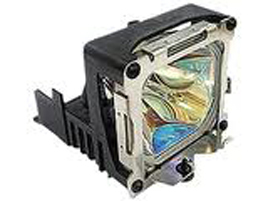
BenQ 5J.J8J05.001 projector lamp
Replacement lamp for BenQ projector MW663
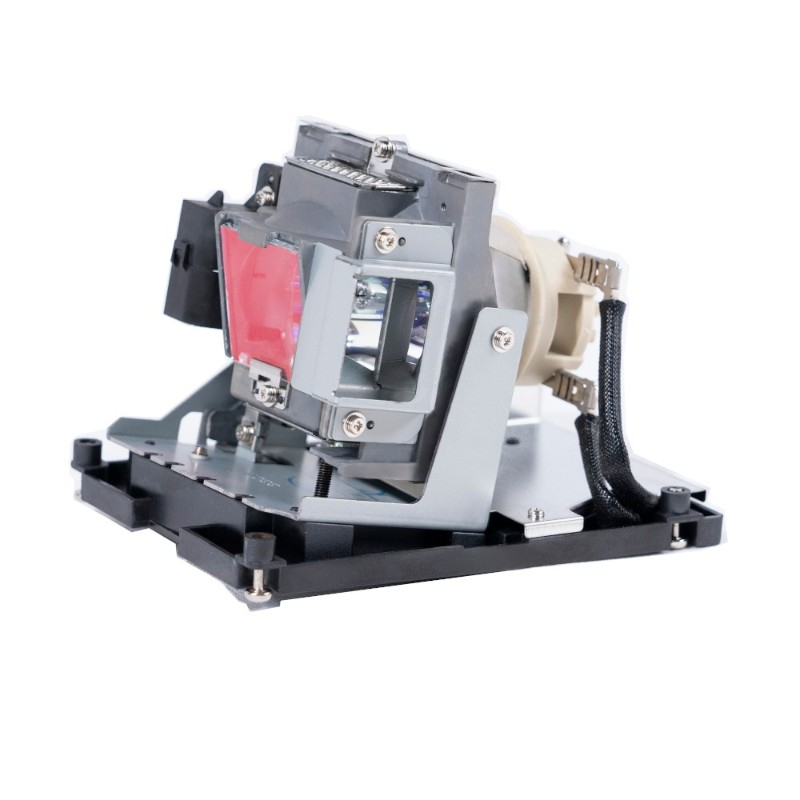
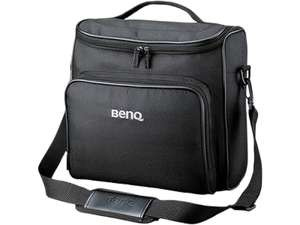
BenQ SKU-BAGSP840-001 projector case Black
Soft Carrying Case for SP840
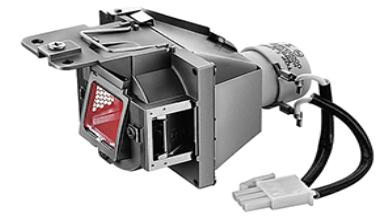
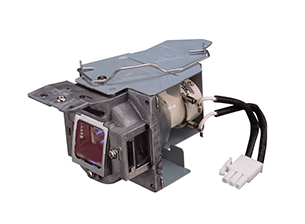
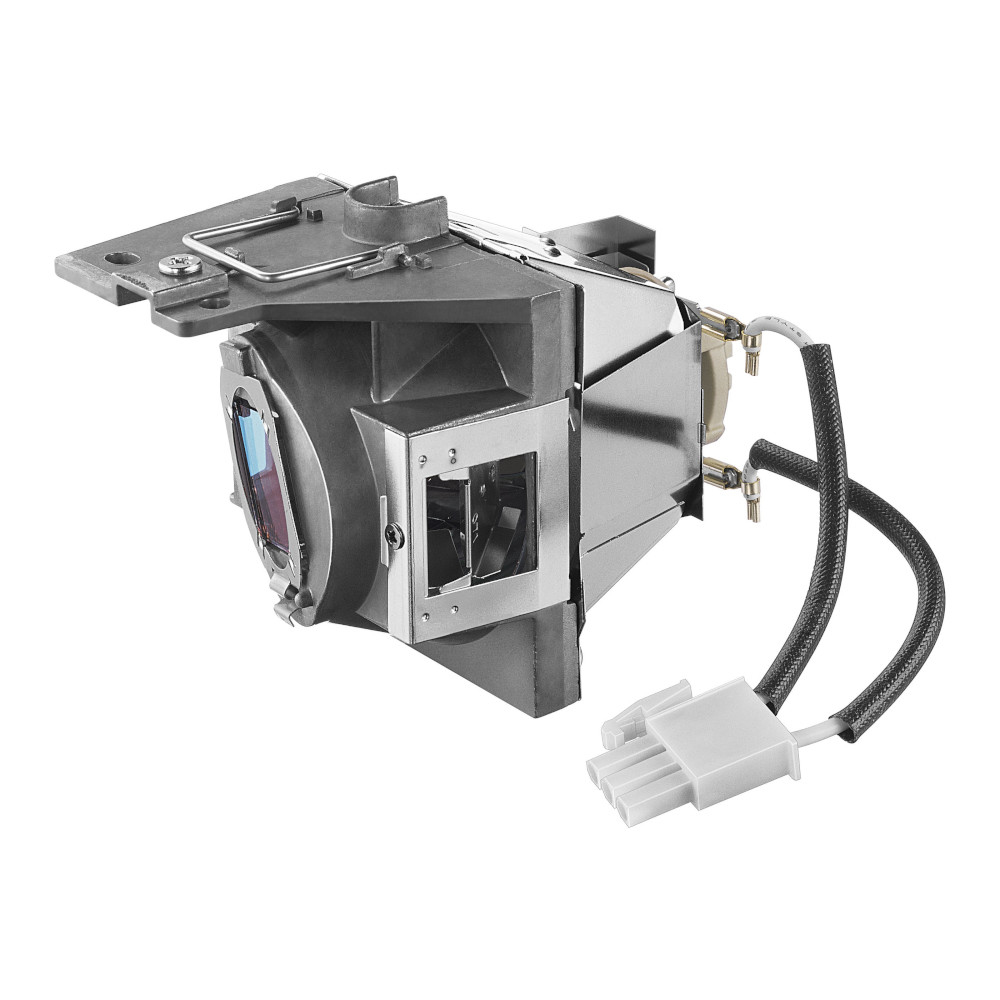
BenQ 5J.J9205.001 projector lamp 190 W
More Interaction, Less Energy Use A wide array of connectivity options plus PointWrite and QWrite interactive features make the MW820ST a complete classroom projector solution. An 0.49 short-throw ratio, 13000:1 sharp contrast ratio, 3000 ANSI lumen brightness and long lamp life ensure vibrant, reliable visual performance time and again.
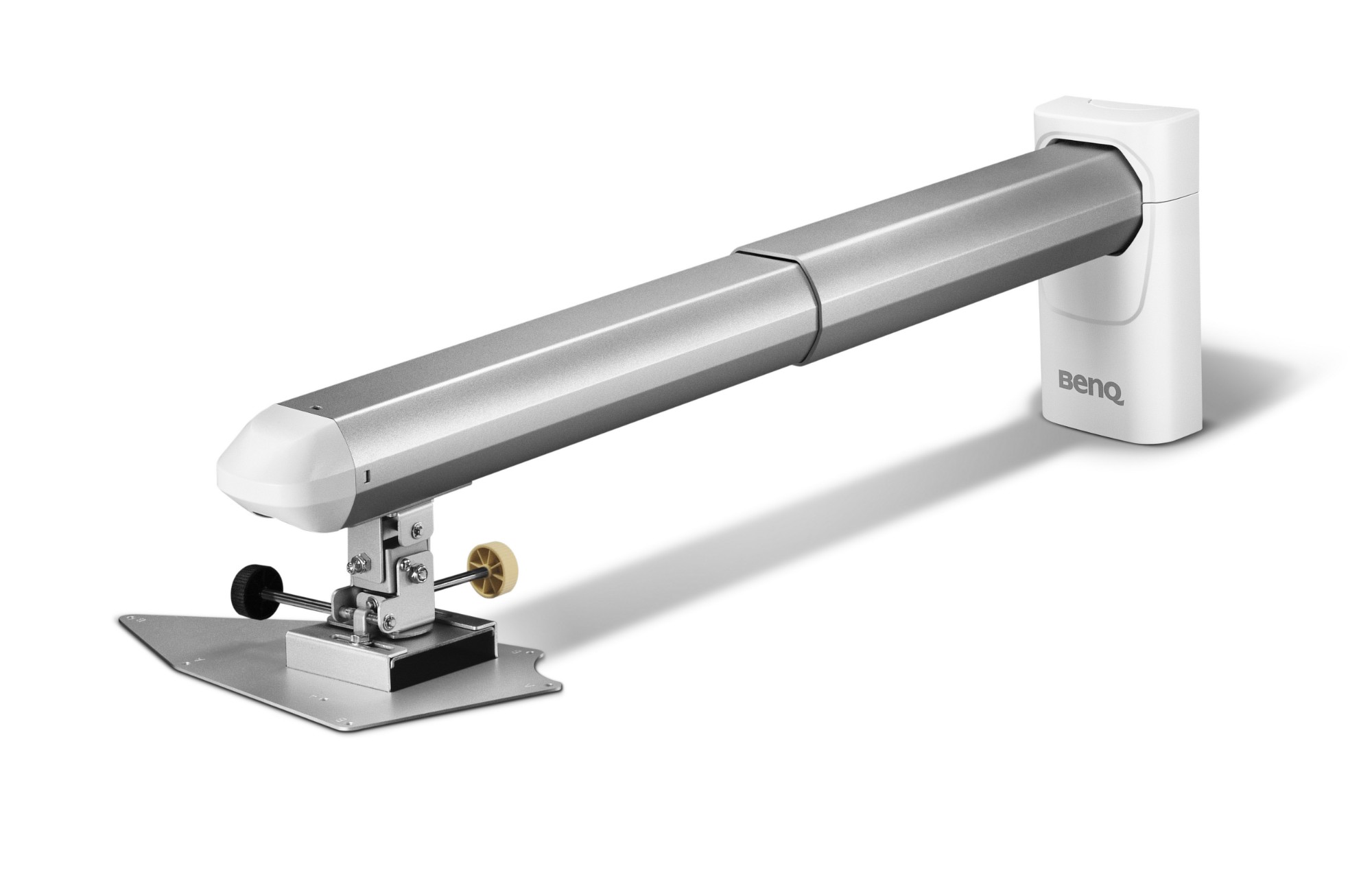
BenQ 0.6 Wall Mount project mount Silver, White
The Perfect Wall Mount for BenQ's Short-throw ProjectorsDesigned to provide an easy and quick solution to mount a BenQ 0.6:1 short-throw projector, this installer-friendly wall mount is smartly constructed with premium steel and aluminum alloy to provide the strongest hold and stylishly polished to keep any room lookin' great! Not just with an adjustable three dimensions tilt angle of up to ± 10 degrees, an additional horizontally adjustable function also gives you lateral moves to enjoy the most flexible viewing support for just about any setting! Three dimensional adjustments can be done with friendly bigger knobs.
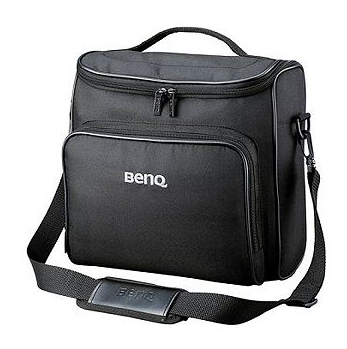
BenQ Soft Carrying Case projector case Black
Soft Carrying Case for MX750,MP780ST, W1100, W1200, MP780ST+, SH910
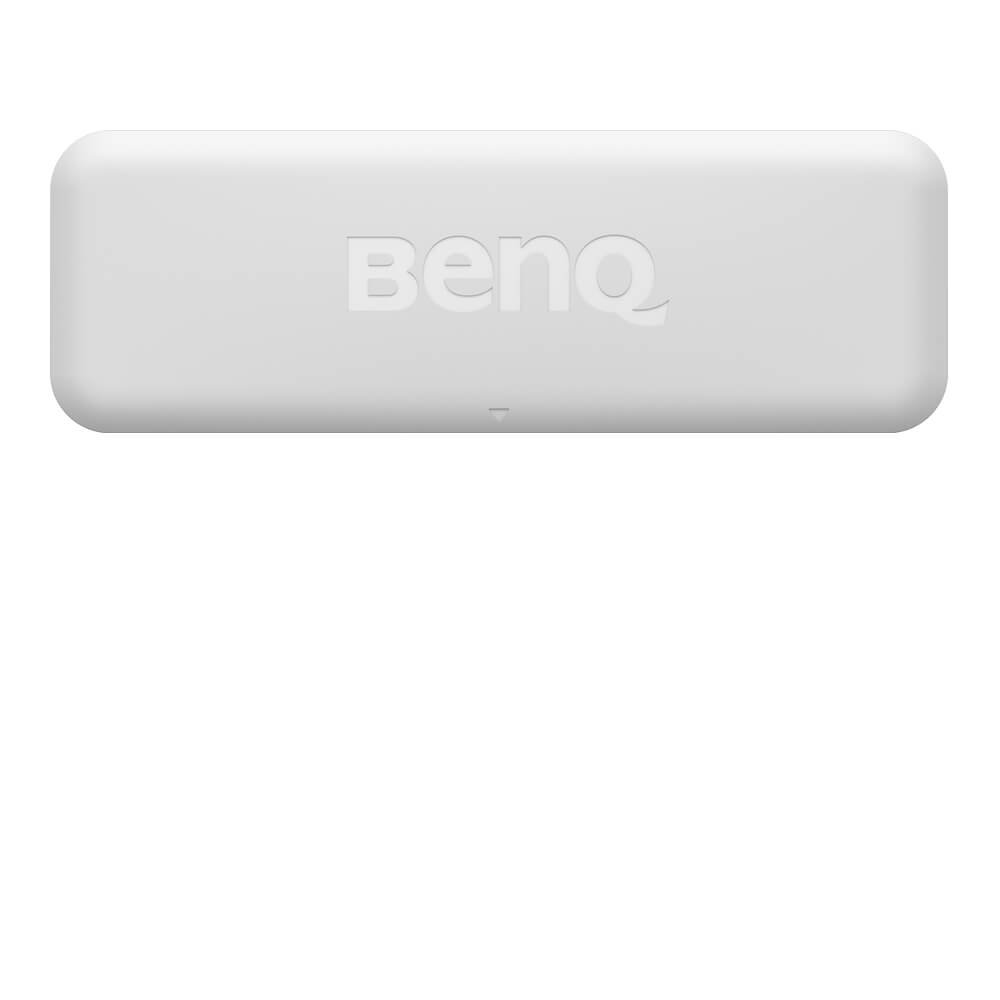
BenQ PT20 I/O Module
Create Interaction on Any Surface- PointWrite™ Technology:BenQ’s education projectors are equipped with PointWrite™ technology which transforms any surface into an interactive whiteboard. This technology utilizes an innovative infrared system which detects the infrared light emitted from PointWrite™ pen to enable pen interactivity. - PointWrite™ Touch Module:Pairing with PointWrite™ Technology whose camera detects the reflected light of the finger or object to enable finger interactivity.*The PointWrite Touch Module implements a laser emitter to emit the laser light on the finger or the object.This allows teachers to invite students up to the board to make notes, answer questions or collaborate on digital images, sparking creativity, imagination and lots of fun.Dual Screen with Multiple Touch CapabilitiesBenQ’s dual screen* feature allows teachers to create immersive learning experiences by seamlessly connecting two screens. In addition, you can use PointWrite™ infrared pen or pair the system with PointWrite™ Touch to equip a fully scalable and forward-thinking classroom. The multi-touch capabilities, which support Windows 7 or above and future applications, are enabled by QWrite™** to encourage students to collaborate and create ideas together using one big screen. Students can now watch videos and take notes simultaneously using easy and intuitive technology.*Dual Screen need the additional driver, please go to the download page**QWrite™ is BenQ exclusive annotation software, which is compatible with BenQ PointWrite™ kit.Windows Gesture SupportProjectors with PointWrite™ touch module support intuitive Windows gestures, such as zooming in and out or scrolling while browsing webpages, pictures, or Google Maps. All multi-touch commands and gestures are supported for Windows 8 or above and future applications.New Design for Interactive Pen to Save Battery LifetimePointWrite Interactive Pen Gen2 provides auto power off function. When keep pressing the pen tip around 30 sec, the pen power will be disable automatically.
Item(s) added to cart
Netgear GS105E-200NAS ProSafe Plus Switch, 5-Port Gigabit Ethernet - 5 Ports - 2 Layer Supported - Wall Mountable - Lifetime Limited Warranty-None Listed Compliance
MFR: Netgear, Inc
Qty: 1
Part #: GS105NA